
It’s the end of a long day on site, and instead of heading home, you’re staring at plans, spreadsheets, and half-finished notes. You need to pull together an estimate by tomorrow, or your potential client will move on to the next builder.
To top it off, prices have shifted since the last job. A few quantities still need checking. And you know that one missed line item could mean underquoting the job, or losing it altogether.
This is the reality for many small- to mid-sized residential builders across the construction industry. Estimating often occurs under pressure and without the necessary systems to ensure accuracy and consistency.
Builders’ estimating software changes that. Purpose-built tools now make it possible to measure plans digitally, update pricing instantly, and turn accurate estimates into professional quotes in minutes, not days.
In this guide, we’ll examine why estimating software matters, what features are truly aligned with a builder’s everyday tasks and priorities, and how the top tools compare across essential workflows.
How Estimating Software Helps Residential Builders
Approximately 45% of construction businesses continue to rely on manual estimating methods. At the same time, unrealistic client expectations are now the number one sales challenge. Builders are expected to move faster and be more precise with tools that haven’t changed in years.
And while construction estimating software can’t necessarily change the game, it can definitely help builders like you shift those numbers in your favor.
Here’s how digital estimating tools give residential builders and remodelers the speed, accuracy, and control they need to keep up.

Faster takeoffs and quoting to win more work
Digital takeoffs and automated calculations let builders price jobs in hours instead of days. Speed matters when clients are collecting multiple quotes, and the first clear, professional bid often sets the benchmark. As Deloitte reports:
“Digital transformation is redefining competitiveness in construction. Embracing AI and digital innovation will be important for construction leaders to streamline operations and unlock new efficiencies.”
Improve estimating accuracy
Reusable templates, live cost data, and automated calculations help you price every job the same way, every time. Instead of relying on memory or intuition, you ensure consistency and reduce the risk of underquoting or missing key unit line items in the project scope.
Automate the busywork
Manual counting and spreadsheet rework drain time and focus. Yet 85% of construction professionals still use Excel for estimating, which explains why errors creep in when builders are juggling site work and sales.
Automated takeoffs eliminate repetitive admin tasks, allowing you to focus on site decisions and client satisfaction, rather than spreadsheet cleanup.
See your true job costs
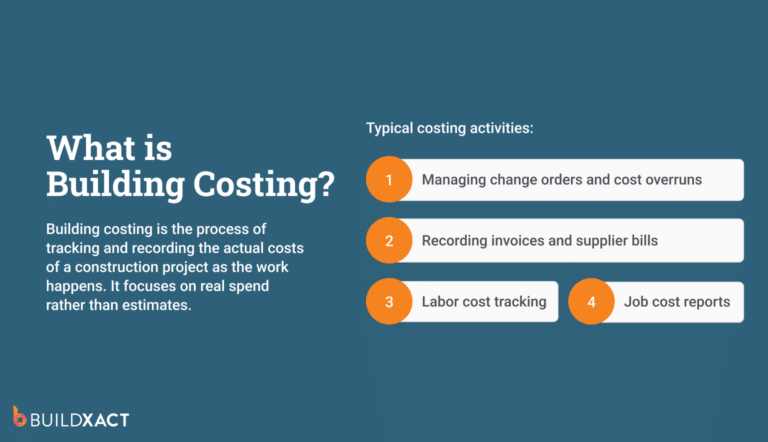
By breaking pricing into materials, markup, and labor costs, estimating software helps builders understand what they’re committing to before signing a job. Instead of guessing where margins might land, job costing reveals the potential profit or financial risks upfront, allowing you to adjust pricing accordingly.
The top estimating tools include real-time cost tracking software that tracks spend against the original estimate, line by line or by category.
Keep clients and dealers aligned
Vague quotes lead to unclear expectations. That’s when clients assume something was included, rework creeps in, and dealers work off outdated numbers.
With nearly 48% of construction rework attributed to communication breakdowns, clear and concise documentation is crucial for avoiding costly misunderstandings. Sharing accurate estimates instantly reduces back-and-forth communication and sets expectations from the start.
Build consistency as your business grows
When it’s just you, estimating lives in your head. As soon as you bring on help or expand your team, that approach breaks down.
Standardized estimating workflows ensure that every job is priced consistently, regardless of who prepares it. You stop reinventing the wheel on every quote, and your business becomes easier to scale without losing control.
What to Look For in An Estimating Software for Builders
Estimating — how fast it works, how well you can conduct it, and how reliable and connected the results — is a core software-buying consideration in construction.
In fact, 73% of buyers rank “estimating” as their highest-priority, far above every other feature.
To help you ensure that your time-and-money investment results in tangible, measurable, and consistent ROI, we’ve compiled a list of key features designed to enable robust, intelligent, and rapid estimating software for small builders.
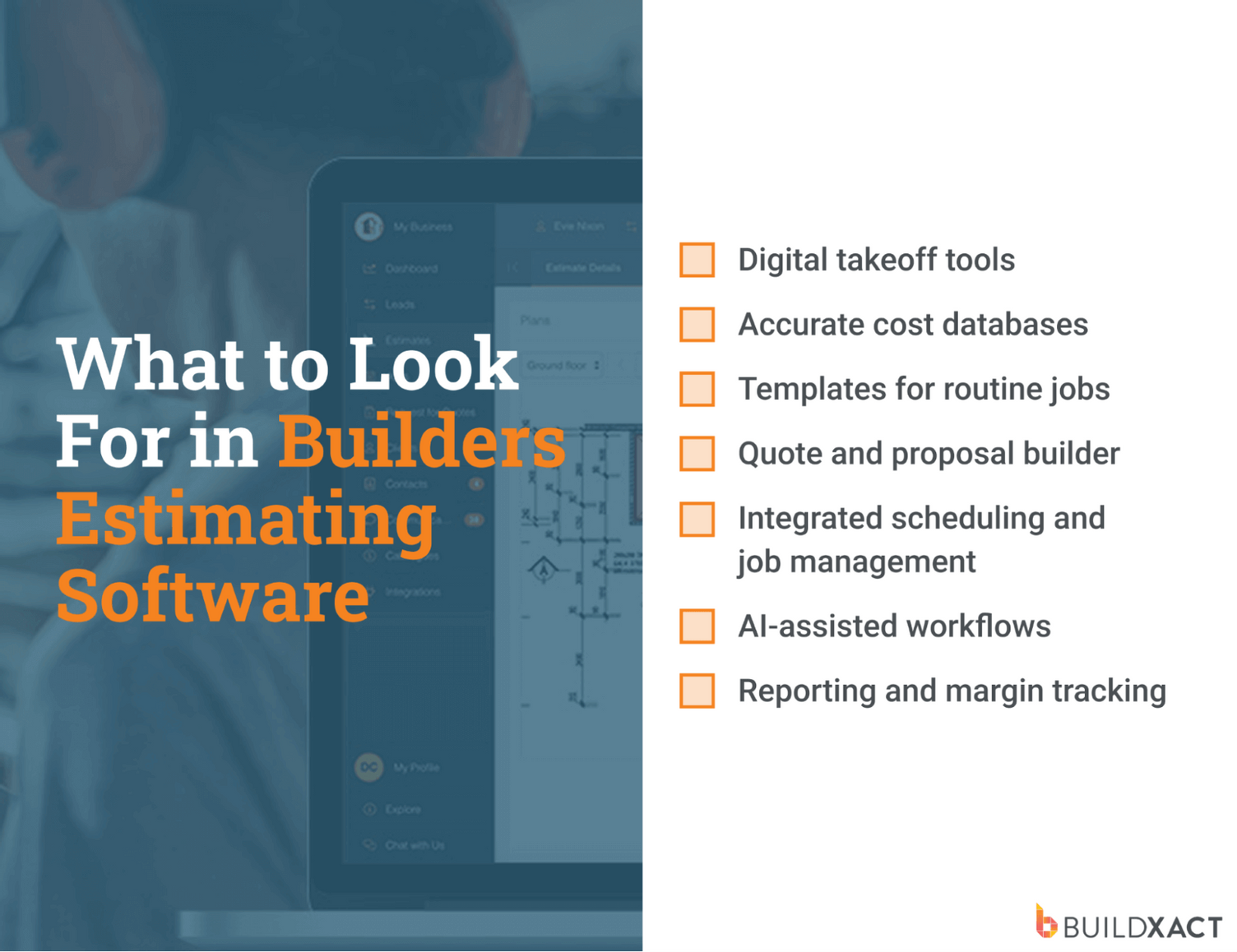
Digital takeoff tools
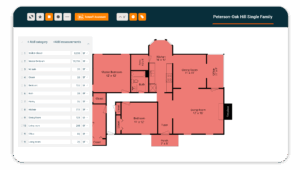
At a minimum, estimating software should let you measure quantities directly from digital plans. Automated counts and dimensions eliminate manual measuring, reduce scale errors, and expedite takeoffs, particularly for repeat job types where accuracy and speed are most crucial.
For Blue Bexar, a small residential builder in San Antonio, Texas, digital takeoffs were a key factor in choosing estimating software. Owner Dustin Ballew was spending hours rebuilding estimates when pricing or scope changed.
However, when he transitioned to digital takeoffs, he eliminated rework and made accurate quoting much faster by utilizing the saved measurements.
Accurate cost databases
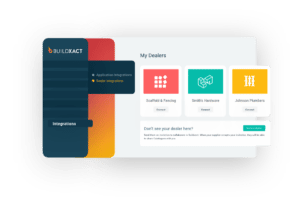
Material prices don’t stand still, and neither should your estimates. Good estimating software stores dealer pricing and makes it easy to update costs as prices change.
On large projects, materials can account for 60–70% of total project costs, so even slight price fluctuations can significantly impact margins. Keeping pricing current helps prevent underquoting and ensures consistency across every estimate.
Templates for routine jobs
Most residential builders aren’t pricing one-off projects every time. It’s the same job types, over and over. Estimating templates let you reuse proven scopes, quantities, and pricing for kitchens, bathrooms, decks, and extensions, so you’re not rebuilding estimates from scratch. You get a faster turnaround without sacrificing consistency or accuracy.
Quote and proposal builder
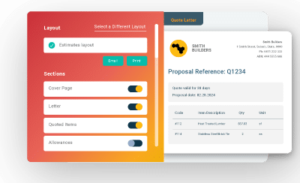
An estimate isn’t finished until it’s client-ready. Your estimating software should turn numbers into clear, professional quotes that clients can easily understand. Well-structured proposals reduce back-and-forth and make it easier for clients to say yes with confidence.
Integrated scheduling and job management
Estimating software that connects directly to scheduling and project workflows keeps everything aligned from the moment a quote is approved.
Labor, materials, and timelines flow straight from the estimate into the job, reducing missed details and costly handovers. For residential builders juggling multiple projects at once, that means less admin trying to keep everything in sync.
AI-assisted workflows
Used well, AI takes pressure off builders rather than adding complexity. AI-assisted estimating tools help speed up takeoffs and flag gaps that are easy to miss when you’re busy juggling site work and admin.
For example, residential builder Joshua Bradley used AI-driven estimating tools to generate material suggestions and exact quantities in under 30 seconds. This work previously took him hours late at night. The system analysed plans, suggested line items, and applied real-time supplier pricing, keeping estimates current and consistent without back-and-forth.
The impact wasn’t just speed. Having accurate quantities and live pricing upfront reduced rework, cut down estimate revisions, and gave more precise and transparent cost breakdowns when quoting clients.
As Jennifer Castenson notes:
“…[T]here is a ripe opportunity for AI to drive smarter decision-making and workforce efficiency, which also will prompt innovation and help organizations future-proof.”
Reporting and margin tracking
Builders should be able to compare estimated versus actual costs in one place, without having to switch between spreadsheets and accounting tools. That visibility makes it easier to monitor finances, spot risks early, and protect project budgets throughout the project lifecycle.
Case in point is Joshua Bradley of BradWay Construction, who put his trust in a construction management software with estimating tools. Since switching from chaotic spreadsheets and paper to a single system, the company’s sales have more than doubled.
A Guide to Choosing the Best Builders Estimating Software
Our comparison of popular estimating software for small builders looks at how well the tools support residential estimating and the day-to-day workflows for SMB builders.
Buildxact
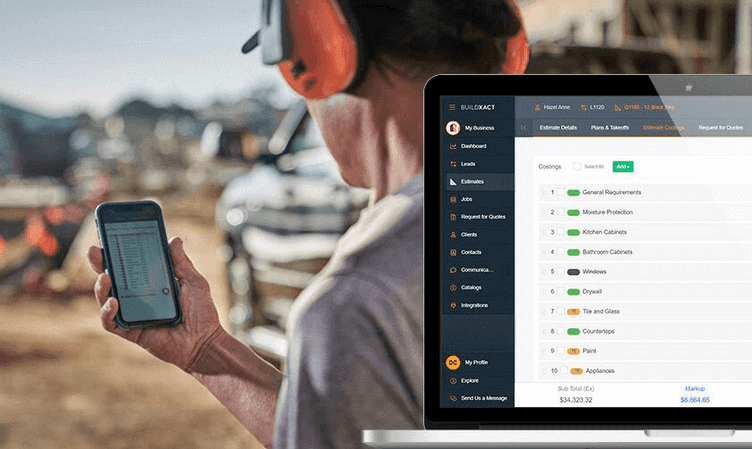
Buildxact is an all-in-one estimating and project management platform built specifically for small to mid-sized residential builders. It’s designed to replace spreadsheets and disconnected tools with a faster, more structured way to price jobs, manage projects, and stay on top of costs from quote through to completion.
What are the benefits?
- Automated quantity takeoffs: Measure directly from plans using automated counts and dimensions. Item-based counting (such as doors, lights, and fixtures) eliminates the need for manual measuring and reduces scale errors, particularly on repeat jobs.
- Connected estimating workflow: Measurements taken from plans automatically flow into material lists and costs. Builders can count on a comprehensive bill of quantities and a professional quote, eliminating the need for double entry or rework.
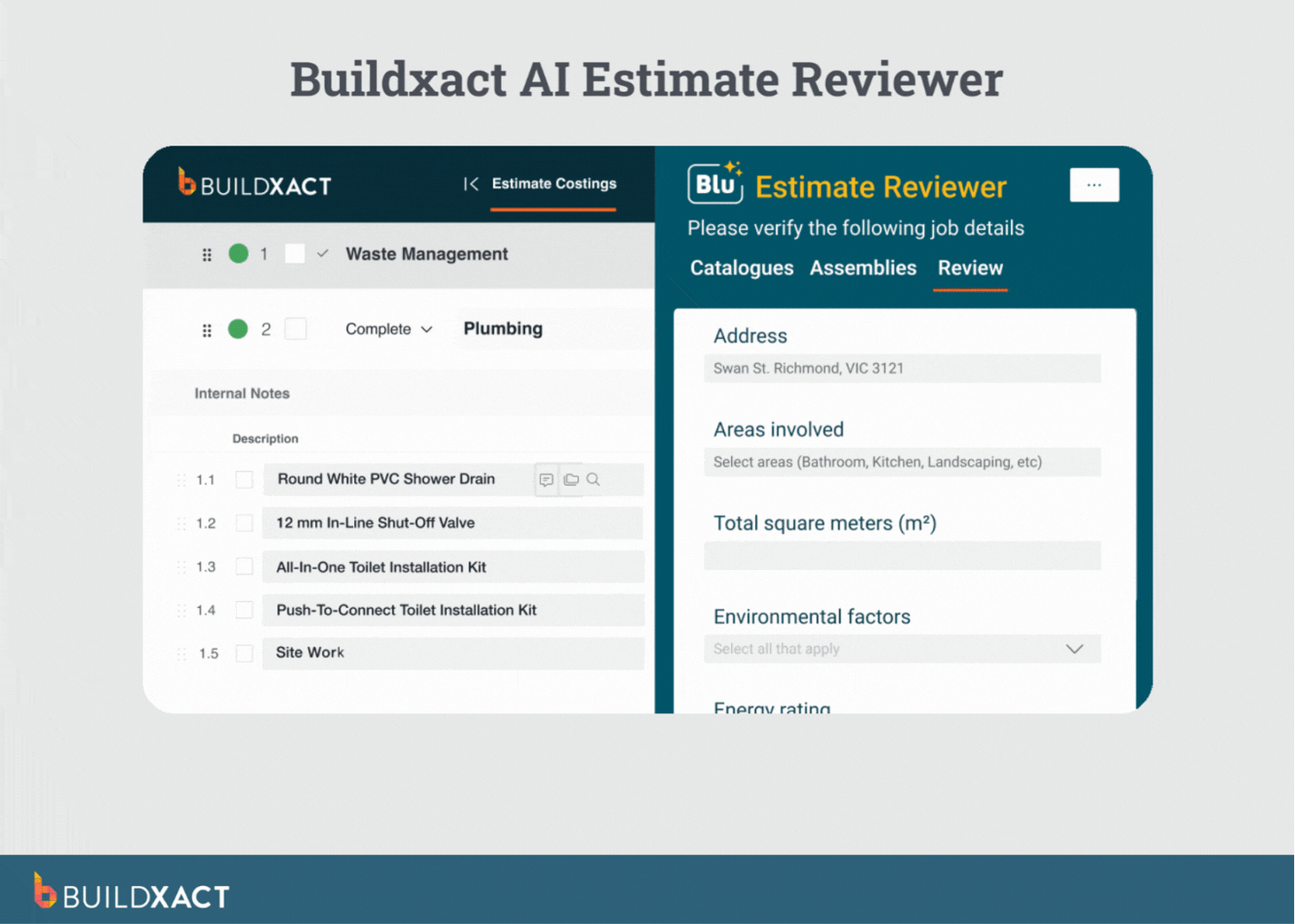
- AI-powered digital assistant, Blu: Blu acts as a digital estimating assistant, helping with takeoffs, estimate validation, and audit checks. With supplier-integrated pricing and AI-assisted workflows, builders can complete takeoffs up to 50% faster and send estimates up to seven times quicker than with manual methods.
- Live dealer pricing integration: Estimates reflect current market prices by pulling in real-time pricing. This reduces underquoting caused by outdated cost lists and limits last-minute surprises — especially in light of tariffs.
- Bid & RFQ management: Create, send, and track RFQs to dealers and subs directly from the estimate. This reduces manual follow-ups and helps ensure accurate costs are locked in before committing to a job.
- Scalable for individuals and teams: Designed to work just as well for solo builders as for growing residential teams. Shared access and collaboration tools simplify and guide scaling without requiring changes to existing systems or introducing unnecessary complexity.
Any drawbacks?
It’s purpose-built for small to midsize residential construction, so it may not offer the complex controls needed for large-scale commercial projects.
What do people say?
“Buildxact has drastically reduced the time it takes to build estimates and get bids out the door from weeks to just days.”
Is Buildxact right for you?
Buildxact is the perfect fit for small to mid-sized residential builders who want to spend less time estimating and more time building. It works exceptionally well if you’re ready to move on from spreadsheets, are planning for a growth year, and want a faster, more reliable way to price jobs and keep them on track.
PlanSwift
PlanSwift is a desktop-based digital takeoff and estimating tool used by general contractors and estimators. It focuses heavily on plan measurement, item counts, and quantity takeoffs from PDF and CAD drawings.

What are the benefits?
PlanSwift gives users powerful on-screen takeoff tools and extensive customization options. Estimators can build detailed assemblies, formulas, and workflows, giving them substantial control over manual takeoffs. Its one-time license option also appeals to users who prefer not to pay an ongoing subscription.
Any drawbacks?
PlanSwift runs on Windows® 10 or 11 Pro and can’t be installed directly on macOS. Builders using Macs would need to rely on virtual machines or dual-boot setups, which adds complexity and can limit flexibility for teams.
Is PlanSwift right for you?
PlanSwift is best for estimators who value detailed, hands-on control over manual takeoffs and work primarily on Windows.
STACK
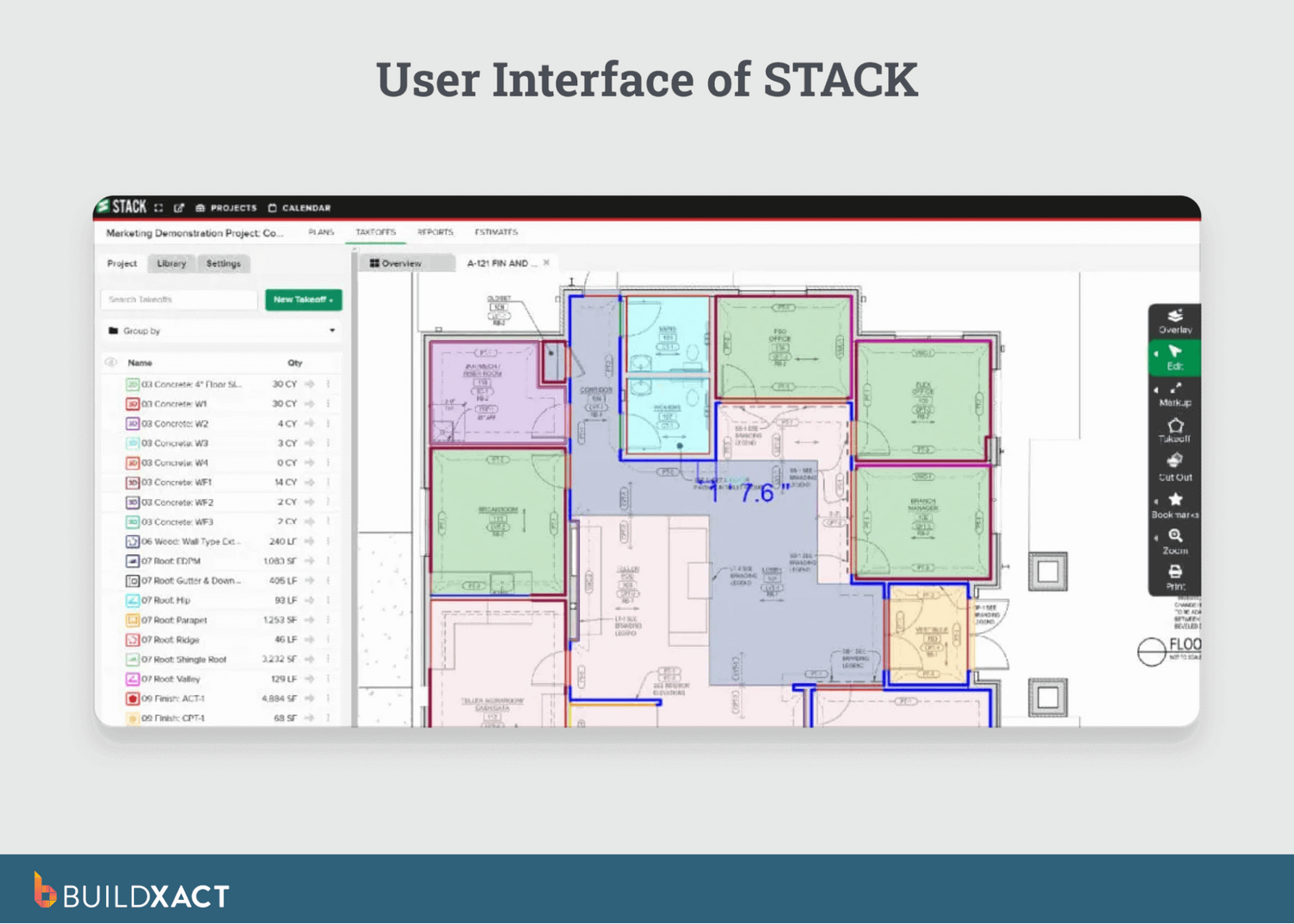
STACK is a cloud-based solution for construction takeoffs and estimating. It enables users to upload digital plans, measure quantities online, and create cost estimates and proposals without having to install desktop software.
What are the benefits?
STACK’s strength lies in cloud collaboration. Multiple users can work on the same set of plans simultaneously, which is helpful for teams handling bids together. Its AI-assisted takeoff tools help speed up measurements and reduce manual errors.
Any drawbacks?
STACK doesn’t universally include complete end-to-end job management, such as purchasing and order workflows, or invoicing, in its core estimating plan. Small residential builders will need additional cost estimation tools for those parts of the build lifecycle.
Is STACK right for you?
STACK is a good choice if your focus is on preconstruction and you need cloud-based takeoffs that multiple people can work on at once.
ProEst by Autodesk
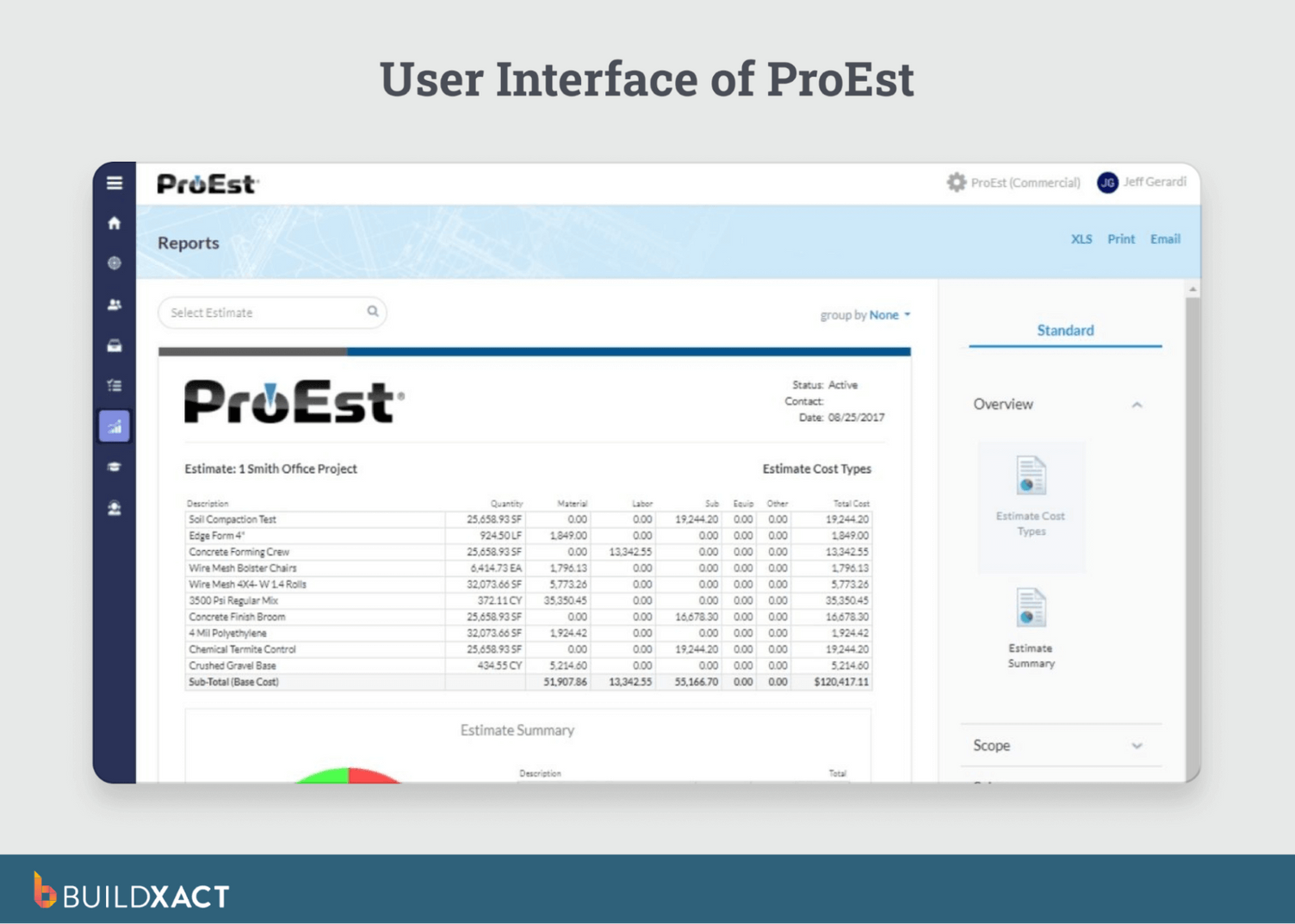
ProEst is a cloud-based solution that combines cost estimating, bid-day analysis, reporting, and CRM features in one system. It’s built to support contractors managing complex bids and larger project portfolios.
What are the benefits?
ProEst offers more advanced bidding and reporting tools designed for larger portfolios and complex commercial estimates. Its large cost databases and structured workflows are useful for teams that need in-depth cost analysis and formal bid management.
Any drawbacks?
ProEst has a steep learning curve. Builders need to spend time on setup and training to get the most out of its advanced estimating features, which can slow teams down before they’re fully up and running.
Is ProEst right for you?
ProEst is best for larger contractors or estimating teams that handle commercial work, complex bid analysis, and detailed reporting.
A Better Way to Estimate, Quote, and Build
Estimating is where every job is won or lost. When pricing is managed in spreadsheets or disconnected tools, it becomes harder to maintain accuracy, protect margins, and respond quickly to emerging opportunities.
Modern builders require estimating software that seamlessly integrates everything, from takeoffs and pricing to quotes and the actual build.
Buildxact is built for precisely that.
Designed for small to mid-sized residential builders, Buildxact helps you price jobs faster by combining digital takeoffs, live dealer pricing, and reusable job costing templates. Creating professional quotes in one connected workflow means fewer admin headaches and more cost confidence.
Curious what faster, more accurate estimating could look like? Start for free with Buildxact.