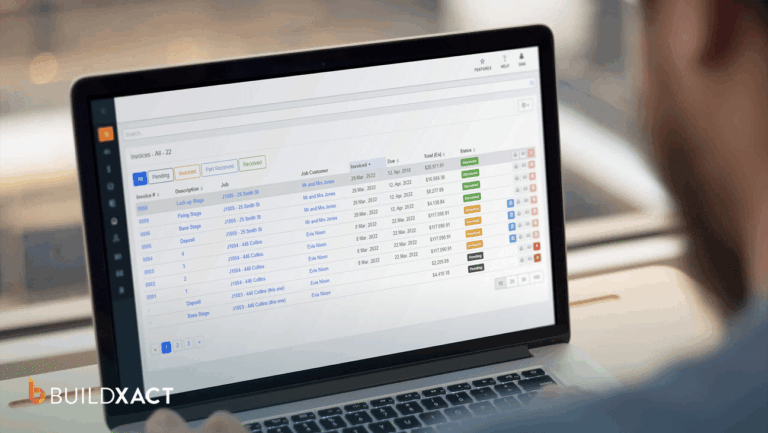


During a residential job, everything can appear under control. Work continues, inspections pass, and the homeowner remains satisfied.
The problem shows up at closeout when you finally see how much margin slipped away.
That moment sends you back through estimates, emails, spreadsheets, and PDFs after hours, trying to understand where the money slipped:
- A dealer raised prices, but the forecast did not reflect the change.
- You agreed to a scope adjustment in conversation and never documented it.
- Several small items felt insignificant at the time, but together they added up.
By then, the work is complete, and the trades have been paid. There is no practical way to recover what was missed, and the difference comes directly out of your pocket.
This pattern does not come from inexperience or lack of effort. It becomes apparent when discrepancies arise between estimating, job execution, and actual costs, and only becomes visible after decisions can no longer be altered.
This guide defines what actually matters when choosing construction management software, then compares the top tools based on how well they protect margins in small residential workflows.
How Construction Management Software Helps Small Businesses
Research on residential construction shows that delays, rework, and coordination failures, rather than just material prices, are responsible for overruns.
Even when the costs are legitimate, profit slips when the markup doesn’t reflect changes in scope and execution. By the time the costs, changes, and invoices tell the full story, you’ve already finished the job.
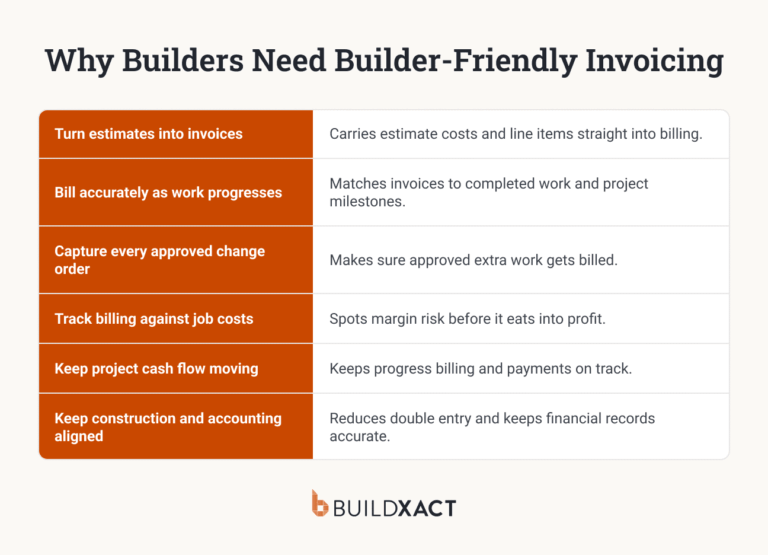
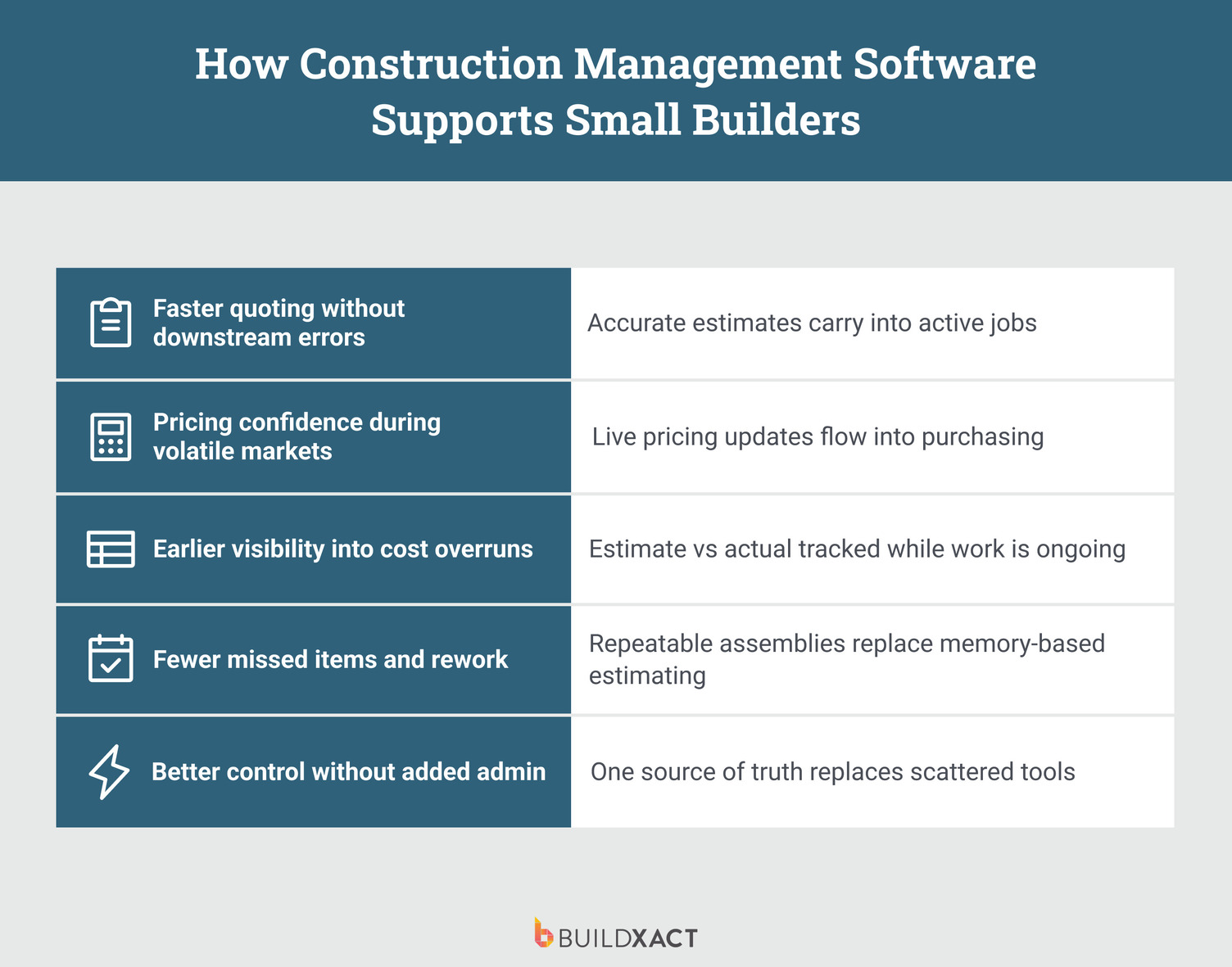
Construction management software helps you keep estimates, approved changes, and actual costs aligned as the job moves, so margin does not quietly slip between stages.
Quoting fast without paying for it later
You quote fast because you have to. When clients collect bids, the first clear, complete number often becomes the reference point. If your quote arrives late, the decision is already half-made.
Speed only helps if the quantities, pricing, and markup you send survive what happens once work begins. For example, after you sign the job, clients finalize selections and approve small scope changes. Dealers update pricing before you place material orders.
When estimates only apply at bid time, every change creates rework. You win the project, then spend evenings checking what changed, what stayed the same, and variations and adjustments that never truly reflected in the price.
That’s why alignment between quantities, pricing, and markup right at the start turns speed into an advantage rather than a liability.
Catching margin drift while you can still act
When work is in progress, jobs feel like they’re moving and under control. Trades show up, and inspections pass. Nothing signals that there’s a problem, and the margin doesn’t disappear all at once.
However, scope changes are inevitable, and when that happens, costs increase while the markup remains unchanged. And if you only see that drift at closeout, you cannot correct it.
The work is complete, and the invoices have been issued. Seeing the margin at the end explains what happened, but it does not protect it because no pricing decisions remain to adjust.
Protection comes from keeping estimates, approved changes, and actual costs aligned while decisions are still reversible.
Preventing the same missed items from repeating job after job
You reuse past estimates to move faster because rebuilding scopes from scratch would cost you the time you don’t have. That approach only works when systems are able to capture your experience and learnings from past jobs and successfully apply them to lessons to current and future builds.
When estimating, construction management software designed specifically for small businesses offers features that help builders connect all aspects of jobs, from quoting to site execution, with past jobs informing future pricing, rather than repeating the same mistakes.
Knowing where a job stands without chasing information
The job details are available, but they are scattered across various locations. A change approval sits in a text thread, updated pricing lives in a spreadsheet, and the job schedule tells a slightly different story.
Keeping things aligned becomes a matter of tracking information rather than managing the job, and you end up delaying urgent decisions or making decisions with partial context.
When estimating, job execution, and costs stay connected, answers appear where the work is done.
You can see where the job stands without having to dig through emails or reconcile spreadsheets at night. Control becomes intentional because costs, scope, and progress remain aligned as the job progresses.
What To Look For In Construction Management Software for Small Businesses
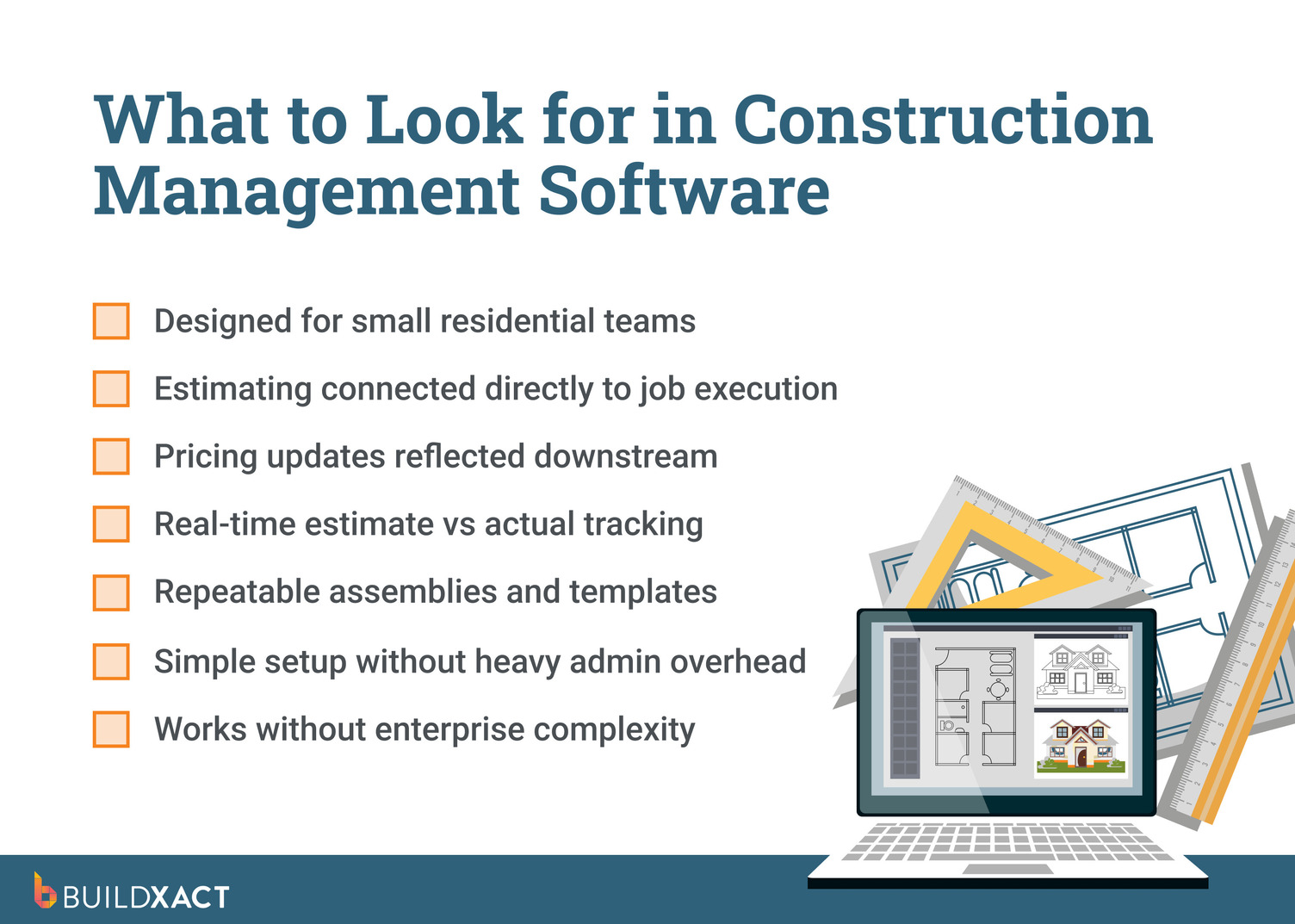
If margin slips because your numbers stop updating while the job keeps changing, then features alone won’t help you choose the right software. What matters is whether the system keeps your estimate, approved changes, and job costs connected as work moves from quoting to site execution.
As a small residential builder, you don’t need software that looks impressive in a demo. You need software that keeps your pricing accurate while you make real decisions under pressure.
These are the key criteria to consider when evaluating construction management software for day-to-day residential work.
Preserve accuracy as you move from estimate to active job
After you sign a contract, details change. Clients finalize selections, you approve scope adjustments, and you order materials days or weeks after pricing the job.
Your software must carry the original estimate through execution so that those changes update the numbers rather than drift away from them.
Keep estimating, scheduling, purchasing, and job costs tied together
When estimating lives in one system and purchasing or job-tracking lives in another, you end up reconciling work rather than managing it. The tool you choose should show you the impact of decisions as you make them, not after the job is finished.
Update pricing at the moment you approve changes
Scope changes and cost updates happen during the job. Your software should reflect those changes immediately so you can see how they affect the margin while you still have options. If pricing only updates during reconciliation, you’ve already lost control.
Carry the estimate directly into job execution
When estimating stops at the quote, you rebuild the job by hand in another system. That handoff creates missed items, outdated quantities, and pricing gaps that grow as work progresses.
Show cost drift while the job is still running
You don’t need reports after closeout. You need to see when costs move during framing, rough-in, or ordering. Early visibility gives you a chance to adjust scope, pricing, or sequencing before the margin disappears.
Support small teams without extra admin work
You don’t have a project admin cleaning up data all day. Your software must function seamlessly without duplicate entries, complex setup, or ongoing maintenance.
Designed specifically for residential workflows at every stage of the build
Residential jobs include homeowner selections, frequent scope changes, and tight margins. Commercial software assumes stable scopes and admin-heavy workflows.
Residential jobs change through selections, site decisions, and price updates. When the system can’t track those changes, you re-enter them by hand across estimates, schedules, and invoices.
Best Construction Management Software For Small Businesses
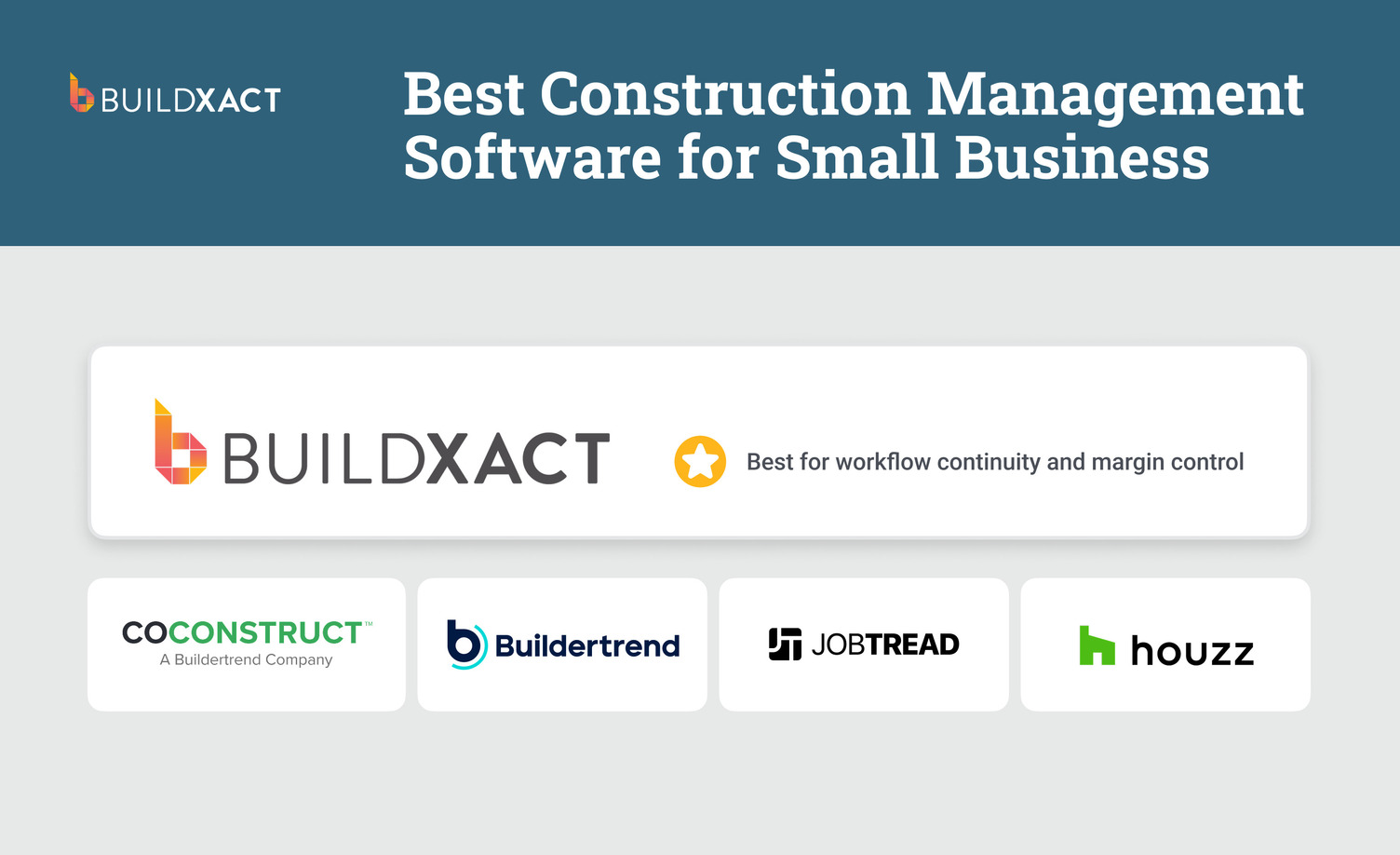
This comparison focuses on how well each tool maintains connections between estimates, changes, purchasing, and job costs once work begins.
Scoring prioritizes workflow continuity, pricing accuracy, usability for small teams, and fit for residential jobs.
Each platform is evaluated as a system, not as a list of features, because margins depend on the flow, not the tools in isolation.
Buildxact
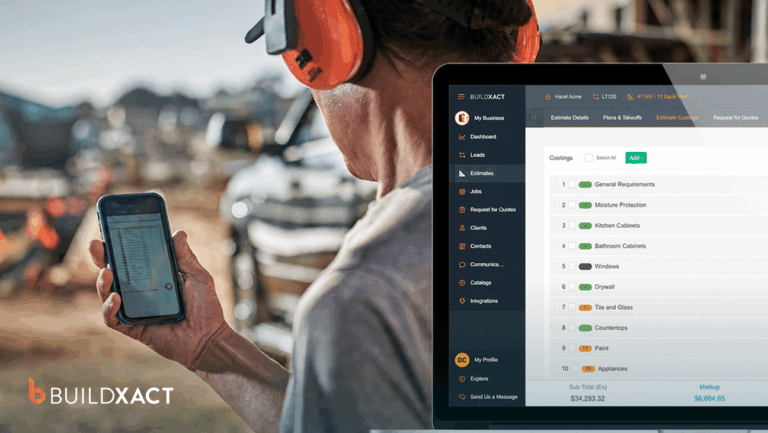
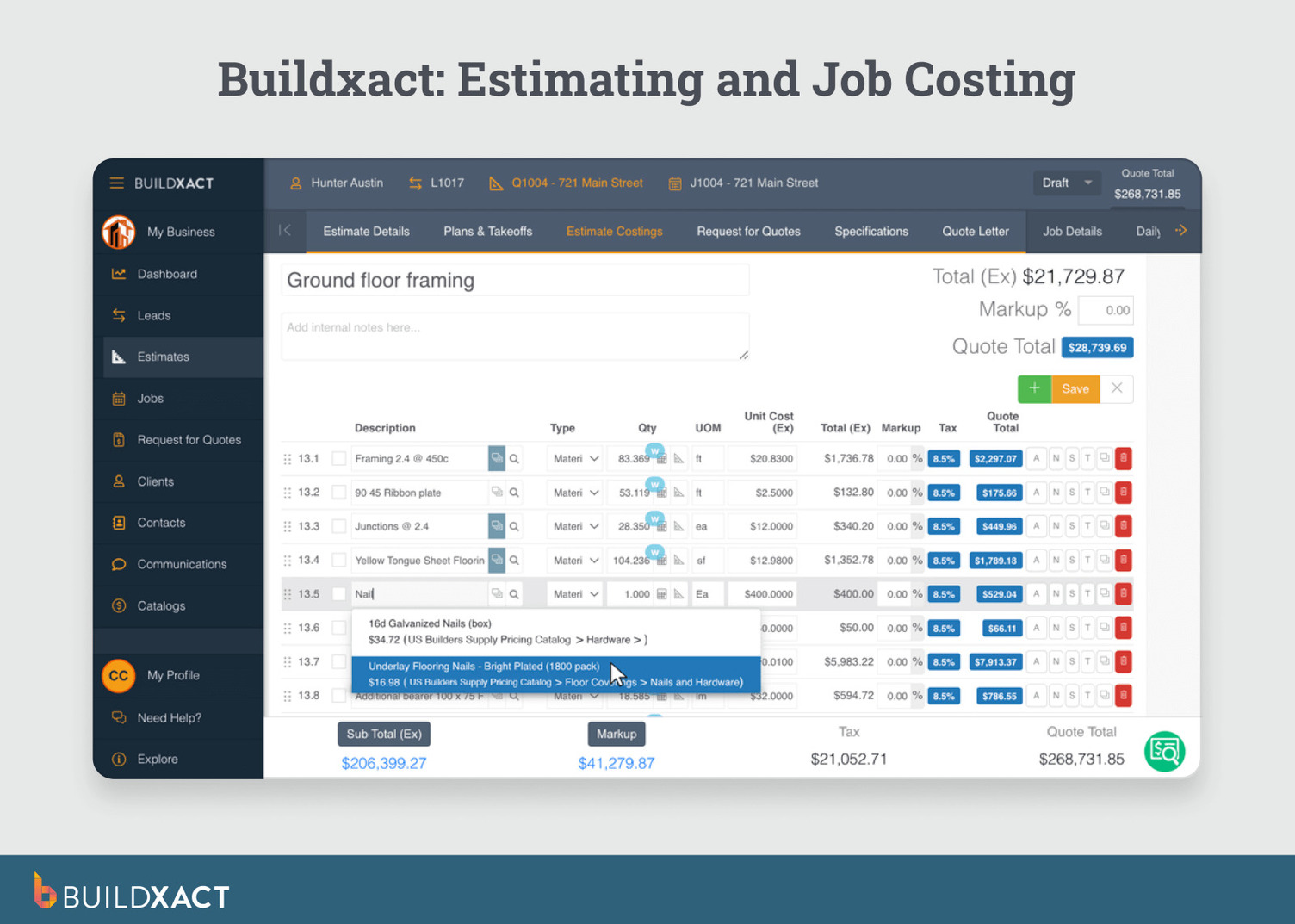
Buildxact is construction management software built specifically for small residential builders and remodelers. It keeps estimating, pricing, purchasing, scheduling, and job costing connected, so builders stop discovering profit problems at closeout.
What are the benefits?
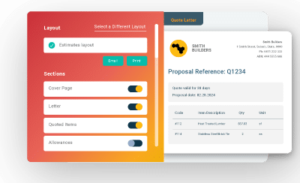
- Connected estimating through execution: Quantities, pricing, and markup flow from takeoff into the live job. When the scope changes or costs shift, the estimate updates automatically instead of remaining frozen at the time of contract signing. Builders avoid rebuilding quotes or re-entering data mid-project.
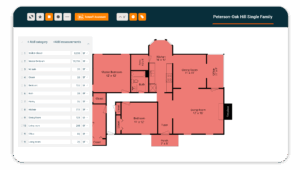
- Assemblies and templates that prevent missed items: The platform offers reusable assemblies and templates that bundle labor, materials, and small components into repeatable scopes. Measuring once captures everything required, reducing forgotten items that quietly erode margin across jobs.
- Live pricing where decisions are made: Dealer pricing updates are displayed inside the estimate before you order materials. Builders see the cost impact early and adjust pricing while decisions remain flexible, not after costs are reflected in the ledger.
- Estimate vs. actual tracking during the job: Actual costs are compared with the original estimate as work progresses. Builders spot margin drift at the task level and correct course before losses lock in.
- RFQs and purchasing tied to the estimate: Purchase orders and RFQs are generated directly from estimate line items. Builders lock pricing earlier and avoid mismatches between what was priced and what gets ordered.
- Fast setup for small teams: Buildxact runs without admin-heavy configuration. Solo builders and small teams can send accurate quotes quickly without dedicating time to system upkeep.
Drawbacks
Buildxact focuses on residential construction. Builders managing large commercial projects with complex compliance requirements may need enterprise-grade systems specifically designed for more protracted project phases and distributed teams.
What people say
“Before Buildxact, we were writing off small cost overruns because tracking them wasn’t worth the time. Now we can see actual costs against the estimate during the job, and those small leaks don’t get ignored anymore.”
— Jaime Hommerding, VP of Production, XPRES Kitchen and Bath
Is Buildxact right for you?
Yes, if you run residential projects and want pricing, scope, and job costs to stay aligned from estimate through completion without juggling spreadsheets, emails, and disconnected tools.
Buildertrend
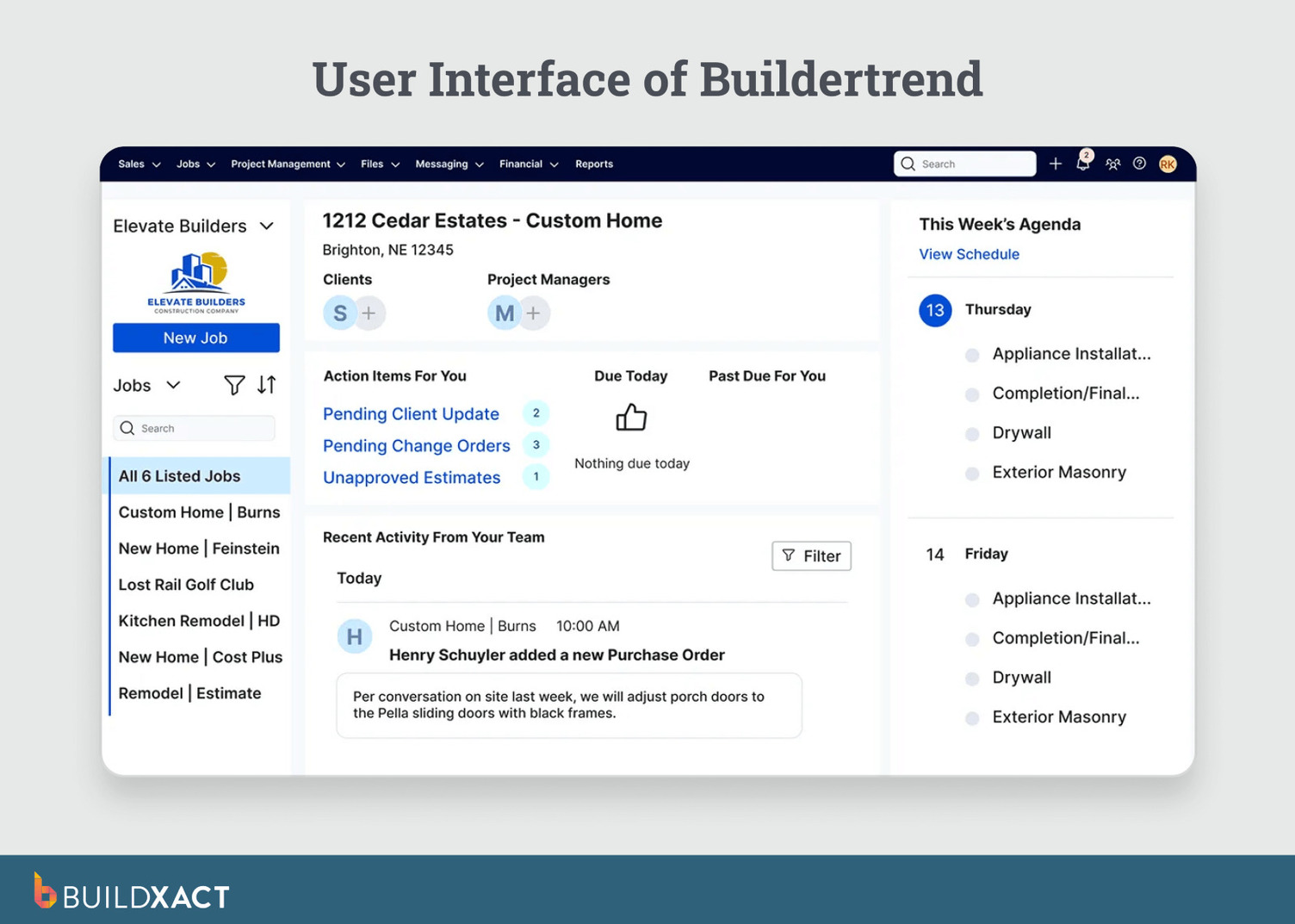
Buildertrend is a residential construction management platform that now includes CoConstruct. Buildertrend acquired CoConstruct to bring together project coordination, scheduling, and team management with client communication and selections workflows in one ecosystem.
What are the benefits?
Buildertrend helps builders coordinate people, schedules, and documents across multiple active jobs.
- Office teams, field crews, and subcontractors work from the same schedule and task lists, reducing daily friction and keeping projects moving smoothly without the need for constant follow-ups.
- Selections, approvals, and client-facing updates stay documented in the job rather than in email threads.
Drawbacks
Estimating, pricing, and job costing typically live outside the core workflow. Builders often rely on separate tools, such as CoConstruct, to understand how scope changes and pricing shifts affect margins during execution, which makes real-time margin control more difficult.
Is Buildertrend right for you?
If your biggest challenge is coordinating people, schedules, and client communication across multiple residential projects, Buildertrend could be a fit for your business. Keep in mind that you’ll need to be comfortable managing pricing and cost control in separate systems.
JobTread
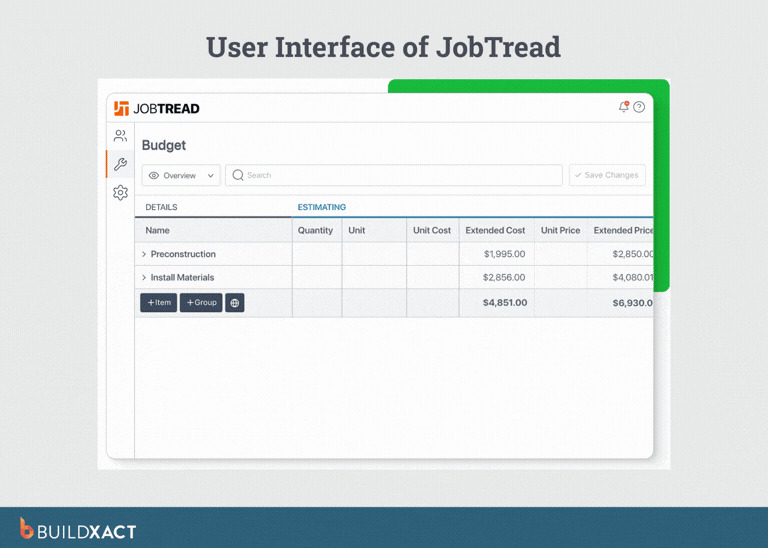
JobTread is construction management software designed for small residential builders and remodelers who want clean proposals, structured pricing, and simple job tracking without the need for heavy setup.
What are the benefits?
JobTread makes it easy to turn estimates into clear, client-ready proposals. Project details like pricing, scope, and change orders are easily accessible, helping builders avoid confusion about what was included and changes.
For smaller teams, the system feels approachable. Builders can track jobs, manage documents, and monitor costs without configuring complex workflows or onboarding large teams.
JobTread works well when material pricing stays relatively stable. Builders who run similar jobs repeatedly can move quickly without rebuilding estimates from scratch each time.
Drawbacks
As job volume or pricing complexity increases, cost control becomes harder to manage. Builders tracking frequent price changes or tight margins may struggle to monitor drift across multiple active jobs.
Is JobTread right for you?
If your business relies on relatively predictable pricing and scope, JobTread may be an adequate solution for your needs.
Houzz Pro
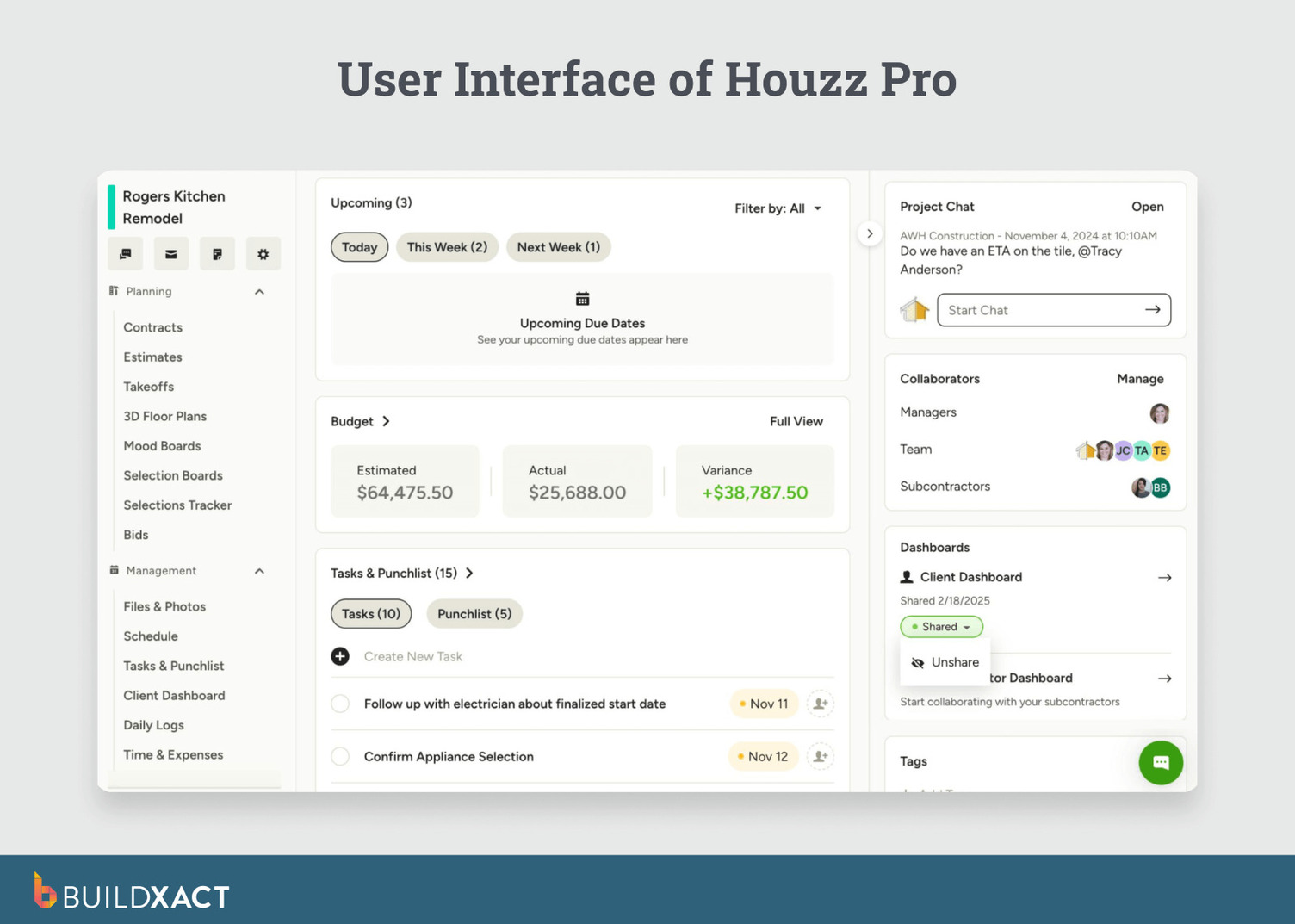
Houzz Pro combines client management, proposals, and lead generation into one platform, with a strong focus on design-led residential businesses.
What are the benefits?
Houzz Pro helps builders and remodelers manage leads, send proposals, and communicate with clients from a single interface. Its tight connection to the Houzz marketplace supports acquisition and early-stage client engagement.
The platform emphasizes presentation and client experience. Builders can share visuals, proposals, and updates in ways that build trust and accelerate approvals.
For design-driven firms, Houzz Pro connects marketing and sales activities directly to project initiation, reducing friction between winning work and starting it.
Drawbacks
Operational depth remains limited once the job is underway. Estimating, purchasing, and job costing often lack the necessary structure to effectively manage margins across complex or long-running projects.
Is HouzzPro right for you?
If lead generation and client-facing presentation drive your business, and you manage execution and cost control in other systems, HouzzPro could be right for you.
Choosing Software That Protects Margin That Helps Small Business Builders Grow
Margin loss rarely comes from one big mistake. It accumulates when information breaks between estimating, job execution, and actual costs.
Choosing construction management software is less about features and more about continuity.
The right system keeps estimates, approved changes, pricing, and job costs aligned throughout the job.
That alignment surfaces problems early, while decisions can still be changed, not at closeout, when the numbers only explain what has already happened.
See how the margin holds up when estimates, pricing, and job costs are kept in sync. Start for free with Buildxact, run a real job through it, and see how estimates, changes, and actuals stay aligned while work is still underway.