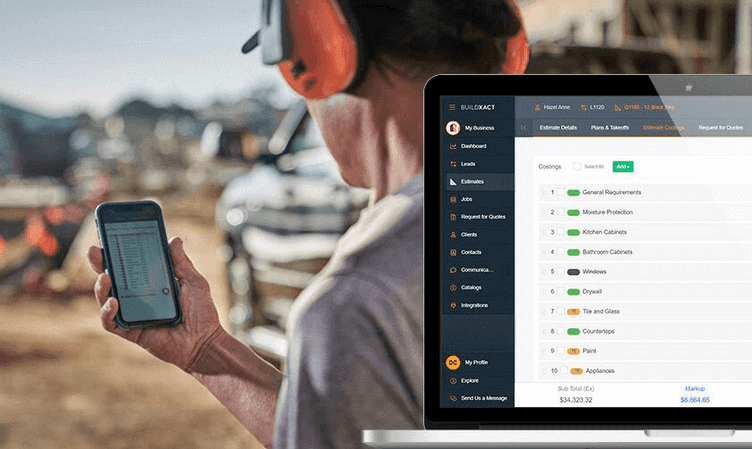


Juggling tasks is an understatement for most residential builders. Estimates, schedules, dealers, and costs all need attention simultaneously. Using a software solution to run your residential construction business’s day-to-day operations is critical to be competitive and manage your business more efficiently. For the residential construction business, the choices seem endless.
If you’re searching for the right home construction software or evaluating your current solution, we’ve developed a thorough, straightforward guide to help you make the smart choice.
What Is Home Construction Software?
Home construction software is a digital platform built to manage the operational side of residential building projects. It brings together the core systems builders use to plan, price, schedule, and coordinate work across a job.
The aim is to replace scattered tools like spreadsheets, emails, and paper plans with a single platform designed around how builders actually work.
Typically, home construction software includes tools for takeoffs, cost estimating, scheduling, purchasing, and job tracking. These functions are connected, so information entered in one area can be used across the rest of the project instead of being duplicated in separate tools.
The software also acts as a central point for communication. Builders can share drawings, schedules, scopes of work, and updates with subcontractors and dealers from a single system.
Benefits of Home Construction Software
If you’ve used or are still using Excel, paper plans, a calculator, and a ruler as your primary takeoff and estimating tools, there’s a better way. Save time and frustration by using a project management software solution that centralizes these manual tools into a single automated platform.
Here are the top five benefits of home construction software:
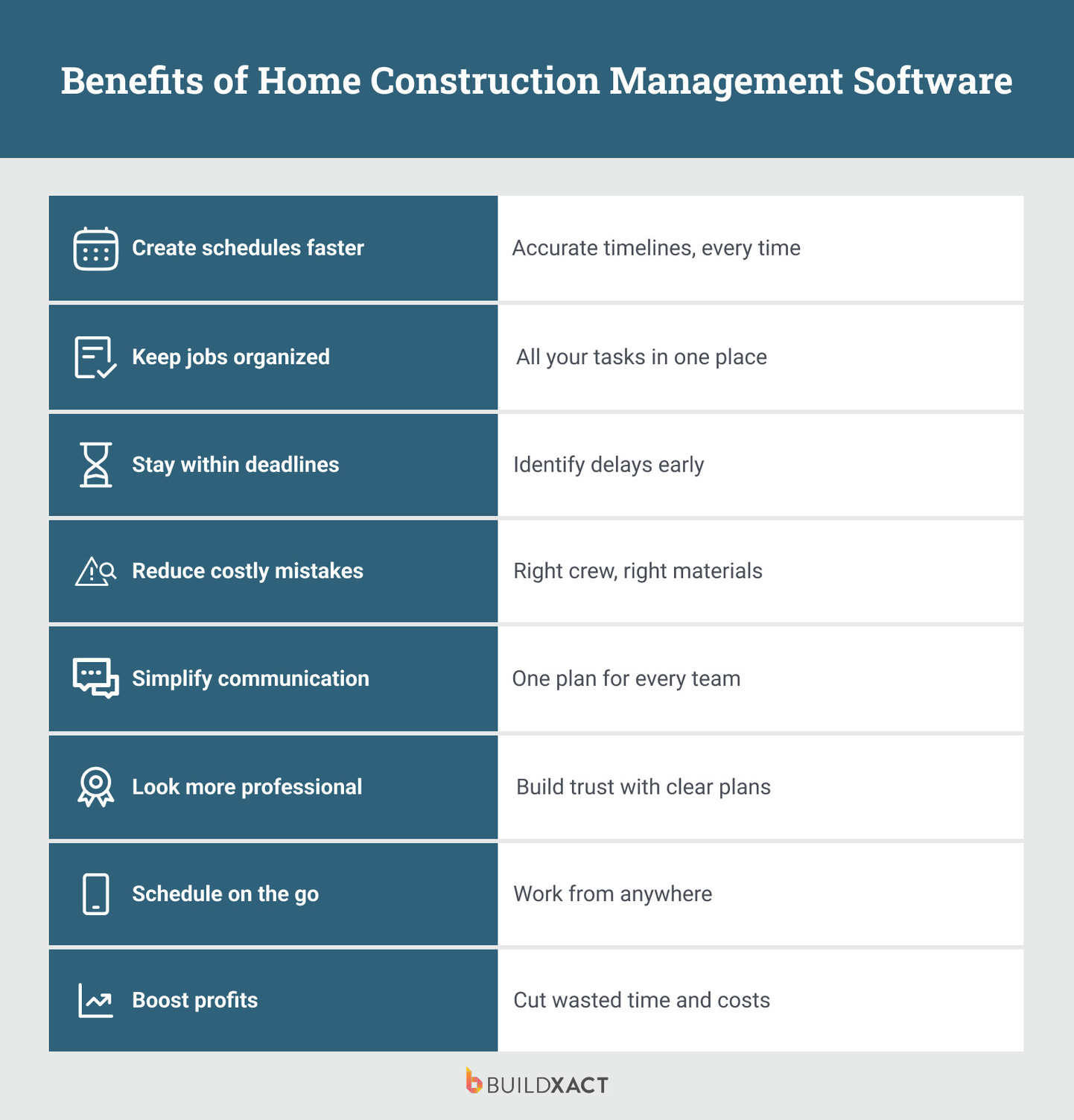
Ease of accessibility
Look for cloud-based software that lets you store as much information as you need from any device, anywhere. Cloud-based solutions offer expanded capabilities, including collaboration and security. Investing in software is generally more affordable than adding a local server, particularly for small and medium-sized residential construction owners.
Streamline your business systems
From the initial takeoff to the final invoice, home construction software offers more than just automating tasks. It integrates your business systems into a single platform to run your business seamlessly, reduce errors, and improve efficiency.
“I knew there had to be a better way, much like how I use the software in my personal life. I knew the same tool had to be available in my professional building life,” said Matthew McCrimmon, owner, Sabado Homes.
Better business management
See the status of your jobs, costs, and margins in one place, without digging through paperwork. When something specific needs attention, it’s easy to click into the details and understand what’s happening.
“My least favorite thing to do is having to go into the office and look for the information I needed — I knew it was going to be in a myriad of different places — and I knew there had to be a better and different way,” said Matthew.
Collaboration and communication
Instead of storing important information on your desk, in your truck, or in your head, home construction management software stores all of it in a central system for everyone to access.
The software makes it easy to communicate with your internal and external (subs) teams as well as your customers at any time and from anywhere.
“The transfer of information is a lot easier, not as much data lost in translation when transferring from one person to another,” said Jeremy De Paz, owner of Waterloo City Construction.
Simplicity over complexity
Many cloud-based home construction software platforms are powerful yet overly complex and lack the features for small to medium-sized residential builders. Buildxact provides a single solution from the first takeoff to the final invoice.
It’s designed specifically for residential builders and contractors, like painters. That’s why it has the features you need and nothing you don’t. Opting for a simple solution means you can get started easily and start realizing the value your new solution brings quickly.
Top Home Construction Software Features
We’ve learned the top pain points in the residential construction business through ongoing communication and customer feedback. Here are the top five features builders like you choose when selecting construction project management software for their day-to-day business operations.
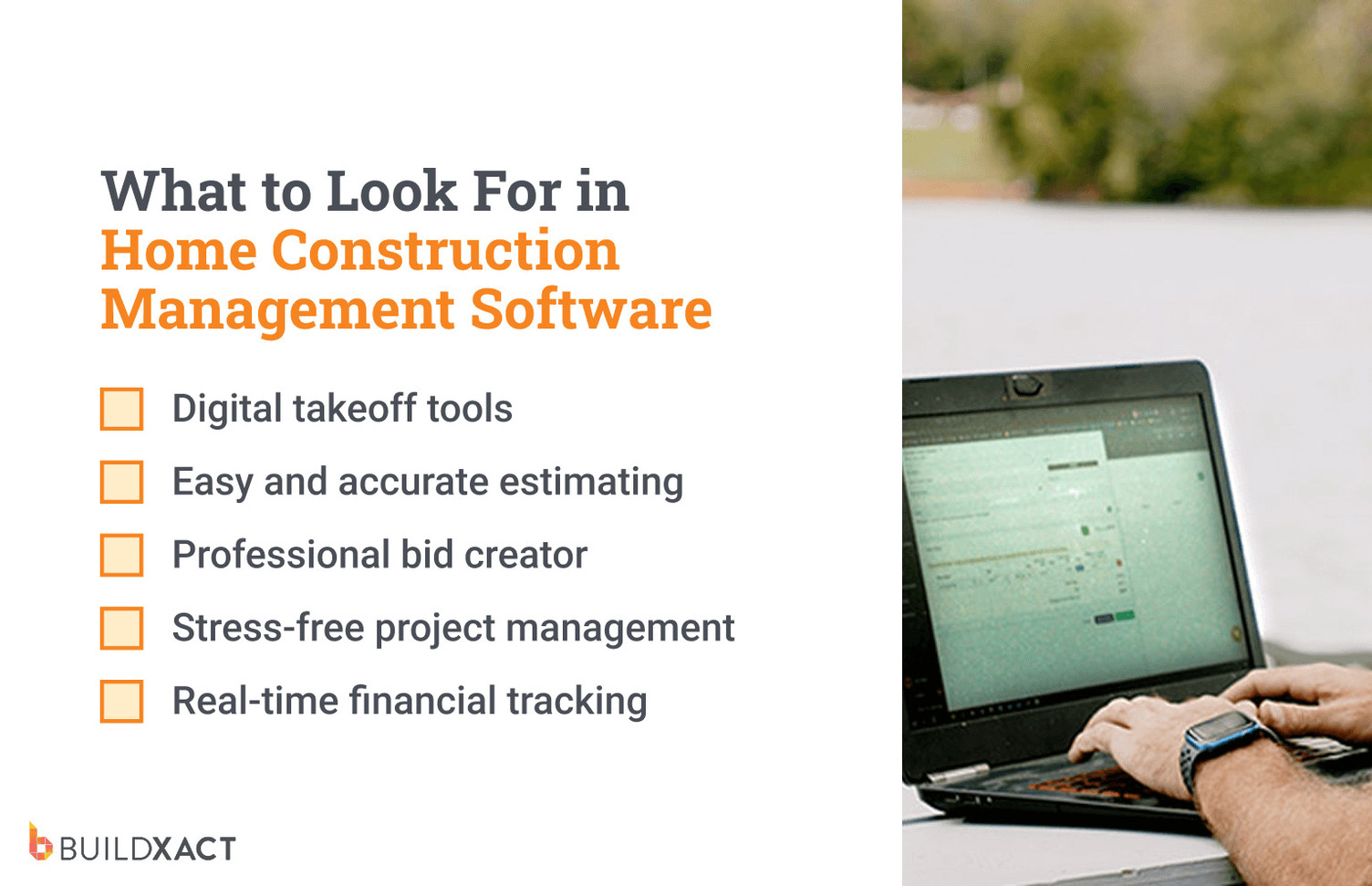
Digital takeoff tools
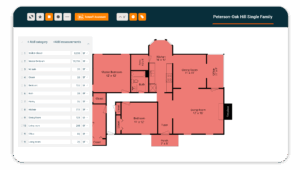
One of the most time-consuming pre-construction tasks is creating accurate takeoffs to estimate quickly and accurately. Today, you can ditch paper plans for 80% faster digital takeoffs, and the measuring and estimating are complete in just a few clicks.
“I was doing everything by hand, as my dad taught me, and now I’ve switched to using software mainly because most plans sent to me are in PDF format,” said Dustin Ballew, owner of Blue Bexar Construction in San Antonio. “I can do takeoffs using a PDF, save all that information, and I don’t have to continue to do it again and again and again.”
Easy and accurate estimating
Accurate estimating is one of the most essential elements of the job, and if you don’t have access to the most up-to-date pricing, it can be challenging.
Home construction software like Buildxact lets you streamline your entire estimating process using a formula-based process called recipes. Recipes group all the required components into a single takeoff, so calculations happen automatically as you work. Quantities update instantly, reducing manual input while keeping estimates faster, more consistent, and more accurate.
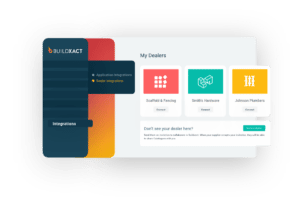
Once you’ve measured the takeoff, you can source your material and overhead costs by sending them to your dealers and subcontractors to complete your estimate. The total prices and quantities are calculated automatically and more accurately, saving you time and your bottom line.
Professional bid creator
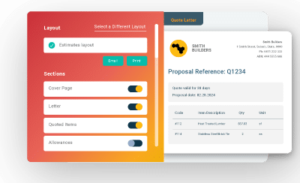
Your bid is often the first tangible thing your customer receives from you. It’s the first impression. Instead of building your quotes in Word or Excel, home construction software will generate a professional-looking quote — 5x faster — using your company branding for a professional first impression.
“Software has been an immense help because it demonstrates organization, and clients get a sense early on if you don’t have it together,” said Matthew.
Stress-free project management
Instead of finding yourself in your truck running from job site to job site, home construction management software allows you to manage all aspects of each project, like scheduling, purchasing, delivery, and invoicing, in the cloud, saving time and money. It gives new business owners and tried-and-true veterans the confidence that their projects will be delivered on time and on budget.
Real-time financial tracking
Tracking your profitability is key to your business’s success, and if you’re doing your own invoicing, the data you get out is only as good as the data you put in. A construction management software solution that tracks your line-by-line costs and integrates with your accounting software is essential to your bottom line.
“To run a successful business, you need a good accounting system,” said Jeremy. “You need good information to put into the accounting system.”
A Guide to Choosing the Best Home Construction Management Software
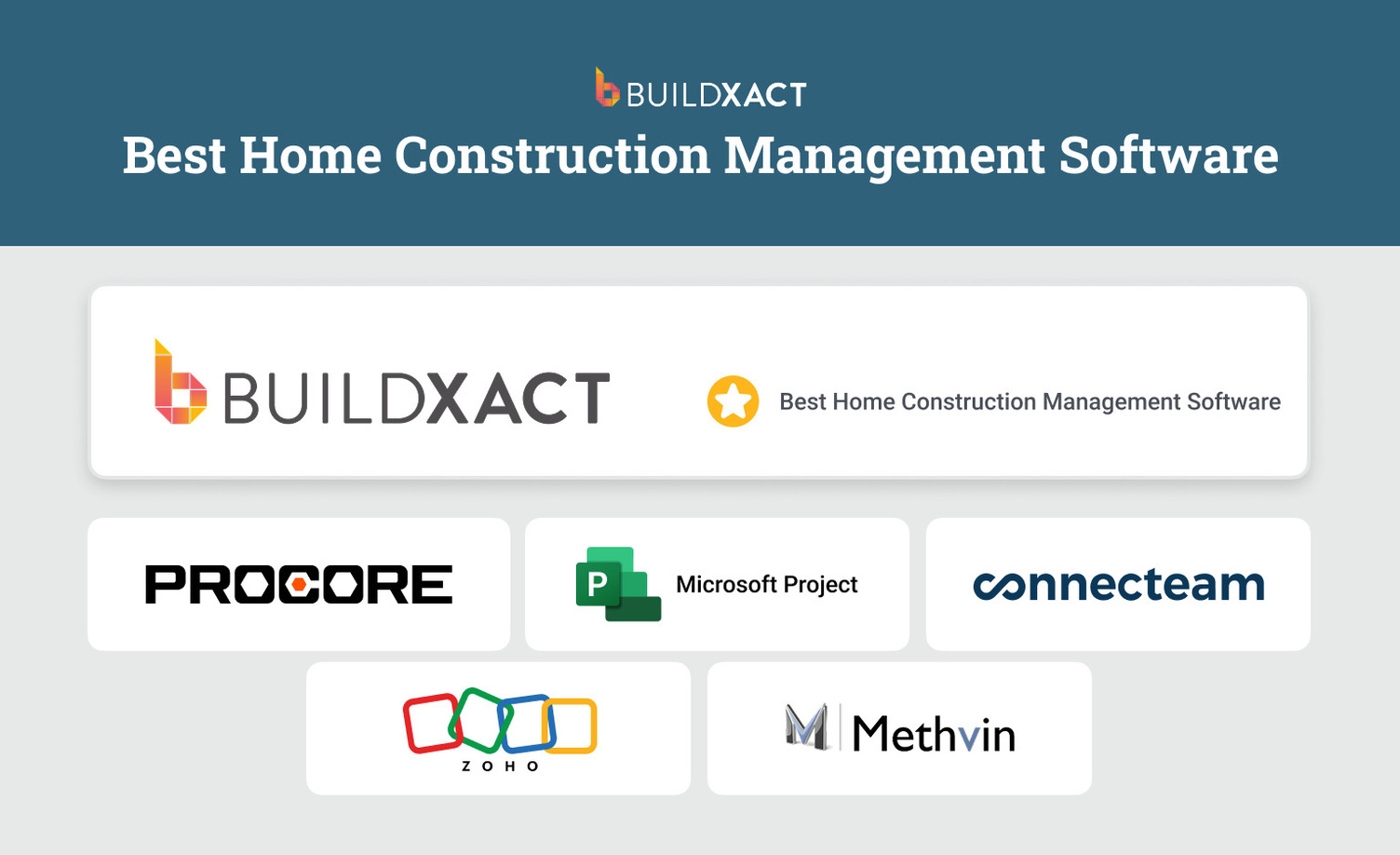
From all-in-one residential platforms to planning-only tools, here’s a side-by-side look at top construction software options and how to choose the right one for you.
Buildxact
Buildxact is the home construction management software for residential builders who want better control over their jobs without adding more admin.
With its built-in AI assistant, Blu, builders can complete takeoffs and estimates up to 5x times faster without cutting corners. You can measure plans on screen, and Blu helps you catch materials or finishes that are easy to miss when working through detailed drawings.
Estimating sits at the center of the platform. Builders work from residential plans using assemblies and templates that reflect real building work, with quantities, labor, and materials all linked. When plans or selections change, the estimate updates instead of being rebuilt.
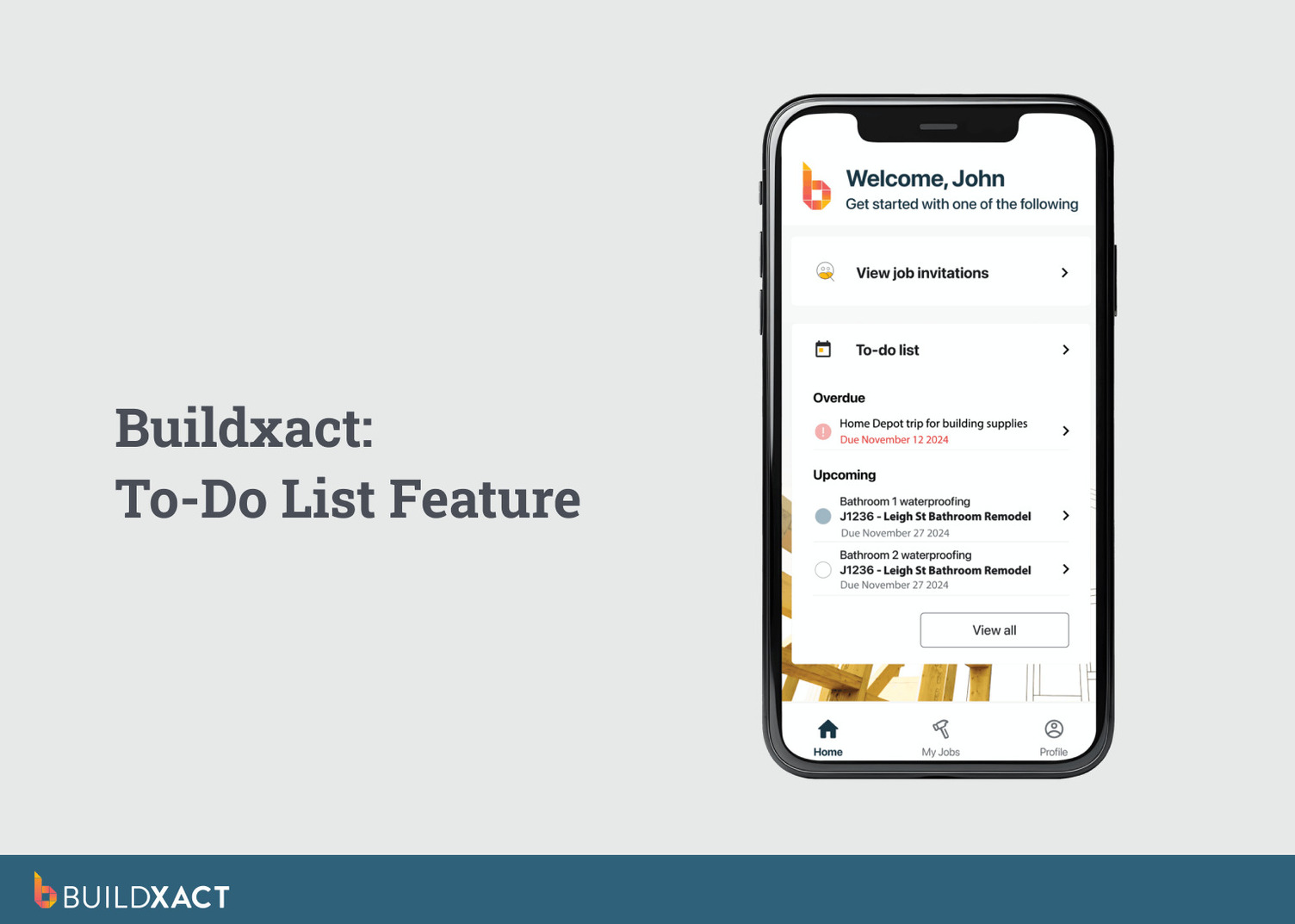
What really sets Buildxact apart for residential projects is that this estimate doesn’t stop at quoting. Scheduling, purchasing, change orders, and job costs all stay tied back to the original numbers. Day-to-day site work is supported with built-in to-do lists that let you assign tasks and set priorities across office staff, site teams, and subcontractors.
What are the benefits?
- Purpose-built for small to mid-sized residential builders
- Faster digital takeoffs from residential building plans
- AI-assisted estimating built for homes and renovations
- Assemblies and templates for repeatable residential work
- Live dealer pricing is pulled directly into estimates
- Estimates stay connected to schedules, purchasing, and job costs
- Simple site task management via mobile app
- Clear job cost and margin tracking by home or phase
- Accounting sync with QuickBooks and Xero
Are there any drawbacks?
- Not designed for large-scale commercial or enterprise projects
- Less suitable for highly complex, multi-phase developments
Is Buildxact right for you?
Buidlxact is ideal for small to mid-sized home builders who need an all-in-one construction management platform that’s easy to use right away. If you’ve got bits of paper on your desk and spend half your day chasing prices, updates, or versions, Buildxact is about to become your new best friend.
Procore
Procore is an enterprise-grade construction management platform built to coordinate large, complex projects across multiple teams, contractors, and stakeholders. It handles everything from preconstruction and BIM through to project execution, financials, quality, and safety.
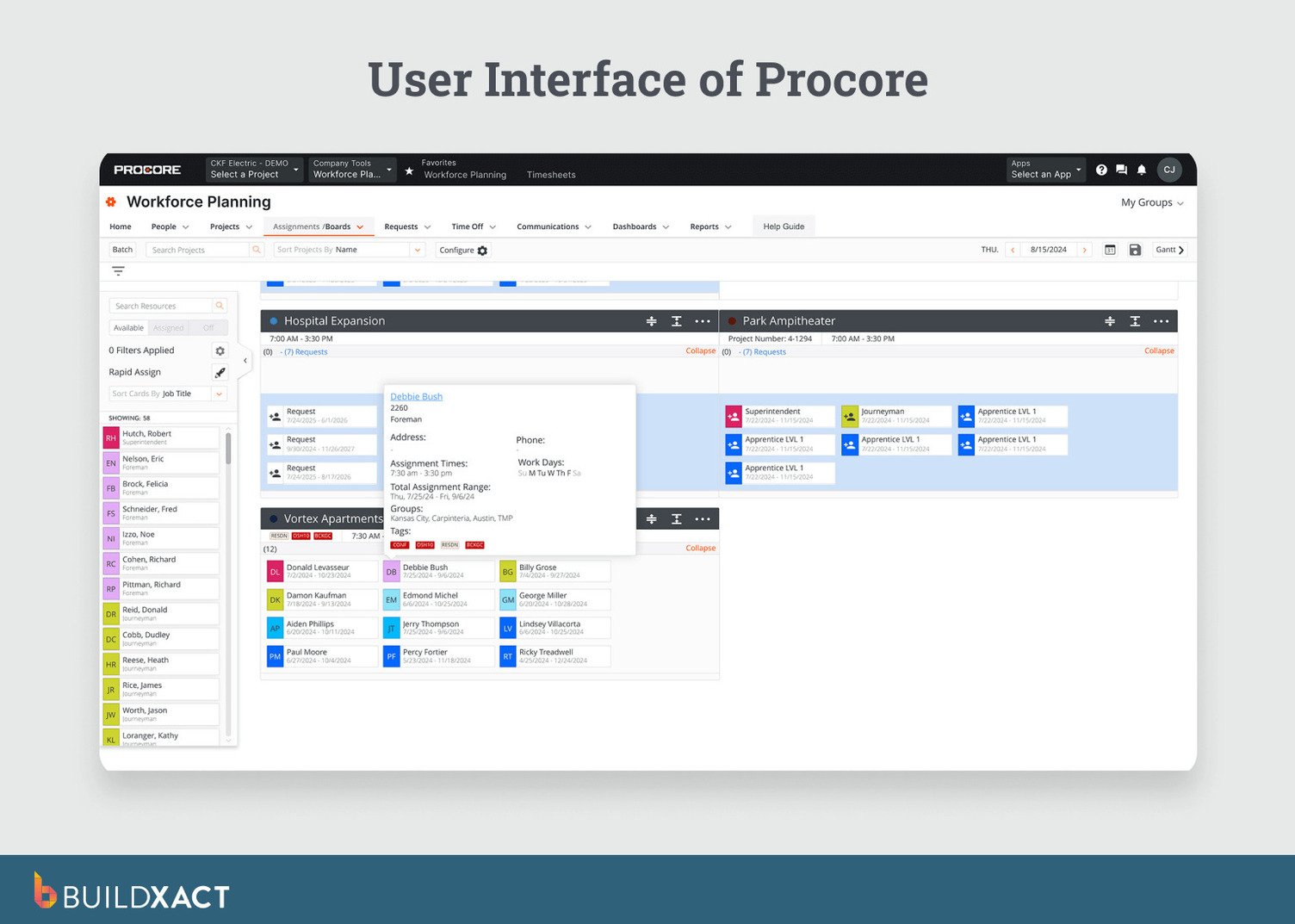
For large construction environments, Procore shines in document control, collaboration, and visibility. It provides strong tools for managing drawings, RFIs, inspections, site diaries, budgets, and invoices across big teams working in parallel. Its AI layer, Procore Helix, adds analytics and automation to help surface insights and support decision-making at scale.
What are the benefits?
- Strong document control and version management
- Built for large, multi-party project collaboration
- Robust site, quality, and safety tracking
- Enterprise-level financial and reporting tools
Are there any drawbacks?
- Enterprise-grade setup and complexity
- More software than most residential builders need
- Estimating and pricing workflows are not home-builder-focused
Is Procore right for you?
If you’re running large commercial or infrastructure projects with multiple stakeholders and formal processes, Procore makes sense. But if you’re a small to mid-sized home builder looking for simple estimating, pricing, and job control without the overhead, it’s likely overkill.
Microsoft Project
Microsoft Project is a project scheduling and planning tool built to create detailed timelines, task dependencies, and resource plans. It’s commonly used to map out complex schedules and understand how tasks relate to one another over the life of a project.
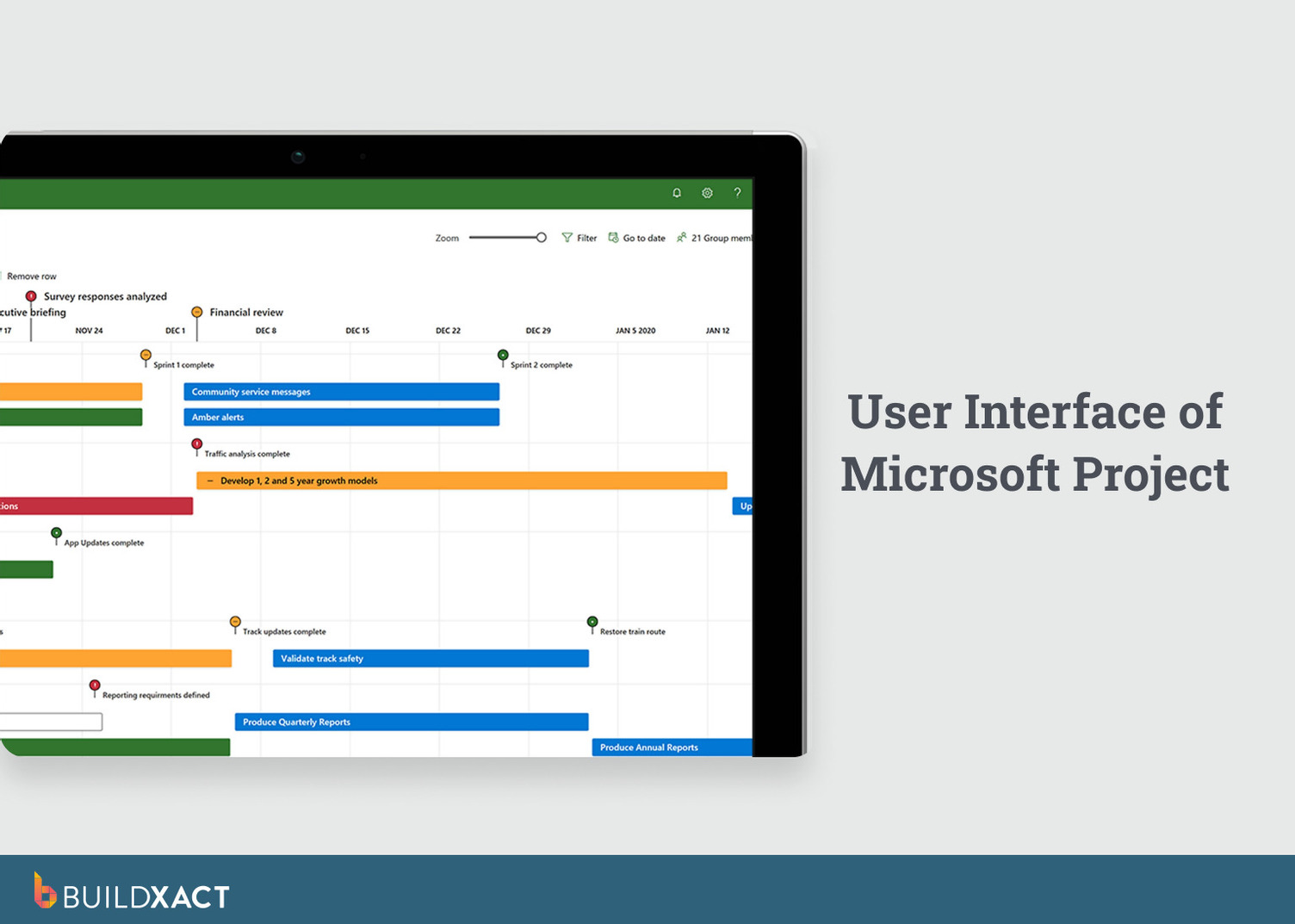
For construction teams, Microsoft Project is mainly used as a planning tool rather than a full construction management system. Builders can create Gantt charts, set task dependencies, assign resources, and track progress against a schedule. It works well alongside other Microsoft tools, such as Excel, SharePoint, and Teams, for document sharing and collaboration.
What are the benefits?
- Detailed Gantt charts and visual project timelines
- Strong task dependency and sequencing tools
- Resource allocation and workload planning
- Familiar Microsoft interface and integrations
Are there any drawbacks?
- No built-in estimating or takeoff tools
- No dealer pricing, purchasing, or job cost tracking
- Not designed specifically for residential construction workflows
Is Microsoft Project right for you?
Great for builders who mainly need a tool to organize field tasks and drawings, but not ideal as a full home construction management system.
If you mainly need a way to organize field tasks and map out schedules for a home build, Microsoft Project can do the job. But if you’re looking for robust home construction management that integrates estimating, scheduling, and job costs, it’s better used as a supporting tool rather than a complete solution.
Connecteam
Connecteam is a workforce and field team management app that sits on the operational side of home construction management. It’s designed to help construction teams run their crews more smoothly on site, focusing on day-to-day field activities like scheduling workers, tracking time, sharing updates, and handling basic site paperwork.
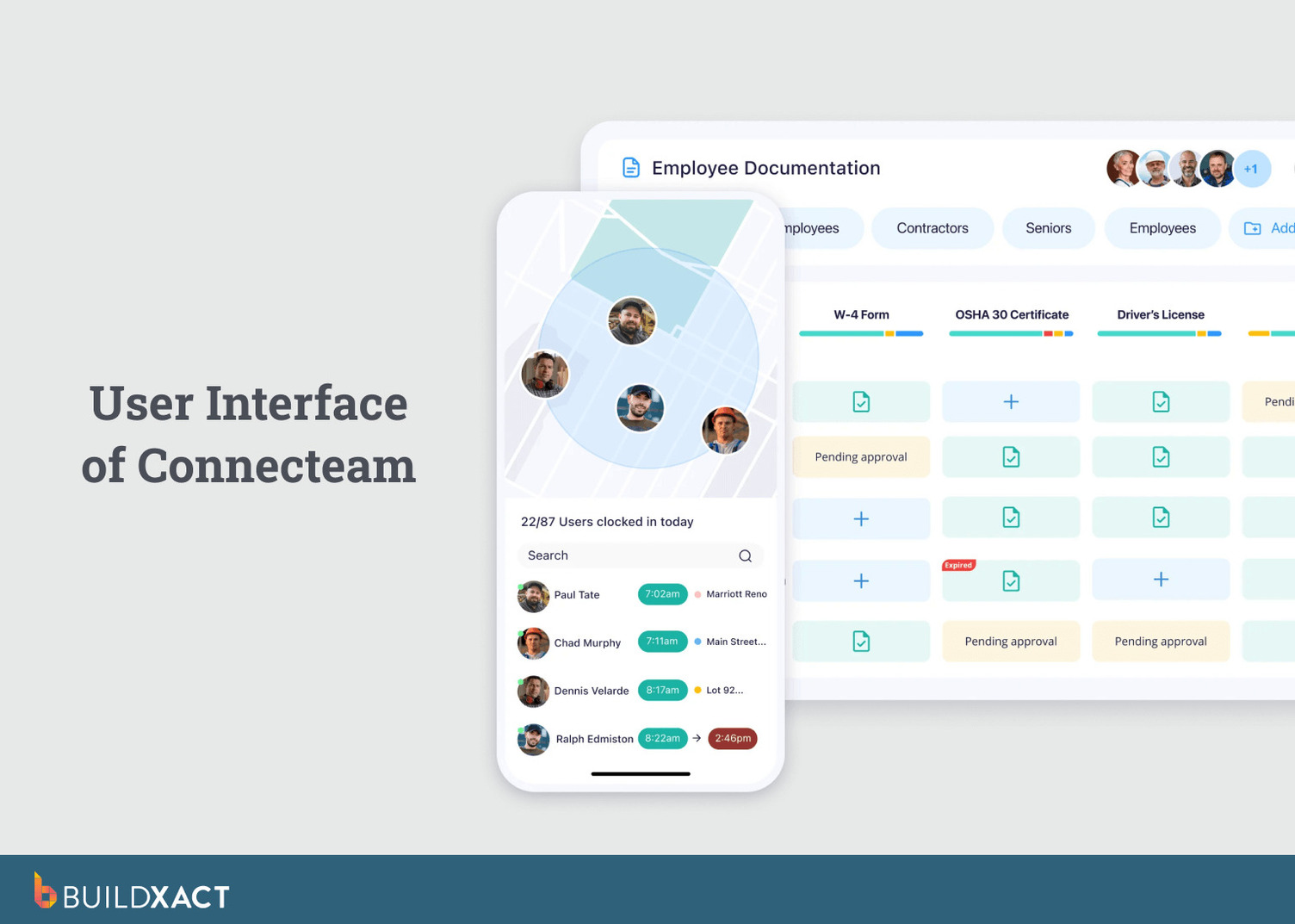
For residential builders, Connecteam is typically used at the site level rather than as a full job management system. It gives foremen and crews a simple mobile app for clocking in, viewing schedules, completing checklists, accessing documents, and communicating without relying on texts or whiteboards.
What are the benefits?
- Simple, centralized crew communication
- AI-assisted translation for mixed-language crews
- Time tracking by job, phase, or task
- Reduces site paperwork with mobile forms and checklists
Are there any drawbacks?
- No estimating, takeoffs, or pricing tools
- No purchasing, dealer pricing, or job cost tracking
- Not designed for end-to-end home construction management
Is Connecteam right for you?
If your main challenge is organizing crews, tracking labor hours, and keeping site communication tidy, Connecteam can be a useful field tool. But if you want budgeting, scheduling, and job costs connected in one system for residential builds, it works better alongside another construction software.
Zoho
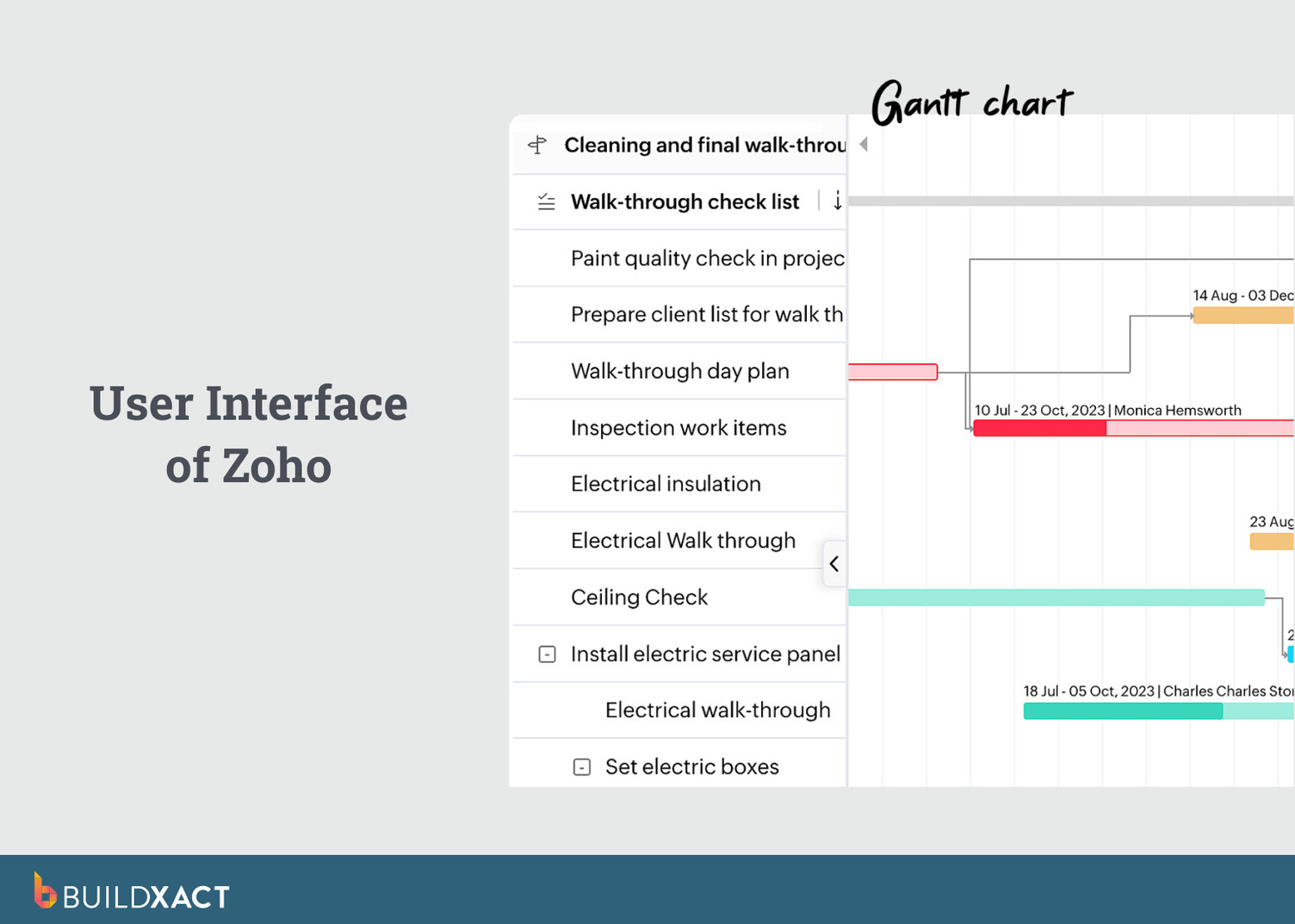
Zoho Projects is a cloud-based project management tool used to plan tasks, manage timelines, and track progress across many project types, including construction. It’s flexible and customizable, making it popular with teams that want structured task tracking and clear schedules without industry-specific constraints.
For residential builders, Zoho Projects works best as a planning and coordination tool. You can set up tasks and milestones, build Gantt charts with dependencies, track time, store documents, and keep teams aligned through updates and chat.
Zoho also offers AI capabilities through Zia, which can surface insights, generate reports, and help analyze project data. It’s a useful tool for spotting delays or recurring issues in your residential construction projects.
What are the benefits?
- Strong task, milestone, and dependency tracking
- Gantt charts for visual scheduling
- Time tracking and basic budget visibility
- Custom dashboards and reports
Are there any drawbacks?
- No built-in estimating or takeoff tools
- No dealer pricing or residential cost workflows
- Not designed specifically for home construction projects
Is Zoho right for you?
Zoho Projects works best for organizing timelines and tasks, especially for teams already using other Zoho tools. For home builders, it’s typically used alongside estimating and costing software rather than as a full job management system.
Methvin
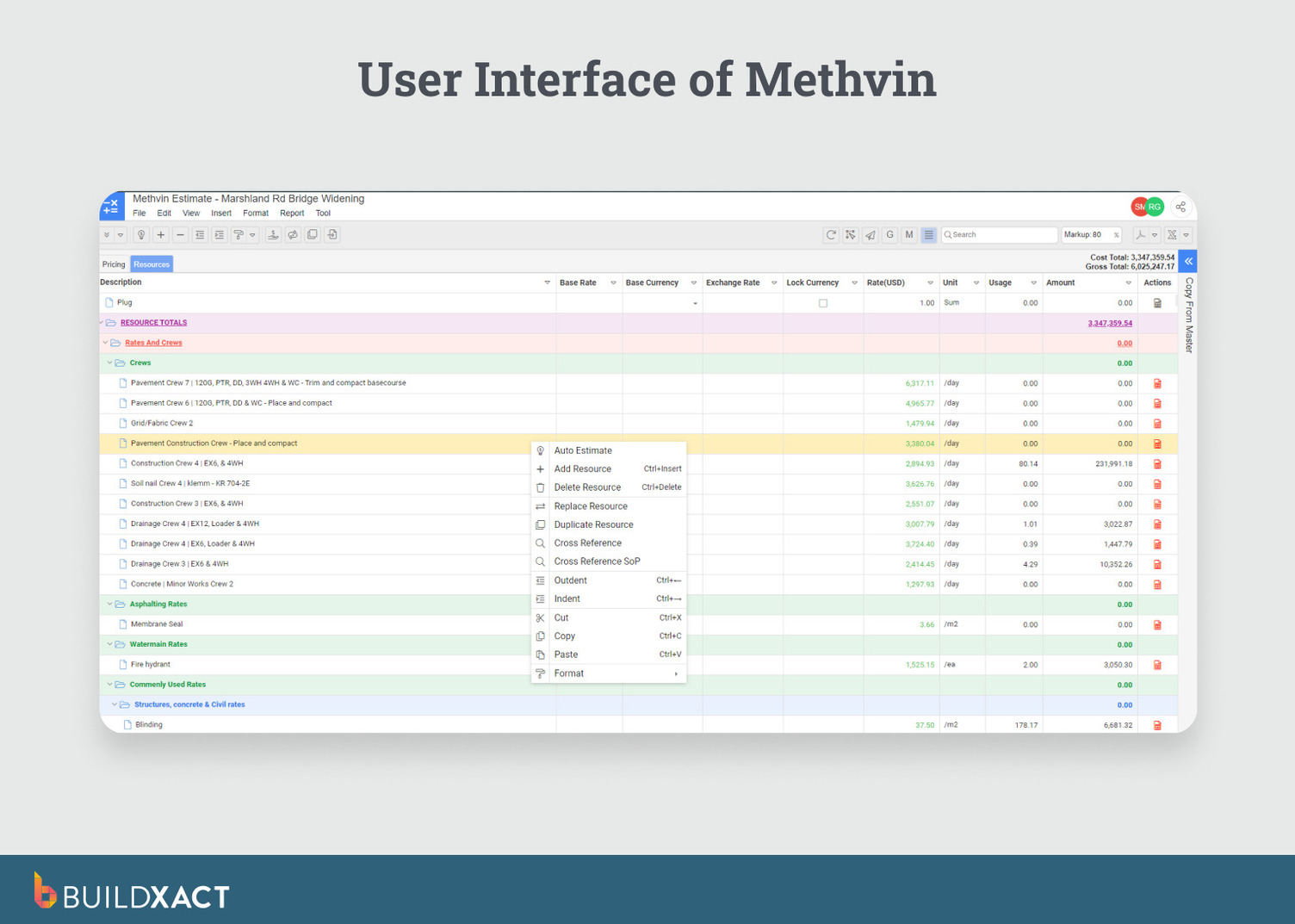
Methvin is a construction estimating and collaboration platform with a strong emphasis on bidding accuracy and cost transparency. It’s for contractors who spend a lot of time in pre-construction, running tenders, and comparing pricing before a job is awarded.
Methvin’s detailed estimating features are powerful. You can price jobs line by line using first-principles estimating and share documents with your team. The bid portal, along with Gantt schedules and Kanban boards, keeps everything organized while you’re still in the quoting phase.
What are the benefits?
- Integrated estimating and digital takeoffs
- First-principles pricing for granular cost breakdowns
- Gantt scheduler and Kanban boards for task planning
- Tender and bid portal for document sharing and comparisons
Are there any drawbacks?
- Mainly focused on estimating and bidding
- Less support for managing day-to-day residential builds
- No built-in dealer pricing, budgeting, or homeowner tools
Is Methvin right for you?
Methvin makes sense if your priority is producing accurate, well-structured bids and managing tenders collaboratively. It helps you feel confident about the numbers, but once work is underway, it’s less focused on the day-to-day management of a residential build.
Home Construction Management Software FAQs
What does home construction management software do?
This type of building management software helps you plan, coordinate, and control a residential build. It brings estimating, scheduling, budgeting, documents, and job tracking into a single system so you don’t have to jump between tools.
Who needs home construction management software?
It’s designed for residential builders, renovators, and contractors who manage multiple jobs or want a more organized way to run projects as their businesses scale.
How is home construction management different from project management?
General project management focuses mainly on tasks and timelines. Home construction management also covers estimating, dealer pricing, job costing, and margin tracking, which are essential for residential building work.
Can spreadsheets replace home construction management software?
Spreadsheets can work for very small jobs. But once projects grow, information changes quickly and spreadsheets become hard to maintain, easy to break, and difficult to keep accurate.
Choose the Right Solution. Choose Buildxact
There’s a better way to run your residential construction business. Whether you’ve been using Excel, paper and a ruler, or complex software, ask yourself if you’ve met your business goals or grown your business to where you want it to be today.
Save yourself the headache of looking online for the best home construction software and try Buildxact, a cloud-based solution specifically designed for the residential construction business. Buildxact offers on-demand tutorial videos by topic or feature. You can be up and running in no time.
“Give it a shot. You’ve got a two-week free trial. Play around, watch the videos and see how quickly you will be able to work a lot of the features into your daily workflow,” said Matthew.
Are you ready for a better way to manage your projects? Learn more or try our 14-day risk-free trial, or book a personalized one-on-one demonstration with one of our expert team members today.