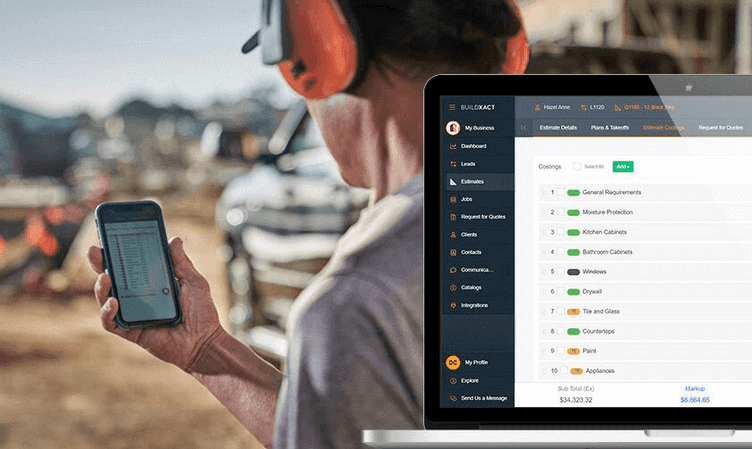

If you’re still doing material takeoffs with a scale ruler and a calculator, you’re doing hard work the slow way. Zooming into plans, counting materials, and juggling spreadsheets eats up time you should be spending on site.
And no matter how careful you are, manual takeoffs leave room for error. Those small misses quickly turn into under-quoted jobs or materials running short on site.
Material takeoff software removes that risk by:
- Reading digital blueprints.
- Calculating quantities accurately.
- Updating your material estimates automatically when plans change.
In this guide, we show you what robust, well-designed takeoff software enables better business and project outcomes for builders like you, plus all the features worth looking for. We’ve compared the leading tools, so you can find one that suits your project workflows and growth plans this year.
How Material Takeoff Software Helps Residential Builders
Here’s why construction material takeoff matters more to residential builders than most people realize.
Speed with built-in resilience
With the right material takeoff software, you no longer have to race through manual measurements or squint at plans late at night. With automated quantities, you can still trace every number back to the plan.
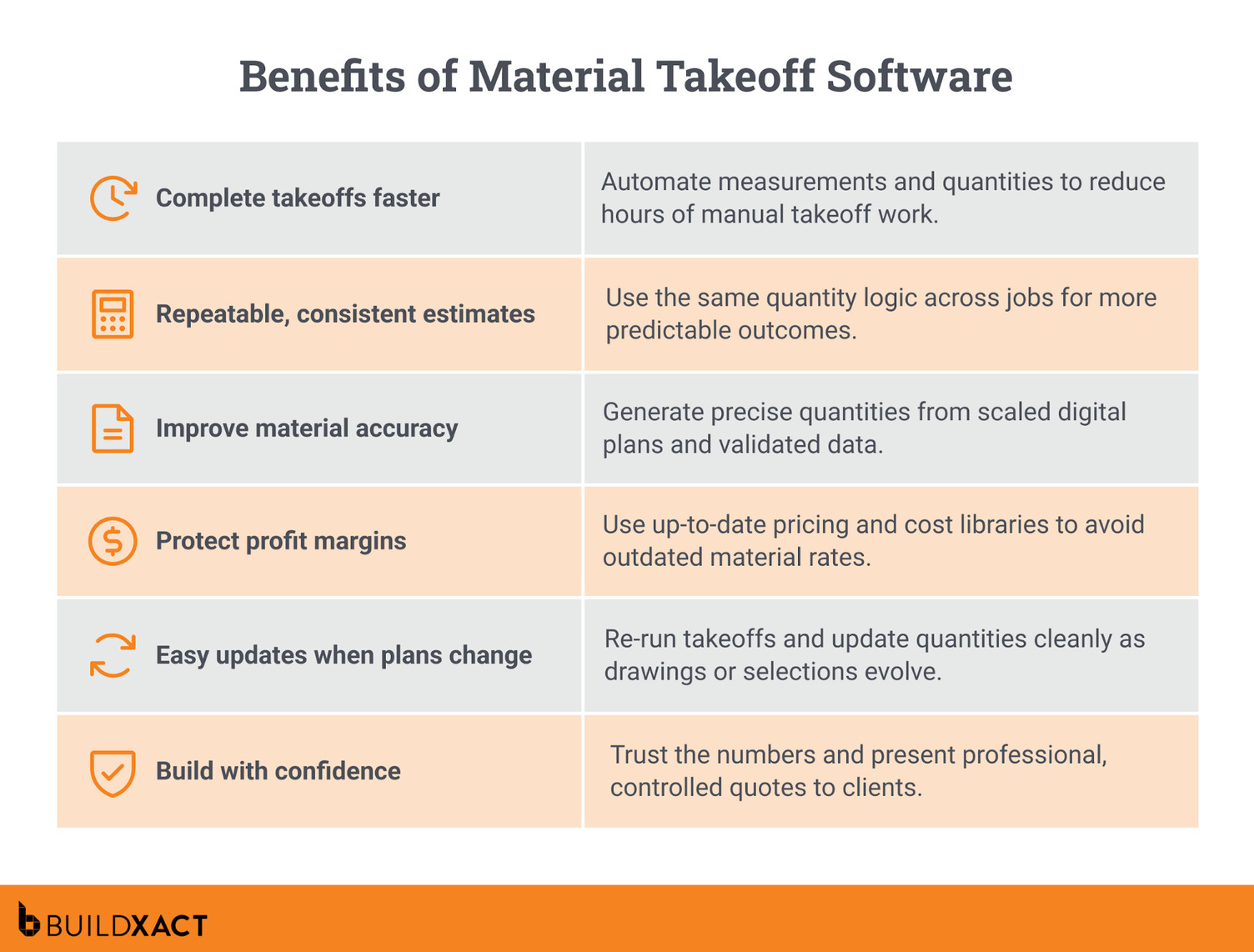
Takeoff software can speed up takeoff by up to 80%, cutting hours of manual work down to minutes. Quotes go out faster, without relying on memory or padded “gut feel” allowances. And because you can check and justify material quantities, jobs move more smoothly from the estimator to the PM to the site.
Repeatability and consistency for greater predictability
Residential work rewards consistency. When every job uses the same quantity logic, outcomes become far more predictable.
Material estimating software gives you one reliable source of quantity truth that you can reuse across similar projects. And as your team grows, delegation becomes easier and safer. A junior team member can run takeoffs using your proven logic, without reinventing the process each time.
Margin protection
On residential builds, profit usually disappears through minor oversights, not headline-level mistakes. Missed waste allowances, forgotten fixings, or inconsistent counts between plans and estimates quietly inflate costs once the job is underway. Since rework alone can consume 5–10% of total project costs, even avoiding a small portion of that loss can make a meaningful difference on tight margins.
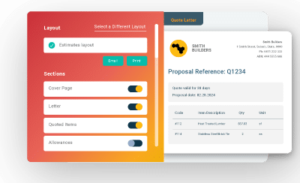
Digital takeoffs protect your profitability by counting every material directly from the drawings, linking quantities to your estimate. By flagging gaps before you price the job, you have less rework from short or late orders and more control over material spend from quote to completion.
Designed to change and adapt as the build progresses
Plans change. Selections change. That’s just the nature of residential building work. Material takeoff software lets you re-run the math when things shift without starting from scratch.
Digital takeoff software updates quantities as designs evolve, with an audit trail that shows exactly what changed and why. This makes change order management faster and easier to explain, because the “delta” in quantities is visible rather than buried in spreadsheets.
Operational clarity and confidence
The real value of digital takeoff software lies in the confidence it provides. Numbers are clear, not mysterious, which means fewer “I hope this is right” moments.
With precise quantities backing the estimate, pricing decisions are calmer and more confident. Clients feel that too. Your construction quote becomes professional and intentional, not something pulled together under pressure.
Key Features to Look For in Material Takeoff Software
On residential jobs, material takeoff software should simplify decisions, not add complexity. These are the capabilities that support residential estimating, not distract from it.
Core material takeoff capabilities
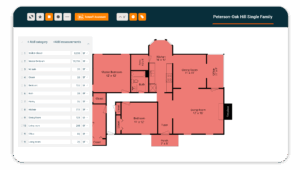
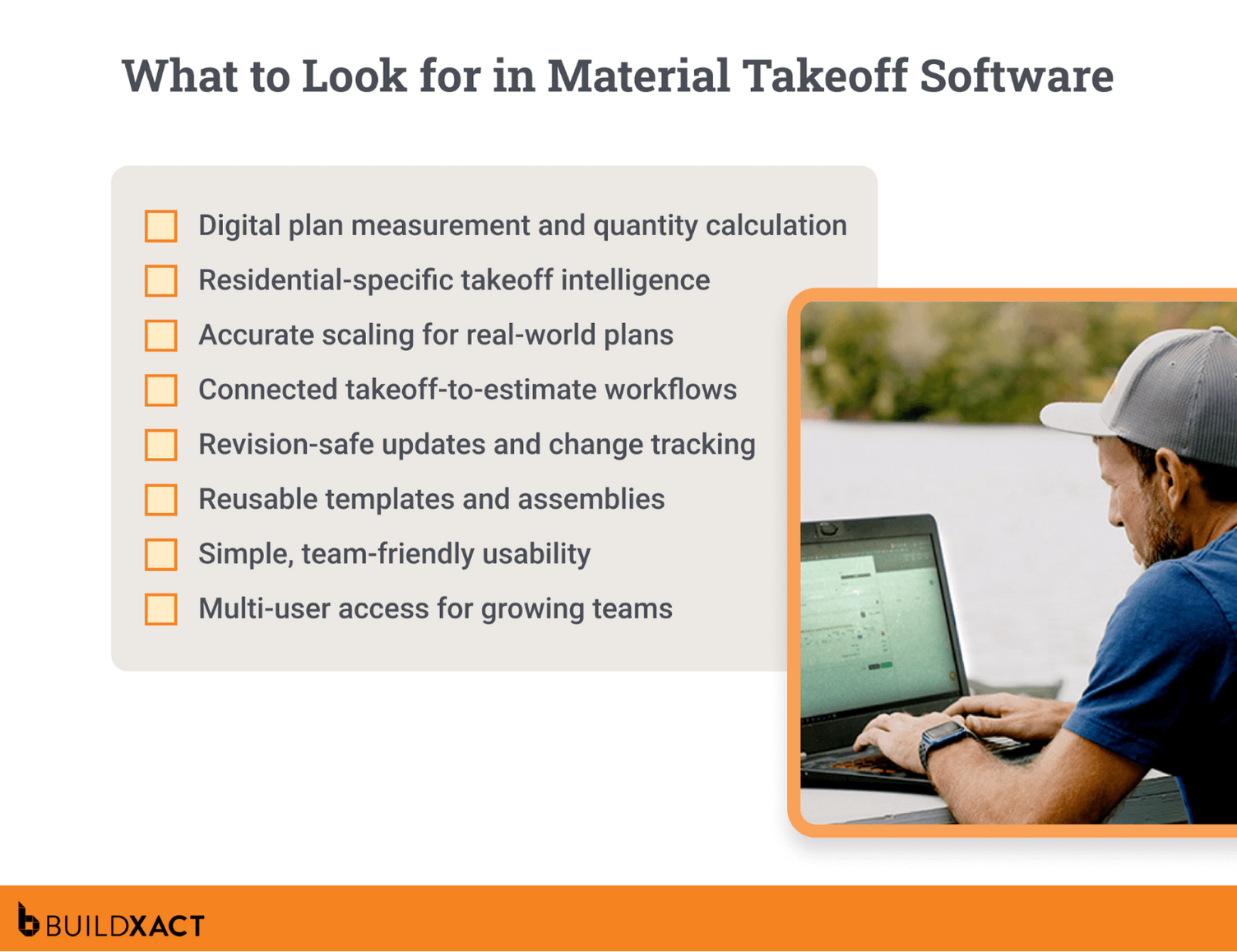
At a minimum, takeoff software should let you upload digital plans, scale them accurately, and measure areas, lengths, and counts without hassle. If measuring feels clunky or unreliable, everything downstream suffers.
Just as important is quantity logic that reflects real materials, not just square metres on a screen. Good tools convert measurements into usable material units and support waste allowances, because no residential job runs perfectly to plan. You should also be able to edit quantities when needed, without breaking the takeoff or losing track of what changed.
If a tool can’t reliably turn drawings into structured quantities that feed estimating, pricing, and purchasing, it’s not solving the real problem.
Residential-specific intelligence
Innovative takeoff software with AI-powered assistance built in does the heavy lifting for you. It can recognize common residential elements and handle the repetitive measuring that used to eat into your evenings.
The result is faster takeoffs and fewer of those small, annoying mistakes that creep in when you’re tired or juggling too many jobs.
But the “magic” only works when AI construction estimating software stays in its lane: instead of replacing a builder’s judgement and experience, AI-assisted features support speed, accuracy, and precision by spotting patterns and helping you catch things early. So while AI simplifies and handles the admin, the final call is always yours.
Workflow continuity
Material takeoff only works if quantities don’t get stuck in one place. They should move cleanly into estimating and pricing without re-keying, rebuilding, or relying on memory.
To keep your workflow running smoothly, look for these powerful software features:
- Direct handoff to estimating: Takeoff quantities flow straight into the estimate line items with no double entry.
- Clean revision tracking: When plans change, quantities update, and you can clearly see what changed and why.
- Reusable takeoff structures: Templates or assemblies carry the same quantity logic across repeat scopes like bathrooms or kitchens.
- Connected material logic: A single measurement can automatically drive all related materials — for example, tile, grout, and waste.
Usability and adoption
Good digital software is visually clear and intuitive. You measure directly on the plans, see highlights and overlays as you work, and learn by doing instead of clicking through manuals.
Just as important, access isn’t tied to a single estimator. Anyone on the team can jump in to check quantities or pick up where someone else left off.
If your team won’t use the software, it doesn’t matter how powerful it is. For SMB residential teams, adoption is everything. If a tool slows people down or feels intimidating, it is quietly abandoned, and you’re back to rulers and spreadsheets.
“To builders out there thinking about using Buildxact, give it a shot and just see how quickly you will be able to work the key features into your daily workflow.”
Material Takeoff Software Comparison Guide: Finding the Best Fit for Residential Builders
We’ve done the homework and put popular takeoff tools head-to-head to see which ones really earn their keep on residential jobs.
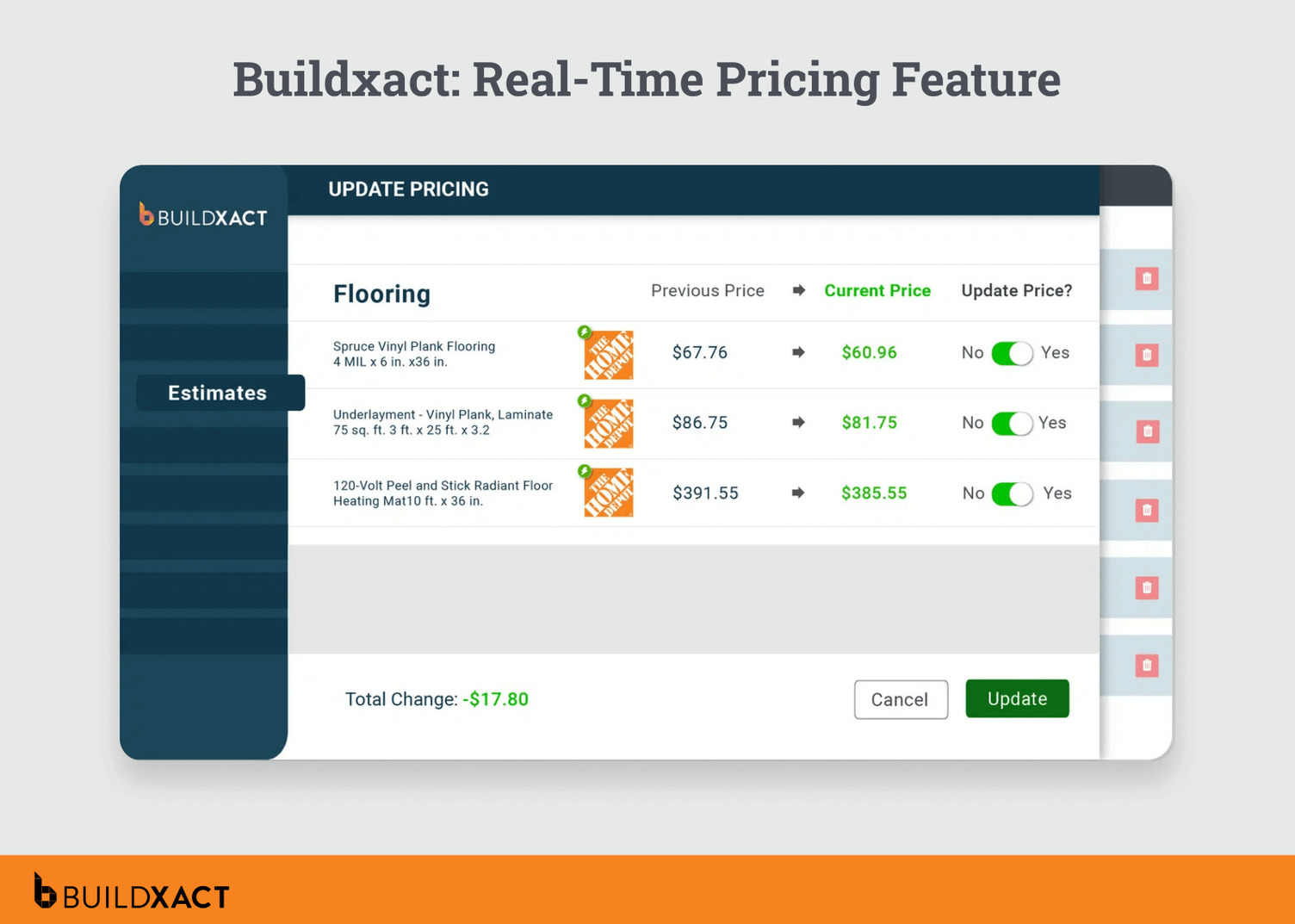
Buildxact
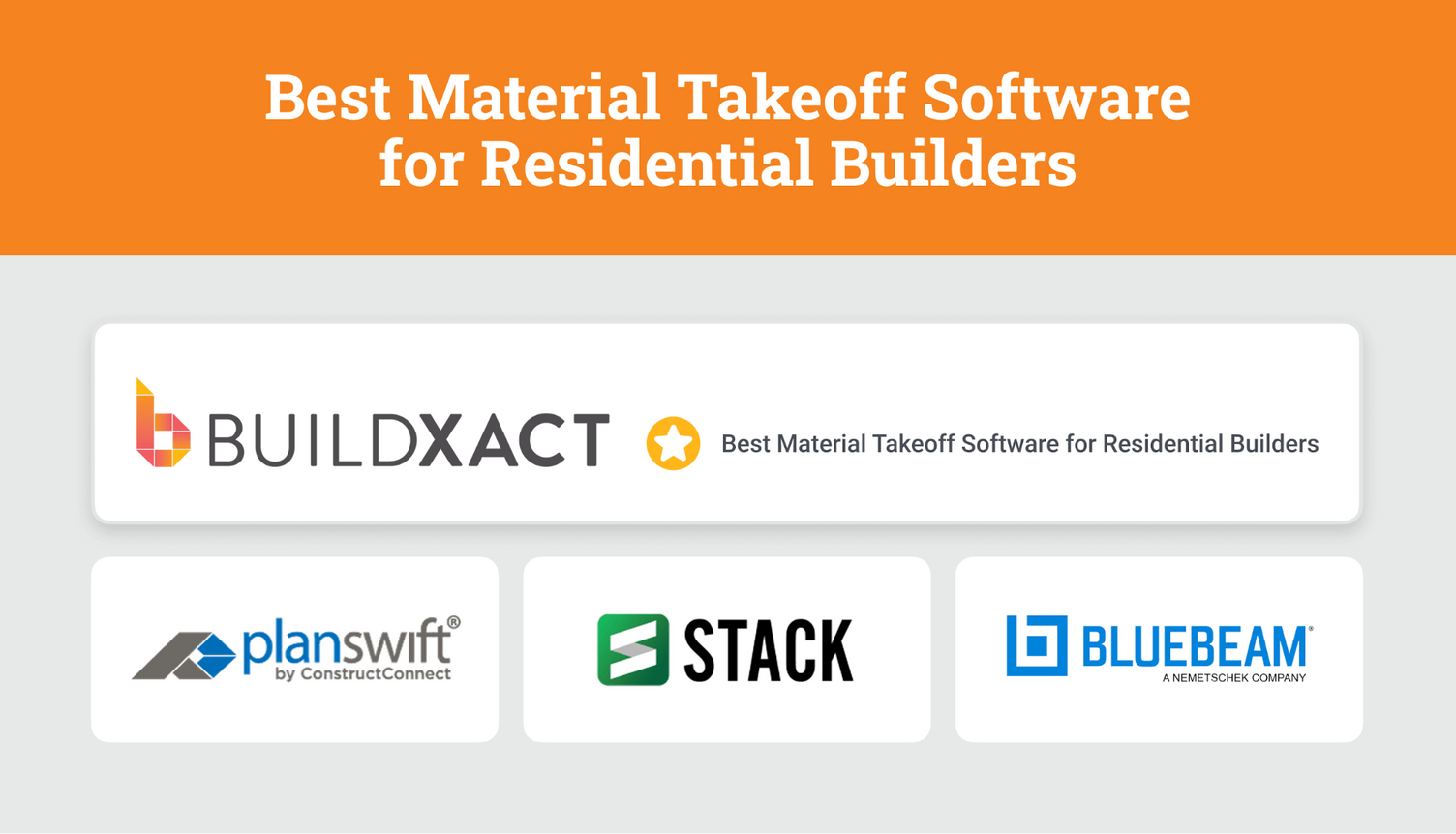
Buildxact is built specifically for residential builders who want takeoffs, estimating, and job management to work together, without enterprise complexity.
Unlike standalone takeoff tools, Buildxact connects quantities directly to estimates, pricing, purchasing, and schedules. You measure once, and those numbers flow through the rest of the job. No re-keying or rebuilding scope later.
AI plays a supporting role here, not a flashy one. Tools like Blu: Takeoff Assistant speed up counting and measurement, while Blu: Estimate Reviewer helps flag missed items before a quote goes out. It’s less about replacing judgment and more about catching blind spots and saving time.
Benefits
- Digital plan upload and scaling: Upload PDF plans and measure directly.
- AI-powered material measurement and counting (Blu: Takeoff Assistant)
- Material quantity validation
- Assemblies and templates for material lists
- Real-time dealer pricing integration
Drawbacks
- Built specifically for residential construction workflows. Not suited for commercial/industrial estimators.
Best for
Small to mid-sized residential builders who want fast, accurate takeoffs without the complexity of enterprise estimating software.
Our scoring
- Suitability for SMB builders: 5/5
- Residential construction focus: 5/5
- AI-powered automation: 5/5
- Ease of adoption and use: 5/5
- Overall: 5/5
PlanSwift
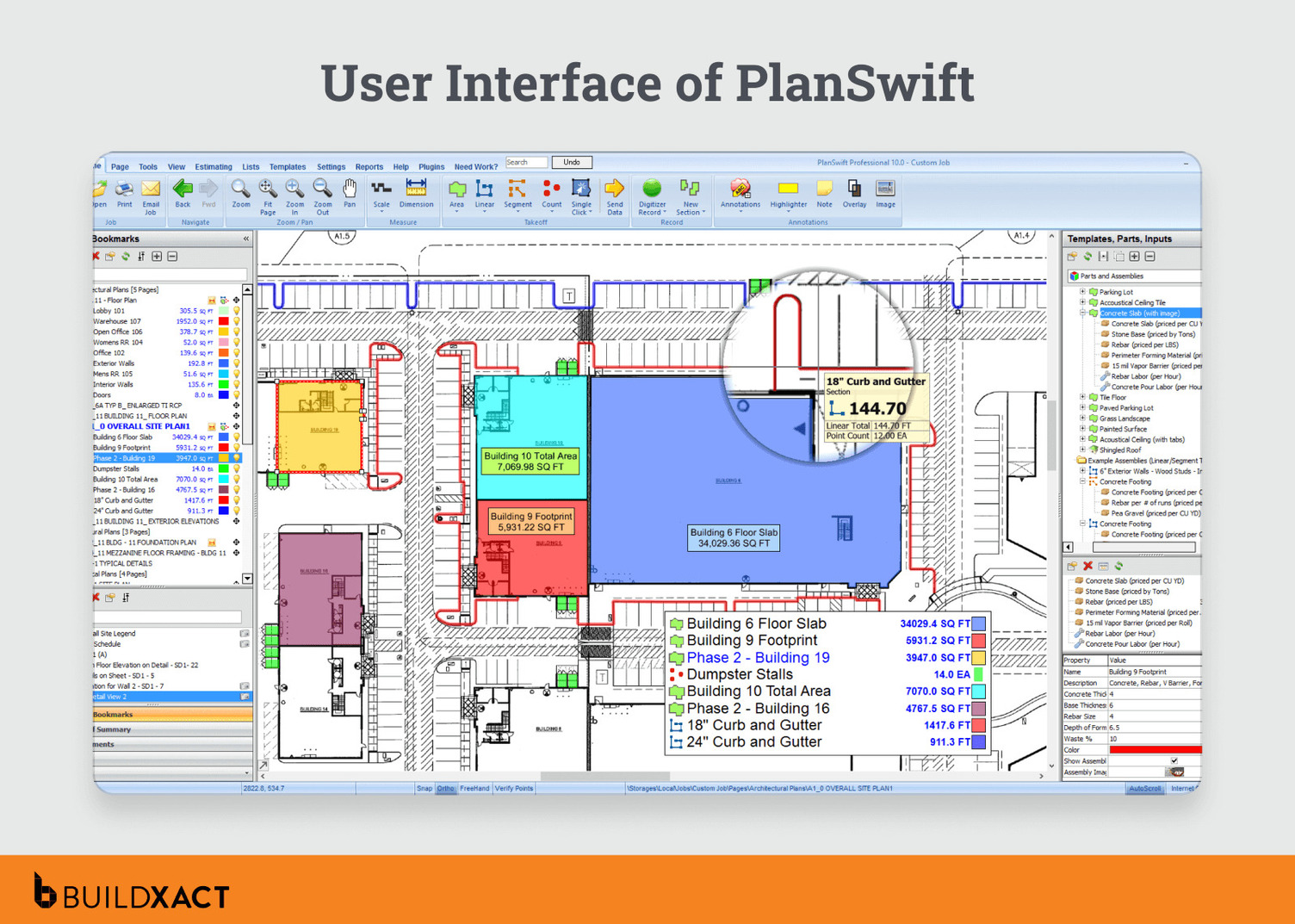
PlanSwift is a well-known takeoff tool that’s been around for years. It’s used across a wide range of construction trades.
Benefits
- Highly customizable for different trades
- Strong takeoff tools once fully set up
- Works well for experienced estimators who want control
Drawbacks
- Setup can be time-consuming
- Less focused on end-to-end residential workflows
Best for
Commercial teams and trade-specific estimators focused on takeoff rather than full job workflows.
Our scoring
- Suitability for SMB builders: 3/5
- Residential construction focus: 3/5
- AI-powered automation: 4/5
- Ease of adoption and use: 4/5
- Overall: 3.5/5
STACK
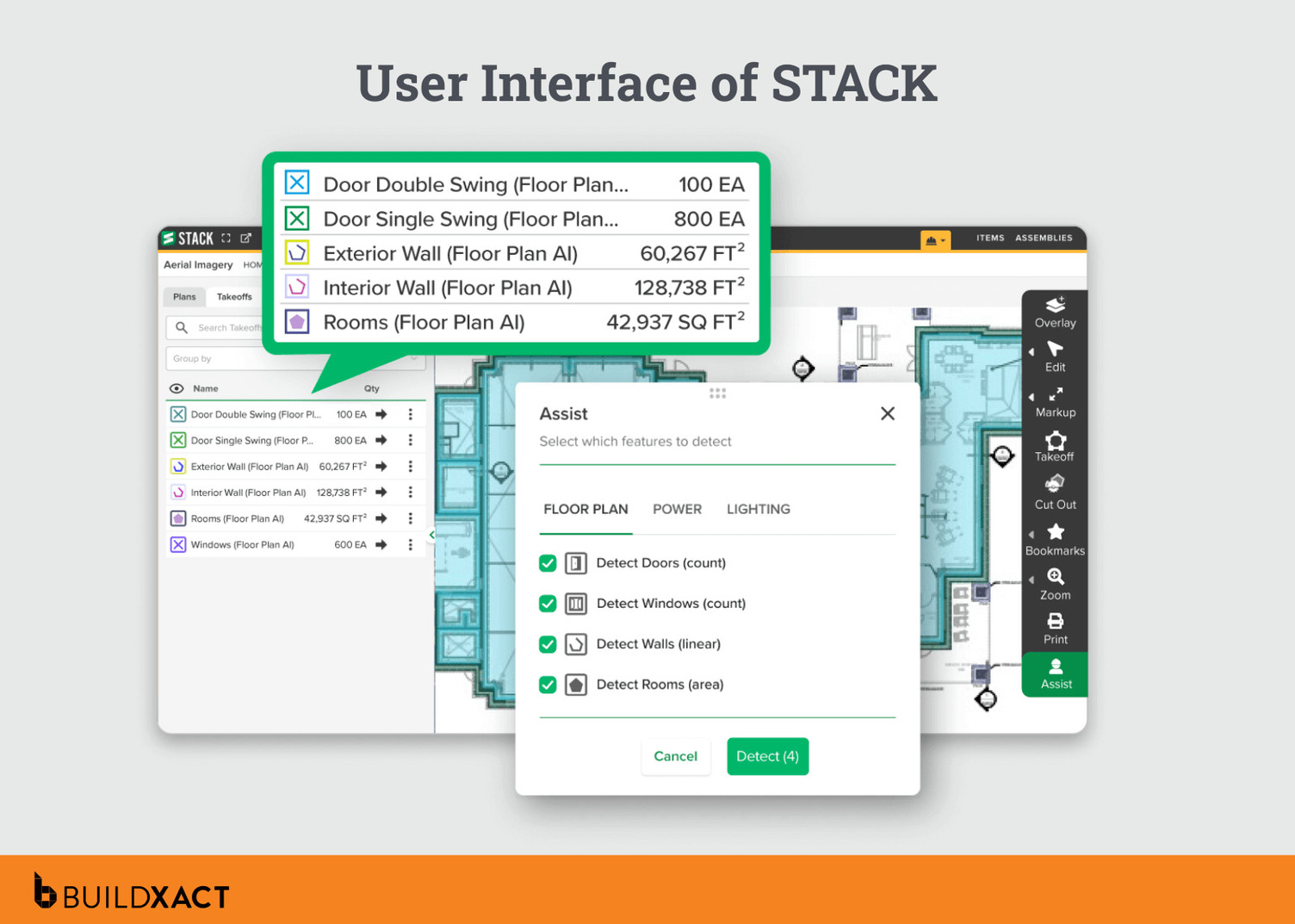
STACK is a collaborative construction takeoff software and estimating platform that shines in preconstruction, less so once the job moves on-site.
Benefits
- Modern, web-based interface
- Mobile access to easily review quantities in the field
Drawbacks
- Can feel heavy or complex for smaller teams
- Limited residential-specific workflows
- Integrations may require additional setup
Who is STACK best for?
Commercial estimating teams focused on bidding and preconstruction.
Our scoring
- Suitability for SMB builders: 3/5
- Residential construction focus: 2.5/5
- Materials-focused takeoff capabilities: 3.5/5
- AI-powered automation: 3/5
- Ease of adoption and use: 3.5/5
- Overall: 3/5
Bluebeam Revu
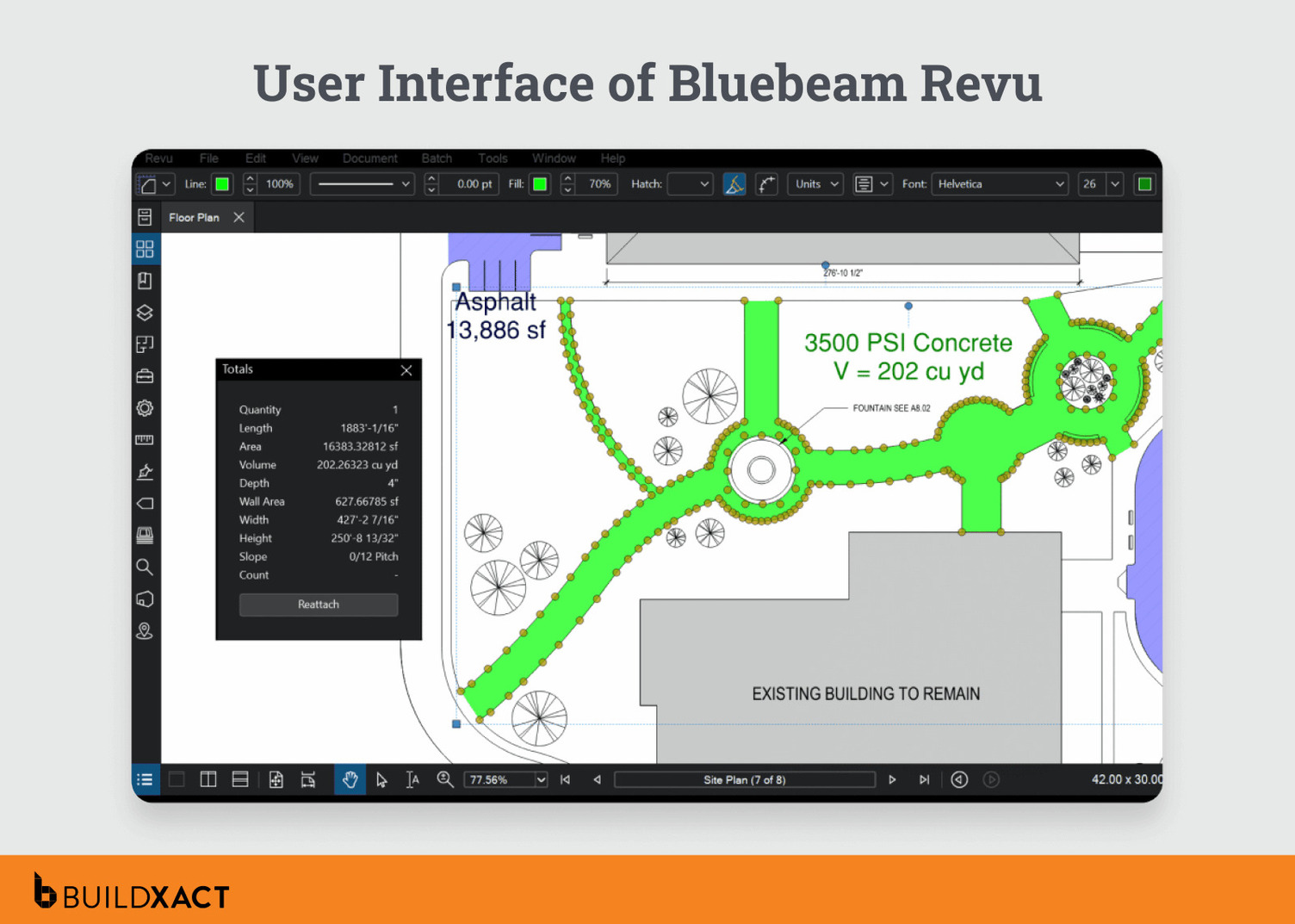
Bluebeam Revu is a PDF-first collaboration tool, built for marking up and reviewing drawings.
Benefits of Bluebeam Revu
- Strong PDF markup and overlay tools
- Real-time collaboration on drawings
- Compatible with other AEC software
Drawbacks and limitations
- Mac version discontinued
- Not ideal for full estimating workflows
- Struggles with large files
Best for
Teams that live in PDFs and need markup, not connected estimating.
Scoring
- Suitability for SMB builders: 3/5
- Residential construction focus: 3/5
- Materials-focused takeoff capabilities: 2.5/5
- AI-powered automation: 2.5/5
- Ease of adoption and use: 2.5/5
- Overall: 2.7/5
Win more work with faster, more accurate material takeoffs
Material takeoff is the foundation of every job. Get it right, and everything else falls into place. Get it wrong, and you’re chasing problems from day one.
If you’re a residential builder who wants material takeoffs to flow straight into material pricing, estimating, and purchasing, Buildxact stands out as the most practical, purpose-built option. Other tools measure plans. Buildxact helps you run the job.
Try Buildxact free or book a demo to see it in action.