
“The client changed their mind… again.”
“I priced this already. Why am I redoing it?”
“Was that included, or was that a change order?”
If any of that sounds familiar, you’re not alone. Remodeling jobs are constantly changing, and every change affects your schedule and business. Unknowns behind walls, overlapping trades, and mid-job decisions can make renovation work far more complex than new builds.
The real problem isn’t the change itself. It’s managing work across spreadsheets, PDFs, emails, and messages. That’s how jobs get re-priced multiple times and profitability only becomes clear once the job is finished (sometimes too late).
Remodeling software exists to fix this. It’s designed for constant change, keeping scope, pricing, and costs aligned.
In this guide, we compare the best software for remodeling contractors, focusing on tools that help SMB remodelers manage change effectively and stop profits from disappearing mid-job.
What are the Benefits of Software for Remodeling Contractors?
Here’s how the right builder-focused software tools give your business the structure it needs to grow.
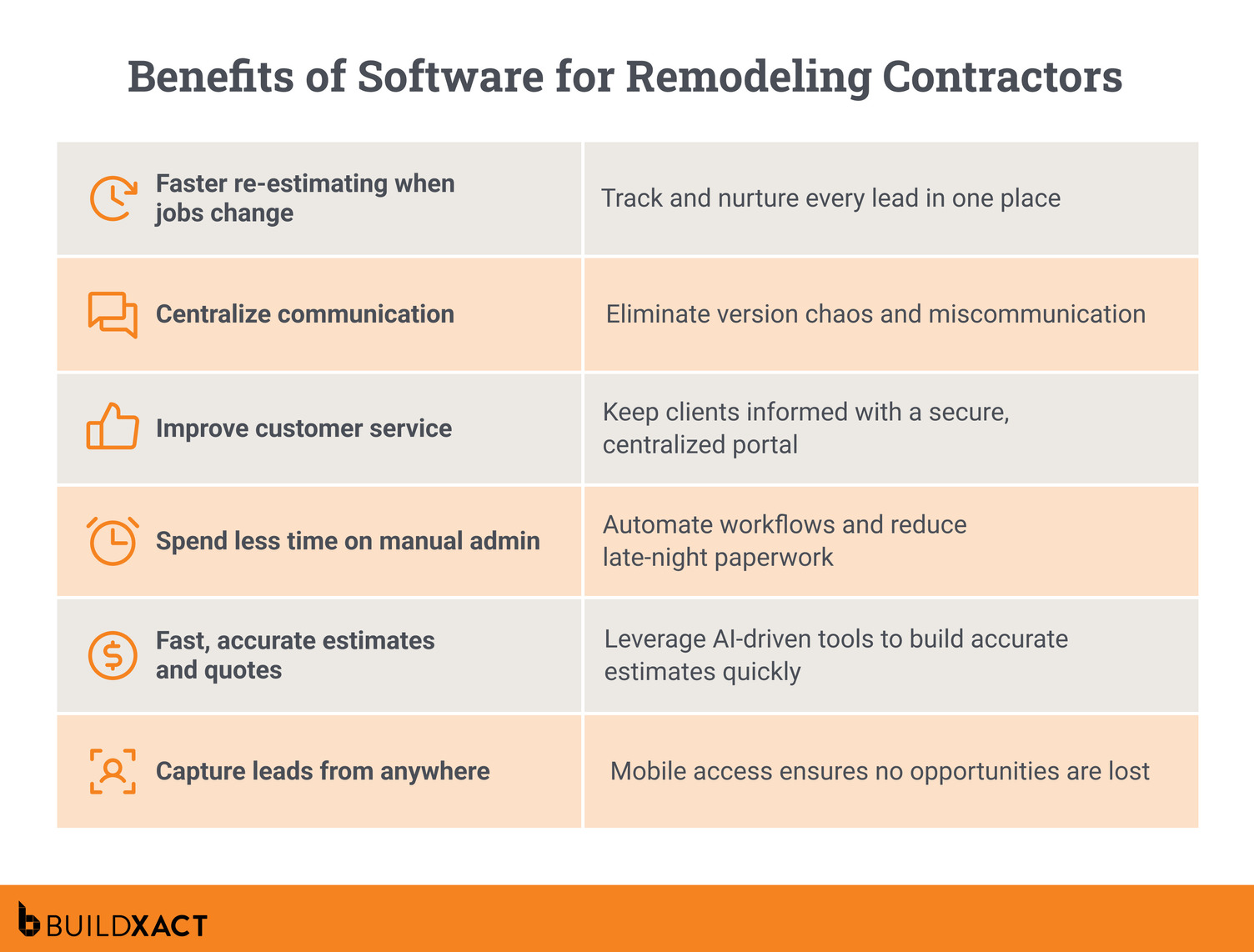
Faster, more accurate estimates on changing jobs
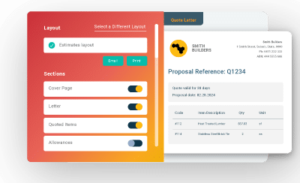
Scope changes are part of remodeling, but constantly rebuilding estimates shouldn’t be. The best construction estimating software allows you to revise pricing as the job progresses, so updates are accurate and easy to manage. You can update existing estimates instead of starting over, so changes don’t slow down the job.
Better control over change orders
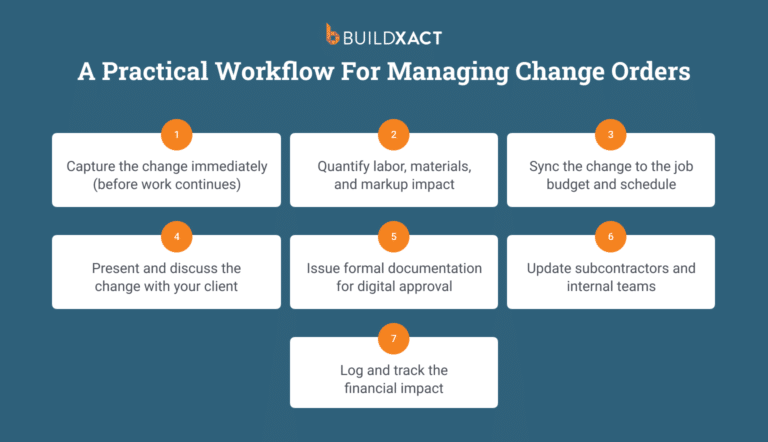
With a software platform that’s aimed at contractors, you can clearly track what was initially included in a quote, what changed, and why. Change orders are priced, sent for approval, and logged correctly, so nothing is forgotten about later when it’s time to send your invoice.
Fewer mistakes caused by fragmented tools
Spreadsheets, PDFs, text messages, and emails don’t talk to each other. This kind of fragmented setup makes effective project management almost impossible once a remodel is underway.
Remodeling software brings everything into one place, keeping project estimates and schedules aligned. That means fewer missed details and duplicate updates, and a smoother process when sending out the invoice.
Clearer client communication and approvals
When decisions are logged and approvals are timestamped, conversations stay clear. Clients can see what they’ve approved, and you’re protected from “we talked about this” moments that slow jobs down or cause disputes.
Improved job profitability visibility
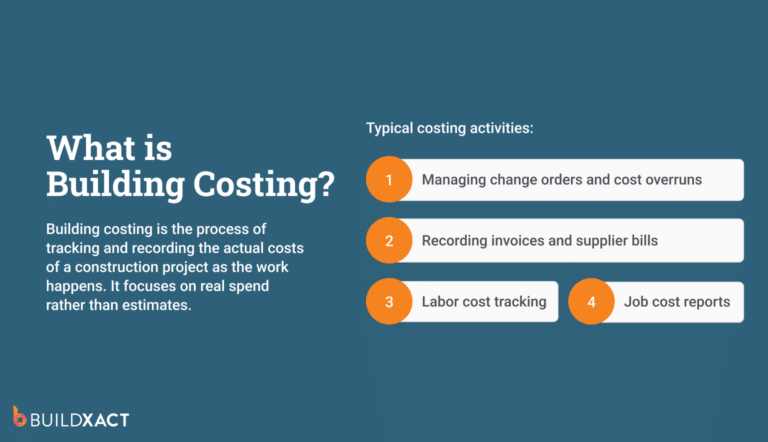
Instead of discovering at the end that a job underperformed, software for remodeling shows how actual expenditures compare to estimates as the job evolves. You identify issues early, allowing you to adjust and complete jobs while knowing where the numbers stand.
Which Essential Features Should Contractors Look for in Remodeling Software?
Not all construction software can handle the realities of remodeling. These are the essential features contractors should look for.
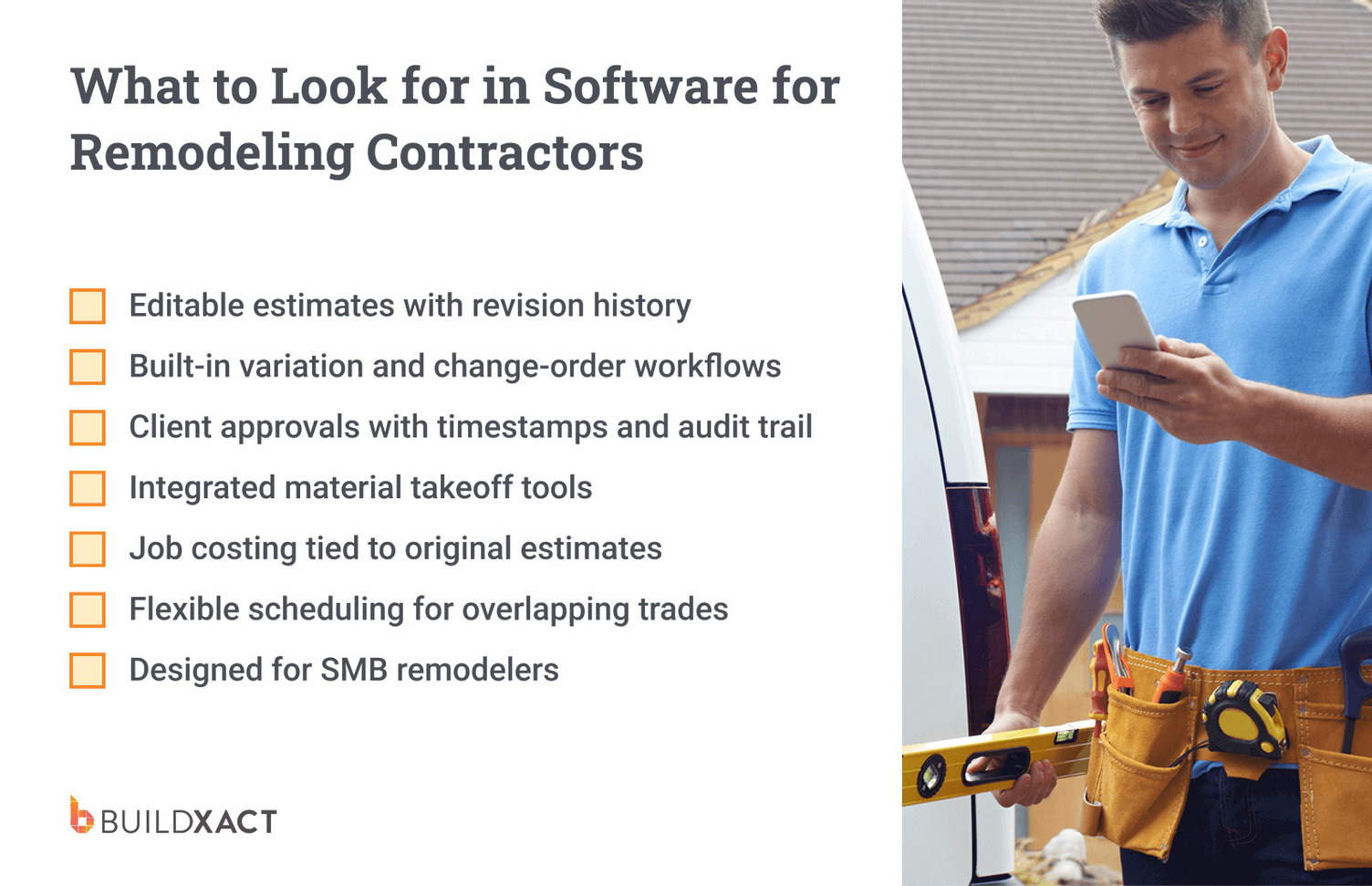
Editable estimates with revision history
Look for estimating software for remodelers that lets you revise an existing estimate without rebuilding it from scratch. Clear revision history shows what changed, when it changed, and why.
Being able to refer to this information saves a lot of headaches when hidden issues arise after demolition or clients reconsider finishes mid-job. It keeps everyone aligned on the current numbers, rather than an outdated version buried in an email.
Change order management
A proper change-order system lets you create, price, send, approve, and track change orders in one place, with a clear audit trail. Instead of relying on verbal agreements or message threads, changes are documented and approved before work continues.
Client portal
A homeowner portal provides clients with a single location to review quotes and approve changes. Approvals are timestamped and stored with context, which cuts down on back-and-forth. User-friendly customer management keeps the project feeling organised and professional from the client’s side.

Integrated material takeoff tools
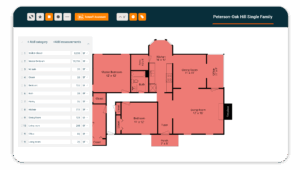
If your takeoffs and estimates aren’t connected, mistakes creep in. Integrated takeoff tools keep quantities and costs in sync when materials change, helping you avoid underpriced work.
Job costing tied to the original estimate
Real-time job costing keeps you informed as the project unfolds and integrates with your billing software. Instead of reviewing profit after the job is done, you can spot rising project costs and make changes while there’s still time to act.
Flexible scheduling for overlapping trades
Remodeling schedules rarely go exactly as planned. Scheduling tools should allow you to move, stack, or reschedule trades as site conditions change, without compromising the schedule’s integrity.
If plumbing on a home renovation project runs late, you can shift the tiler’s start date and keep the job moving instead of dealing with idle crews or site clashes.
What is the Best Home Remodeling Software for Contractors?
Here’s how the leading home remodeling software platforms compare, starting with the option best suited to handling change-heavy renovation work.
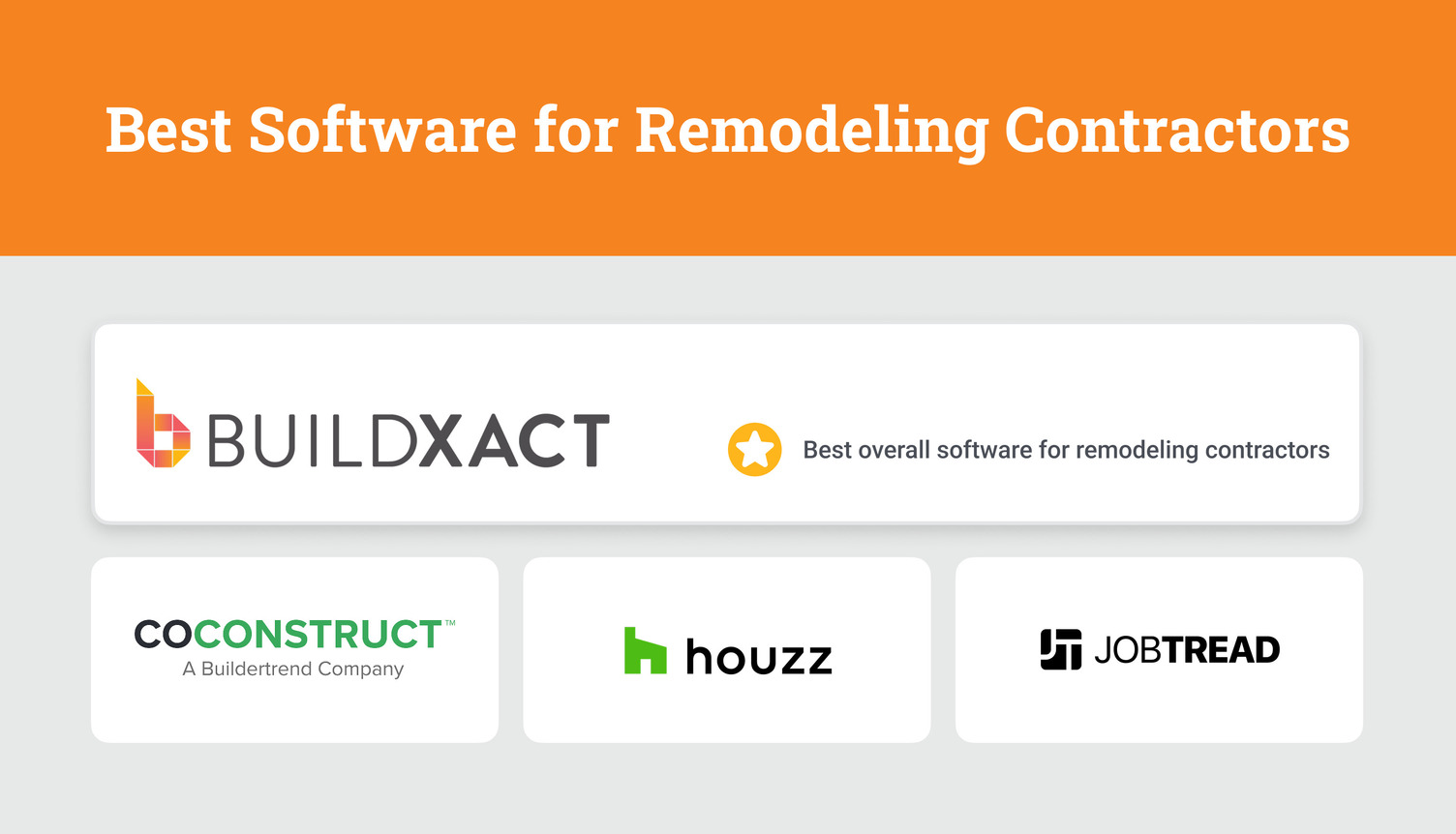
Buildxact
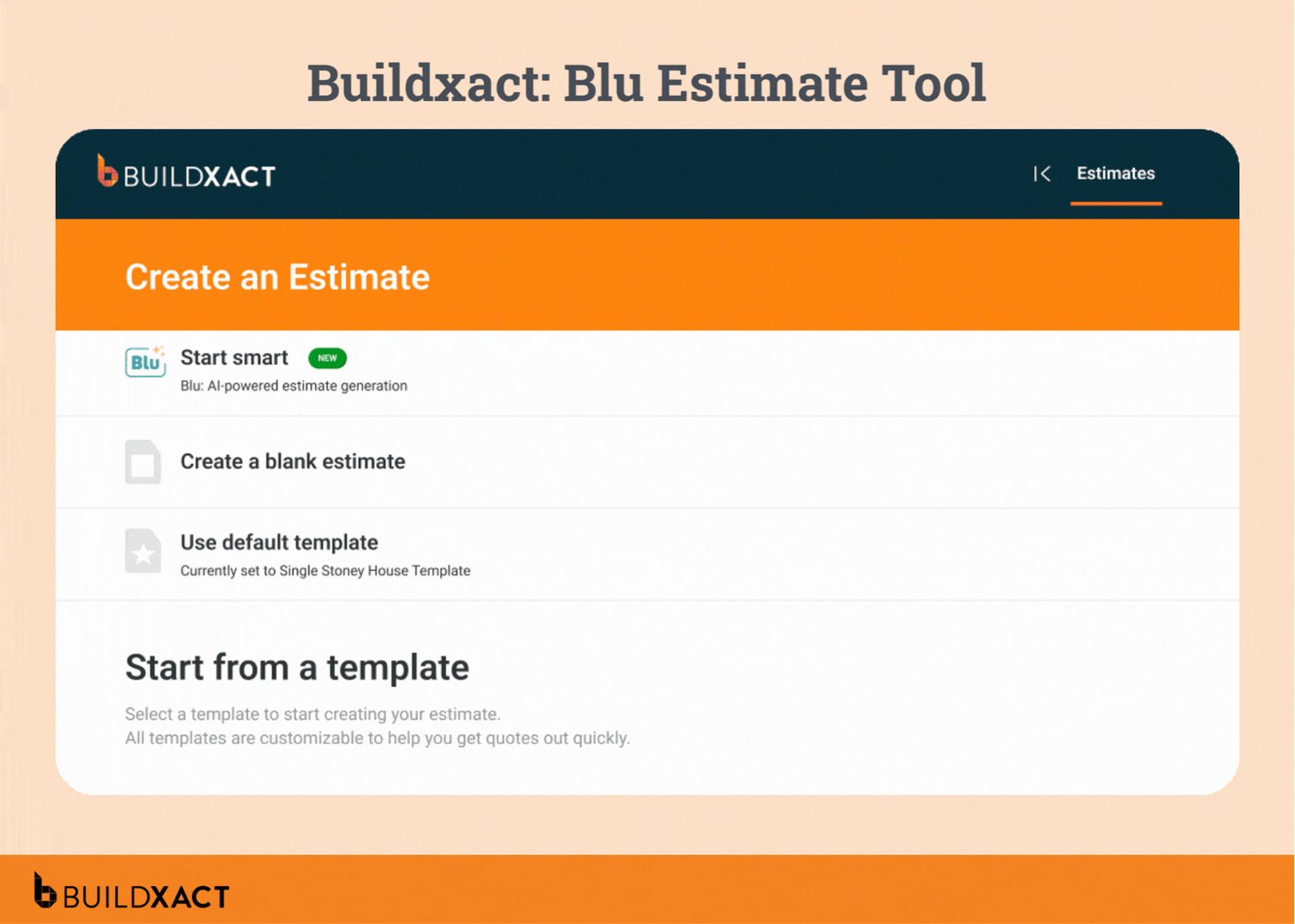
Buildxact is a purpose-built residential construction management platform for builders, remodelers, and contractors. Designed for small to medium-sized businesses, it supports the full project lifecycle with tools that match the way remodeling jobs are typically done.
For remodeling and renovation work, Buildxact helps contractors stay in control as projects evolve. From updating estimates after site discoveries to purchase orders and professional bids, Buildxact replaces manual rework with connected workflows.
Benefits of Buildxact
- Job costing against the original estimate – Actual costs are tracked alongside estimated costs within the same project, giving a clear view of how each job is performing financially.
- Centralized project records – All job documents, plans, photos, notes, estimates, change orders, and approvals are stored in a single project workspace.
- Complete communication history – Automatic logging of emails and SMS provides a single source of truth for every job, making it easy to review conversations and decisions.
- AI-assisted estimate validation (Blu) – Reviews renovation estimates against job-specific factors to highlight potential missing items or risks before approval.
- Task and scope visibility per trade – Work items and responsibilities can be clearly defined within the project, reducing ambiguity around who is doing what and when.
Drawbacks and limitations
Not designed for large enterprise workflows.
What people say about Buildxact
Contractors consistently highlight how much faster they can update estimates and issue change orders compared to using spreadsheets or generic PM tools — cutting admin time dramatically and improving confidence in their numbers.
“It’s easy to use, and very professional estimates. I could do my markup without the customer seeing my percentages. Could copy one estimate to use for another customer,” says Jerome S, a construction project manager.
Who is Buildxact best for?
Small to mid-sized remodeling contractors and renovation specialists.
What do we score Buildxact?
- Remodeler estimating & revisions: 5/5
- Change order tracking: 5/5
- Job costing visibility: 5/5
- Takeoff integration: 5/5
- Overall fit for remodeling jobs: 5/5
Houzz
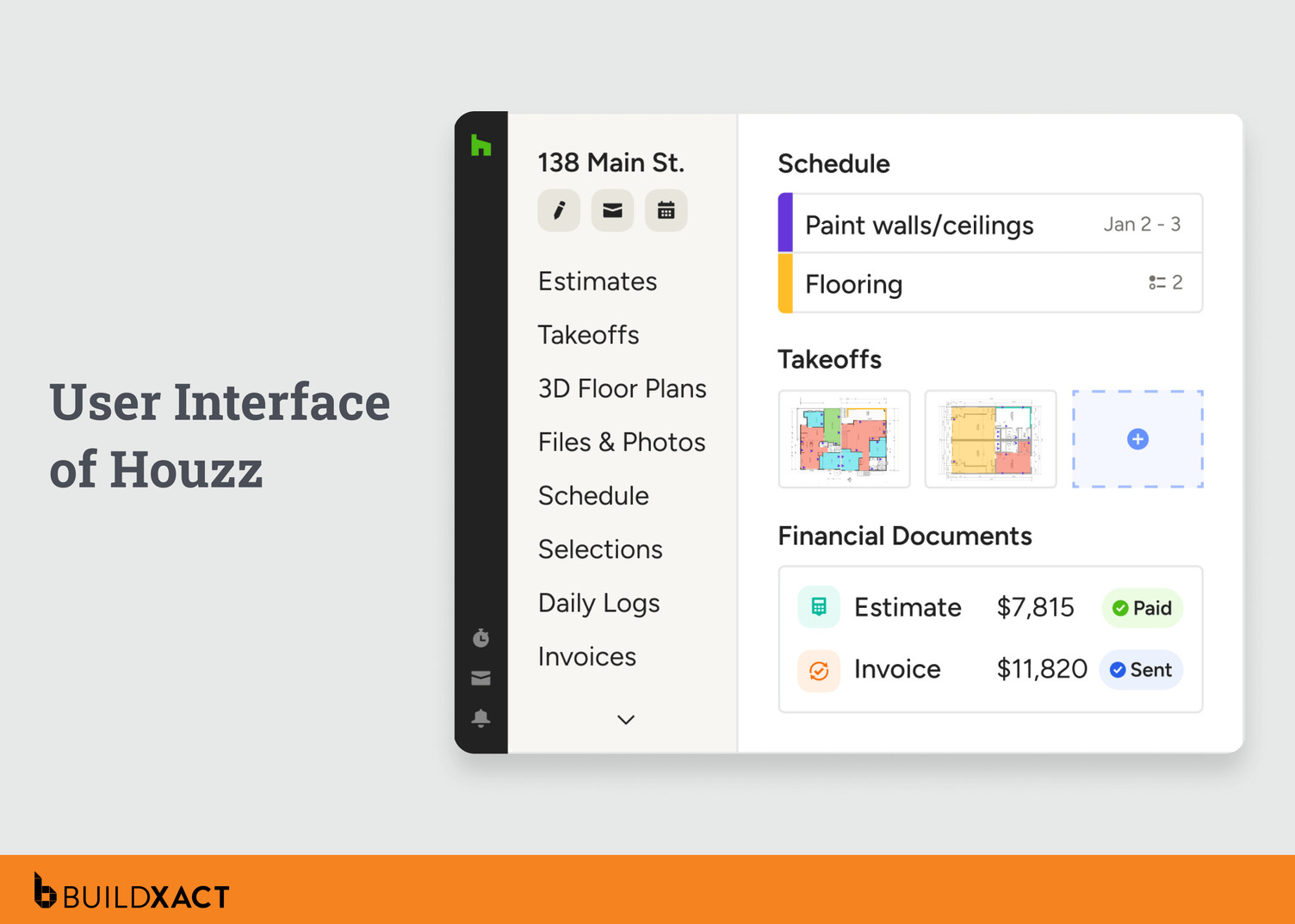
Houzz is a quoting, CRM, and client communication platform that is more aligned with interior designers, homeowners, and general contractors. It works best at the front of the project lifecycle, helping teams manage leads, send proposals, and keep client conversations organised from first contact through project kickoff.
Benefits of Houzz
- Combines estimating with client communication and product selection
- Clean, accessible interface for client-facing interactions
Drawbacks and limitations
- Less suitable for managing complex renovation jobs with overlapping trades
- Limited automation for on-site workflows and job execution
Who is Houzz best for?
Interior designers, design-led contractors, and general home service providers who prioritize client communication and quoting.
What do we score Houzz?
- Remodeler estimating & revisions: 3/5
- Change order tracking: 3/5
- Job costing visibility: 3/5
- Takeoff integration: 2.5/5
- Overall fit for remodeling jobs: 3/5
Buildertrend
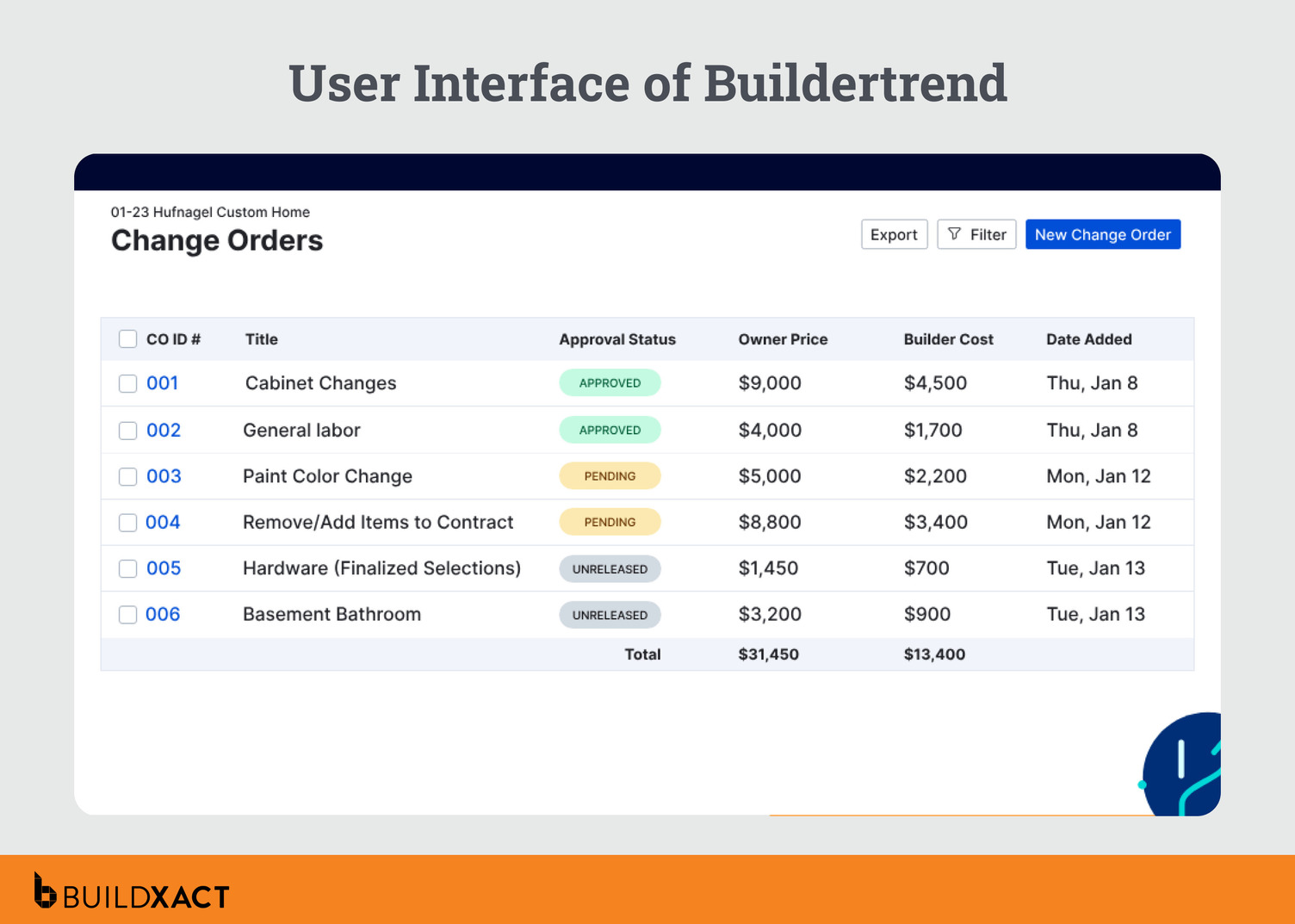
Buildertrend is a broad, all-in-one construction management platform with strong project execution tools. It’s powerful, but often more than SMB remodelers actually need.
Benefits of Buildertrend
- Good project management and documentation tools
- Strong scheduling and calendar features
- Solid client communication tools
- Scales well for larger teams
Drawbacks and limitations
- Re-estimating and scope changes require more manual steps
- Often better as a PM system paired with another estimating tool
Who is Buildertrend best for?
Larger remodeling businesses that have dedicated admin or project managers.
What do we score Buildertrend?
- Remodeler estimating & revisions: 3/5
- Change order tracking: 3.5/5
- Job costing visibility: 4/5
- Takeoff integration: 2.5/5
- Overall fit for remodeling jobs: 3.5/5
JobTread
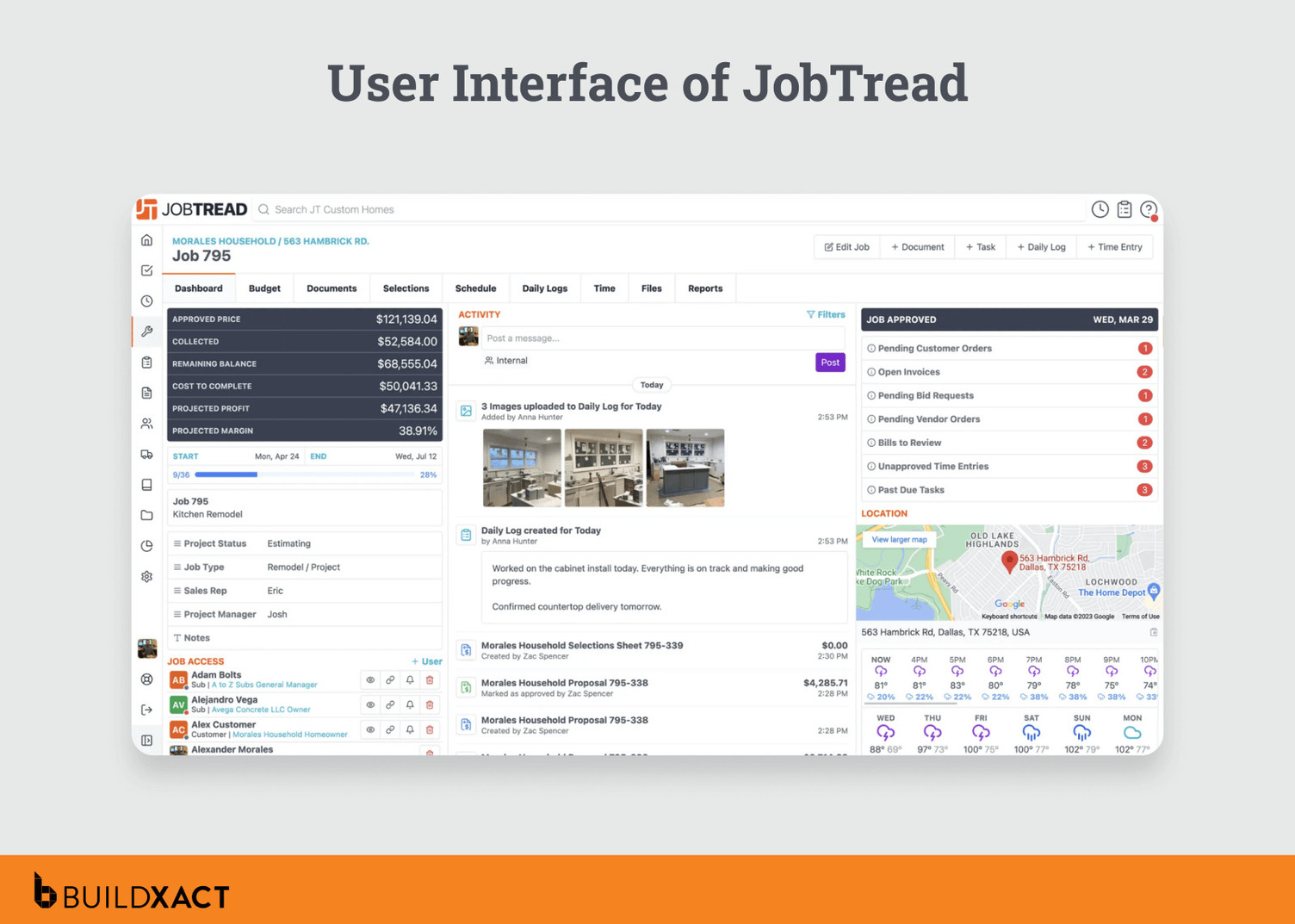
JobTread is a budget-first estimating and job tracking tool aimed at residential contractors. It’s clean, modern, and approachable, but not as robust for complex remodeling scenarios with extensive scope evolution.
Benefits of JobTread
- Clean, intuitive UI
- Strong budget and cost tracking tools
- Easier onboarding than more complex platforms
Drawbacks and limitations
- Limited depth for managing layered change orders over long projects
- Estimating workflows are simpler, but less flexible for complex remodel changes
Who is JobTread best for?
Small remodelers who run simpler renovation projects and only want basic budgeting and project tracking.
What do we score JobTread?
- Remodeler estimating & revisions: 3.5/5
- Change order tracking: 3/5
- Job costing visibility: 4/5
- Takeoff integration: 2.5/5
- Overall fit for remodeling jobs: 3.25/5
Software to Keep Builders in Control When Remodels Change
At the end of a remodeling job, the work isn’t just what you built. It’s how well you kept control as things changed. Scope shifts, client decisions, and site surprises are part of the job. Losing track of them doesn’t have to be.
Modern remodeling software helps by keeping estimates, changes, and costs in sync. Instead of chasing paperwork, you’re working with numbers you can trust, even when the job doesn’t go exactly to plan.
If you want to stay in control of remodeling jobs as scope changes, Buildxact brings change orders and job costing into one connected platform. Start for free to see how it works on a real remodel.