

Buildxact is the best construction management software for residential builders and remodelers earning $1M to $10M a year. It connects estimates, dealer pricing, change orders and job costs, helping you keep an eye on your margin.
Managing multiple residential construction projects at once means juggling priorities across multiple jobs. Estimates, schedules, crews, subcontractors, client communication and job costs all need attention, often across different jobs at different stages. As your workload increases, keeping a clear picture of where every project stands – and how it’s tracking against budget – becomes harder.
You may already have construction management software in place, alongside spreadsheets and accounting tools. But when those systems don’t work well together, your team spends more time chasing information, updating records and trying to spot issues before they affect schedules or eat into planned margins. Finding the right platform means choosing one that supports the full construction workflow without adding unnecessary complexity.
This guide compares five construction management platforms: Buildxact, Buildertrend, JobTread, Contractor Foreman and Procore. We’ll look at their capabilities, pricing and limitations to help you find the best fit for your residential construction business.
Key Takeaways
- The right platform matches your business size and workflow. Tools built for large commercial work can add processes a $1M to $10M residential builder doesn’t need.
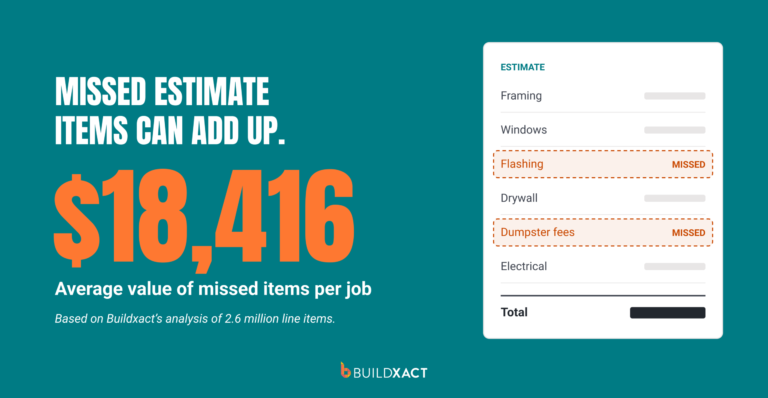
- Missed scope, unpriced changes and late costs erode your margin. Choose software that carries the estimate into the job budget and tracks actual spend.
- AI takeoffs and quick estimates save time, but only if you can review them. Choose tools that let you review and edit the output before it becomes your budget.
- Per-user fees, custom quotes, setup and training all add up. Weigh total cost against the features you’ll actually use.
What is the Best All-in-One Construction Management Platform for Growing Residential Builders?
Buildxact is the best all-in-one construction management platform for an established residential builder or remodeler doing roughly $1 million to $10 million in annual revenue. It connects digital takeoffs and estimating with job management, schedules, purchasing, change orders and cost tracking. It’s the best tool for teams that need to manage more work without losing sight of the numbers behind each job.
Other platforms may fit better depending on how you run your business:
- Buildxact: Best for residential builders and remodelers who want estimating and job cost visibility connected.
- Buildertrend: Best for larger residential operations that need broad client, sales and project management features.
- JobTread: Best for contractors who want a budget-led workflow and connections to multiple vendors and subcontractors.
- Contractor Foreman: Best for teams looking for a wide range of construction features at a lower entry price.
- Procore: Best for commercial general contractors managing complex projects and project controls.
What to Look For in Construction Management Software
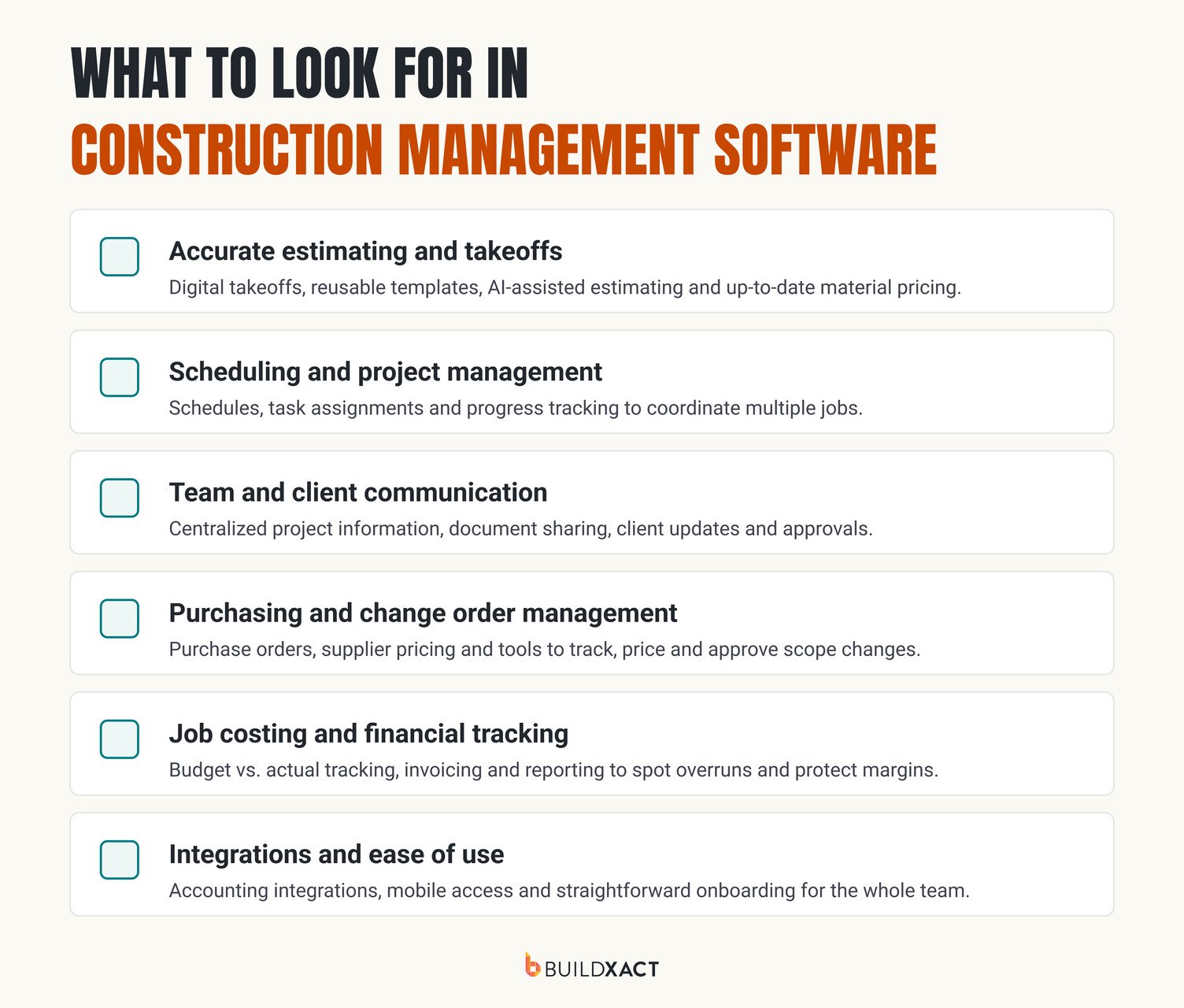
Choose software based on what your team needs to manage once work is underway. These are the capabilities that make a difference across active residential jobs.
Accurate estimating and takeoffs
Look for digital takeoffs, reusable templates or assemblies, current material pricing and a clear way to build a complete bid. Faster estimating is useful, but accuracy matters just as much. So if the software uses AI to measure plans or review an estimate, check that you can edit its work.
Once a bid is accepted, you should be able to carry its details into the job budget without entering everything again. Missing labor, materials or scope can put pressure on the margin before the job starts.
Scheduling and project management
Schedules, task assignments, milestones and progress updates help you coordinate crews, subcontractors and materials across active jobs. Mobile access matters when the person who needs the latest information is on site, not at a desk.
Team and client communication
Look for a shared place to keep plans, decisions, client updates and approvals. It should be easy for your team and subs to find the latest information, especially when a change affects the work.
Purchasing and change order management
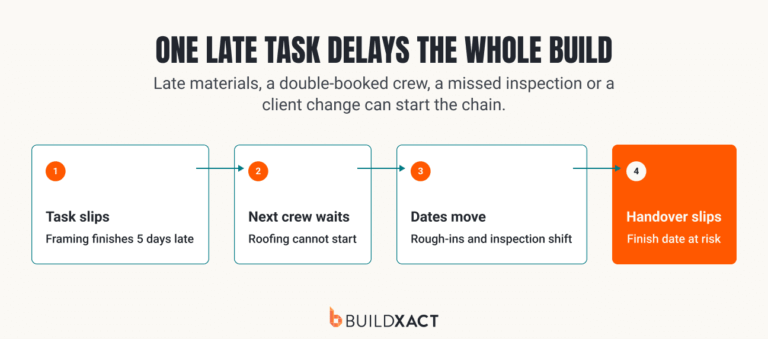
Purchase orders, dealer pricing and documented change orders help keep committed costs and scope changes visible. A client request that changes the work should be priced and approved before it becomes unplanned labor or material cost.
Job costing and financial tracking
The platform should compare estimated costs with actual spend while the job is active. Check whether you can view differences by job, cost category or line item, and whether invoices, purchase orders and change orders feed into that view. The goal is to spot a cost overrun early enough to act.
Integrations and ease of use
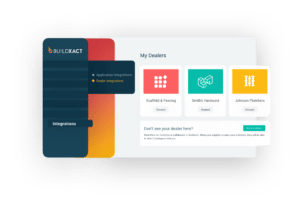
Check whether the software connects with your accounting system and the dealers you use. Also consider mobile access, training, setup and pricing. If updating job information takes too long, your team may stop keeping it up to date.
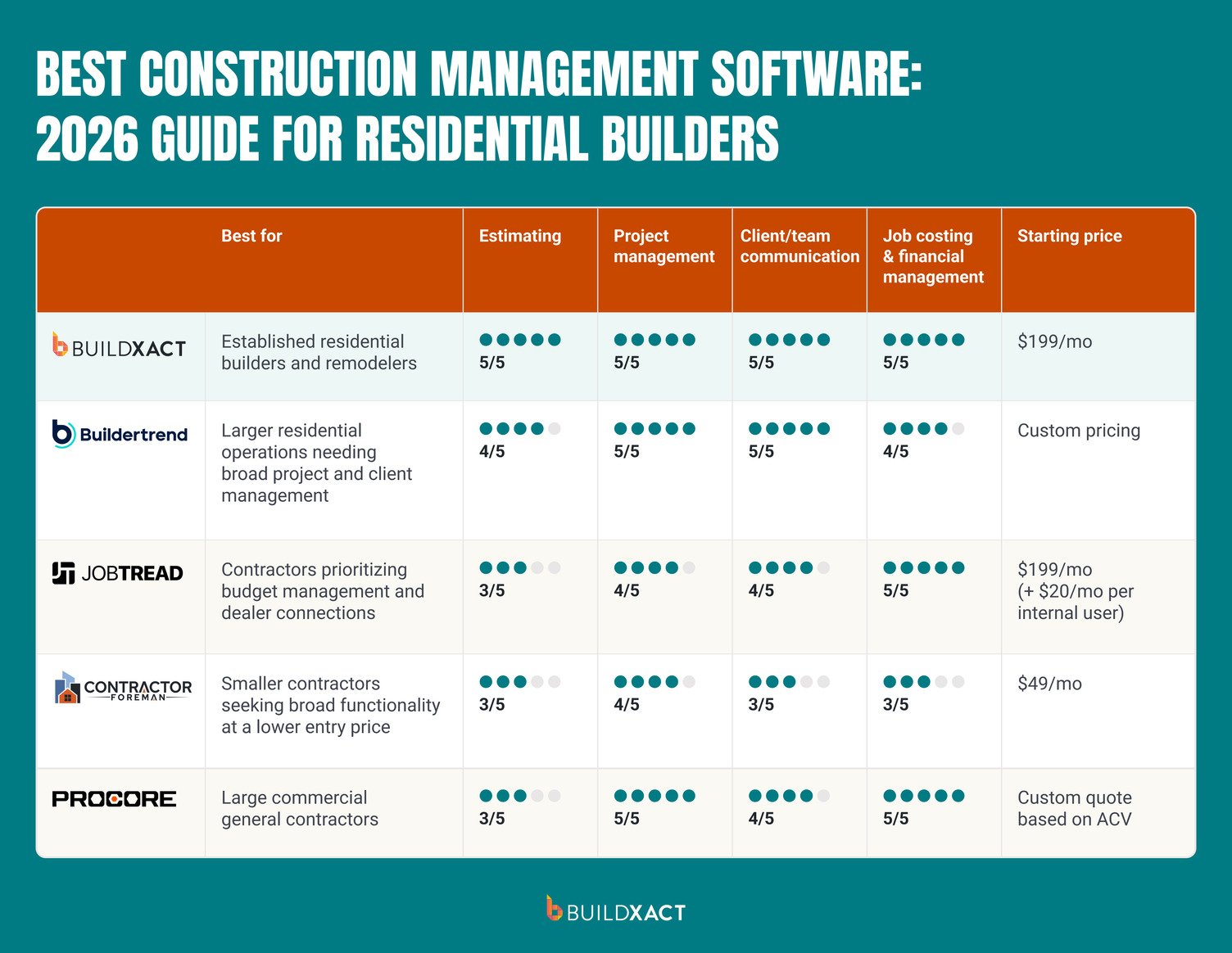
Best Construction Management Software: 2026 Guide For Residential Builders
We compared the platforms on preconstruction, project management, communication, job cost visibility and pricing. The best choice depends on the size and type of work you manage, so the table shows fit rather than assigning a universal score.
1. Buildxact
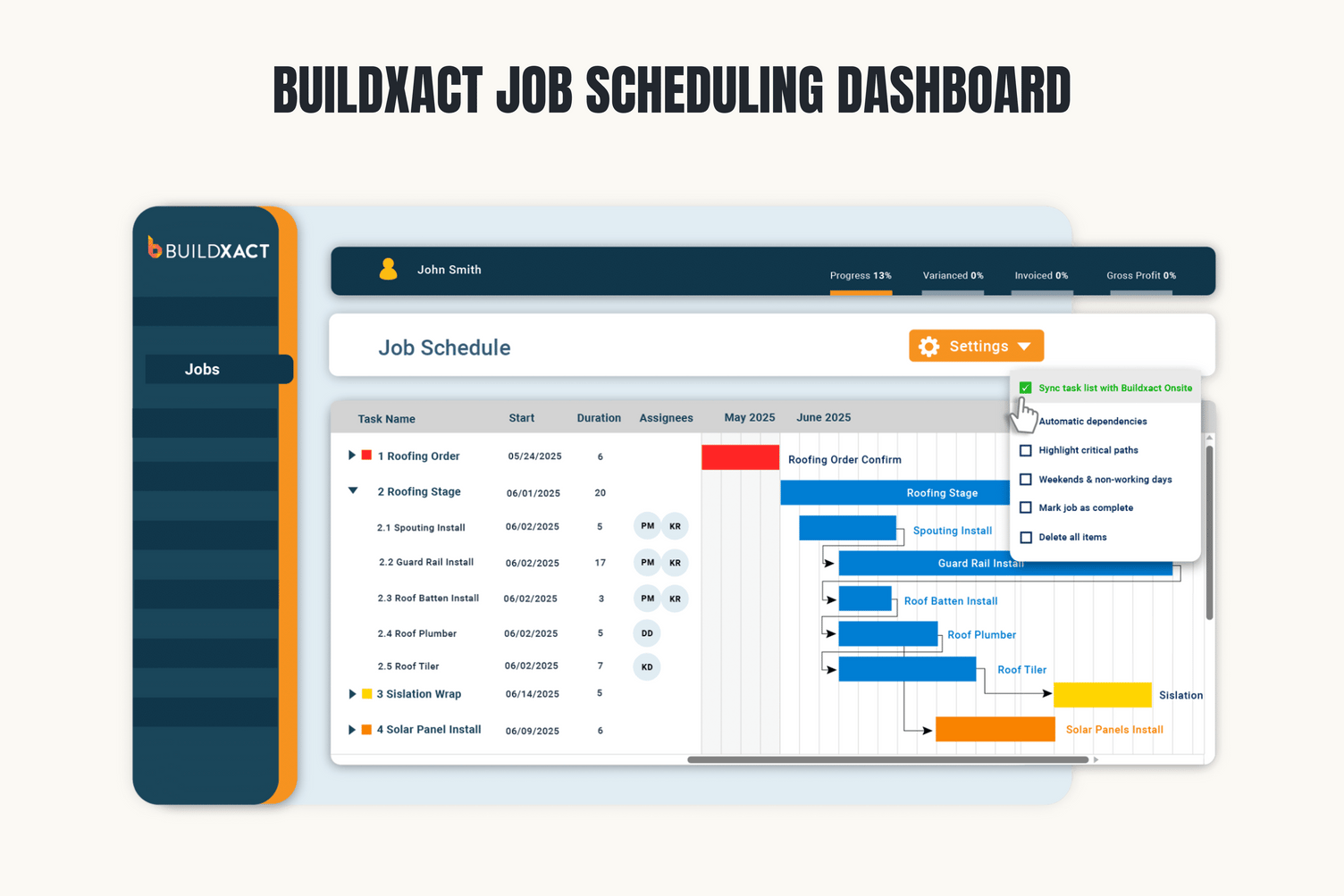
Best for: Residential builders and remodelers managing several jobs with a small team.
Buildxact gives each job a place for its schedule, task list, purchases, and change orders. Your crew can update tasks from the job site using the Onsite app, and the office can check progress without having to chase for updates.
If a client requests a change, you can submit it for approval while keeping it linked to the job’s costs and invoices. As bills and purchase orders come in, you can compare spending with the job budget and see how the numbers are shaping up before closeout. Buildxact also syncs purchases and invoices with QuickBooks or Xero, helping your team avoid entering the same details twice.
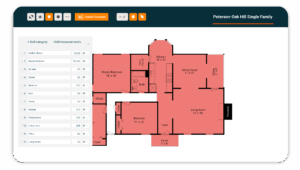
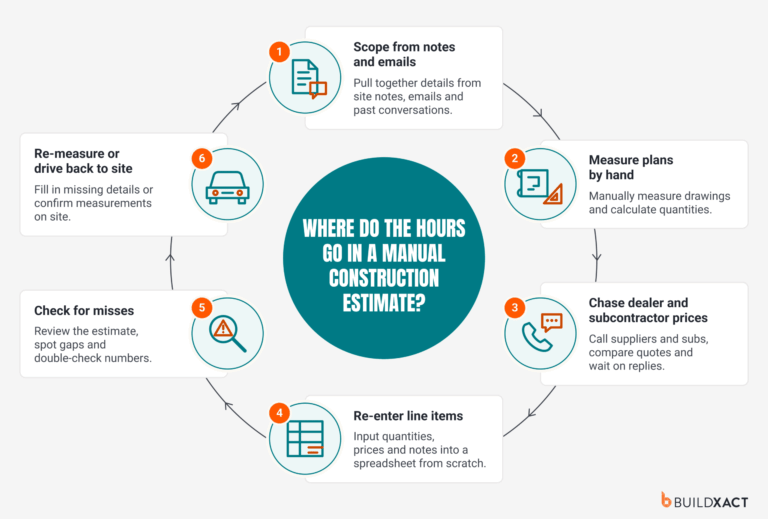
Buildxact’s Blu AI assistant helps you stay on top of your construction job management tasks. It can generate estimates, measure plans and flag missing costs before work begins, giving you a more reliable budget to track against as the job progresses. Using Buildxact, Northwoods Construction cut a whole-house estimate from 10 hours to four. New Buildxact users typically complete their first estimate up to seven times faster than manual methods.
Since Buildxact is designed specifically for residential builders and remodelers, large commercial contractors that need enterprise-level project controls may need a different platform.
2. Buildertrend
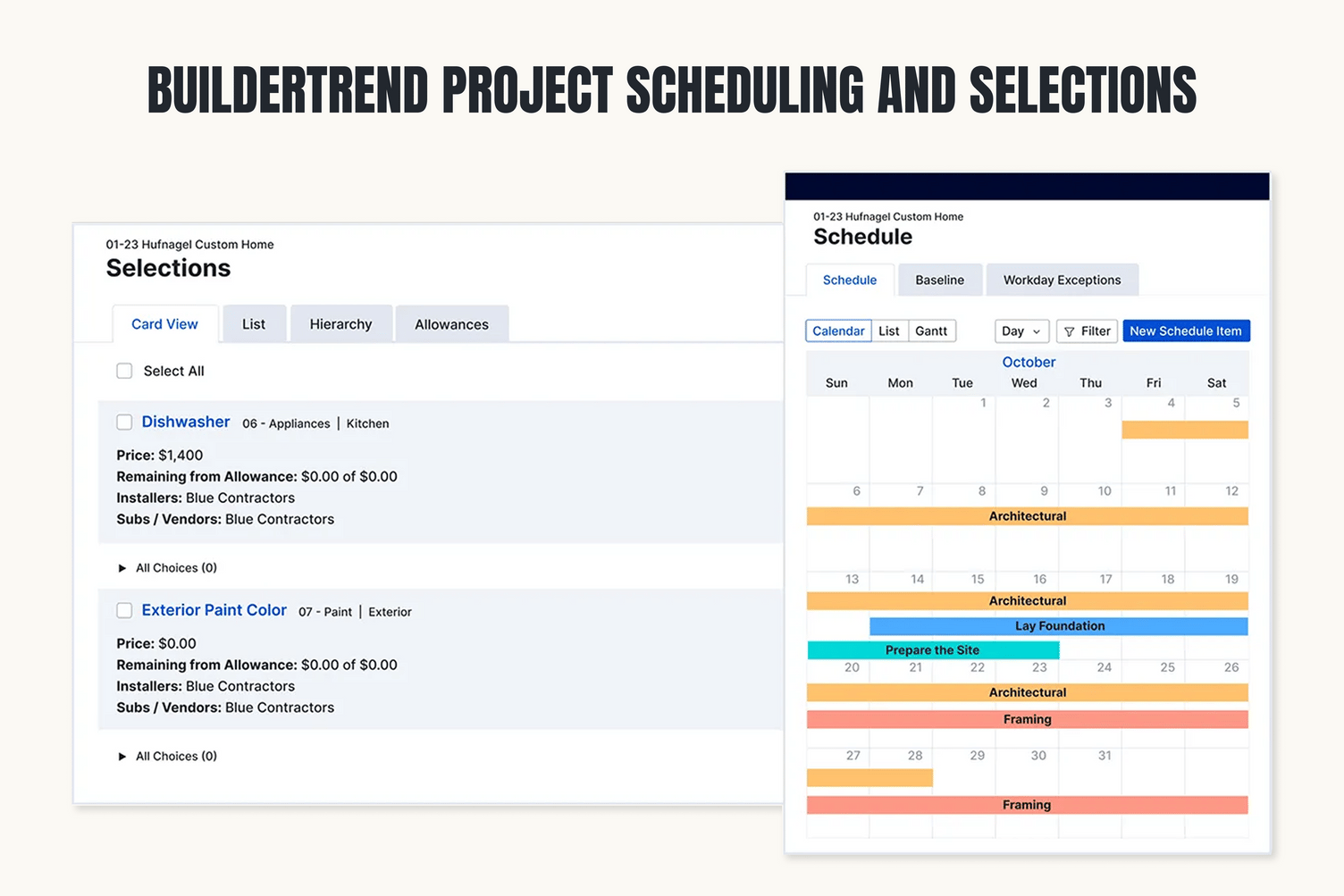
Best for: Larger residential teams that want to manage client decisions and active jobs in one place.
If your clients are choosing finishes while your team is coordinating several builds, Buildertrend gives both sides tools to follow the work. It includes scheduling, selections, a client portal and financial management features. Clients can check schedules, review selections and message your team through the portal.
The tradeoff is the scope: a smaller team may need time to set up its workflows and may not use every feature. Pricing is custom, so ask for a quote based on the tools your team will use.
3. JobTread
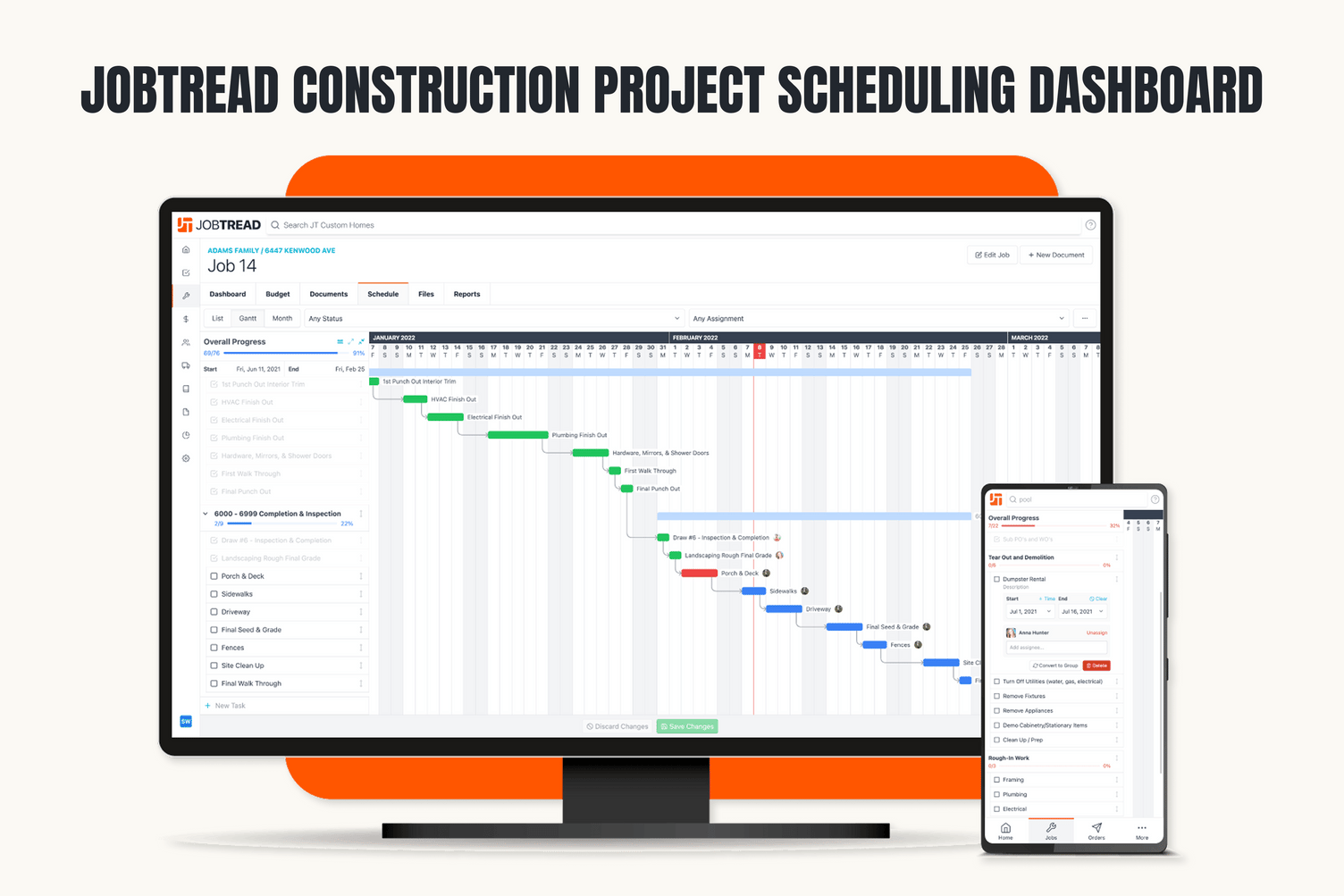
Best for: Contractors who manage jobs closely through budgets, purchase orders and vendor coordination.
If keeping the numbers straight across jobs is your main concern, JobTread connects budgets with purchase orders, work orders, bills and job costing. Vendors, subs and clients can use external portals to share information with your team. It also integrates with QuickBooks Online.
One thing to factor in: the subscription cost increases with the number of internal users, so work out how many people need full access before comparing it with other platforms.
4. Contractor Foreman
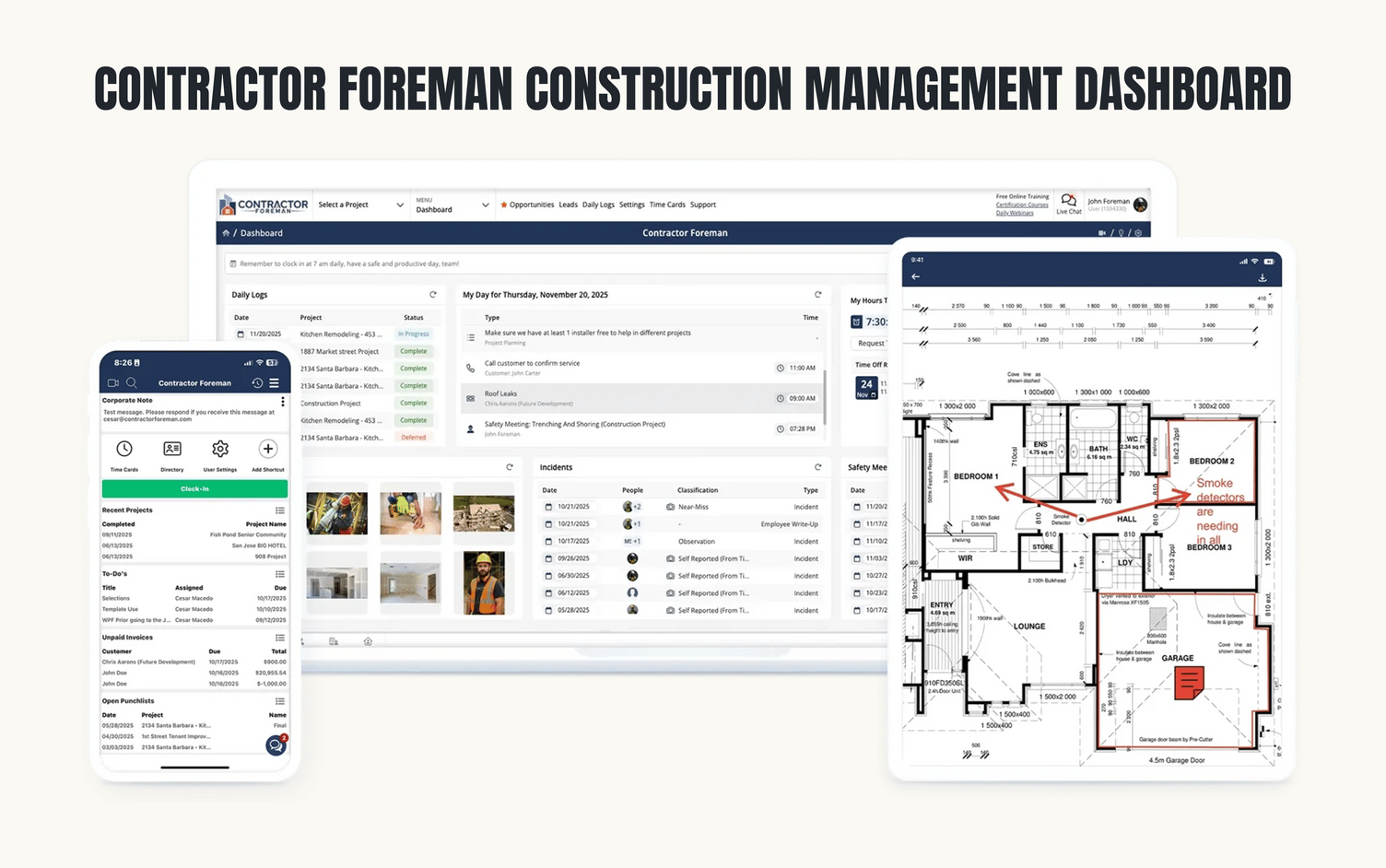
Best for: Smaller contractors who want a broad set of project tools at a lower entry price.
Contractor Foreman brings scheduling, daily logs, task management, client updates and job costing together. That can be handy when you’re trying to keep site notes, crew updates and project costs from ending up in separate places. Its plans start at a lower price point, but check which tier gives your team the access and features it needs. You’ll also want to see how much setup is required to organize your job cost information.
5. Procore
Best for: Large commercial general contractors managing complex projects and teams.
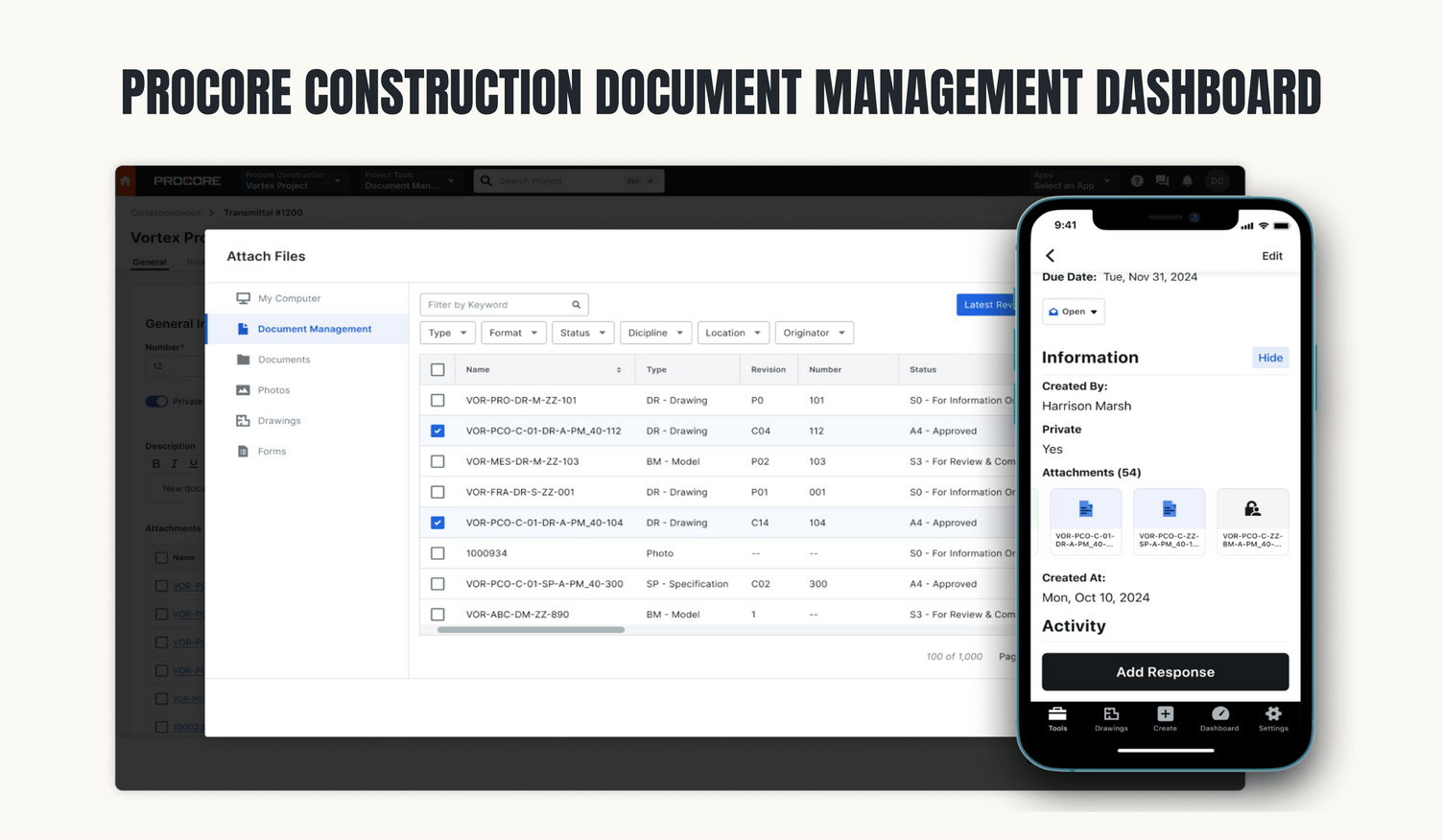
When a project involves formal document reviews, RFIs and submittals, Procore gives teams dedicated tools to track each item and its status. It also offers financial management products, with pricing based on the products selected and annual construction volume.
That level of project control may suit a large commercial operation, but could add more process than a $1M to $10M residential builder needs. Compare the setup and annual cost with the controls your projects actually require.
Which construction management software fits a growing residential builder?
For a builder or remodeler doing $1M to $10M a year, the right software comes down to three things. It has to support a small team running several jobs at once, connect the workflow from estimate to job costing, and be simple enough that office and field staff actually use it.
Buildxact checks all three. Built specifically for residential builders and remodelers, it links takeoffs and estimating with scheduling, purchasing, change orders, client communication, invoicing and job costing. Because the estimate carries through to the job budget, you can see when spend is eating into your margin while there’s still time to fix it. And with unlimited users, the whole team works from the same numbers.
Protect Your Margin From Bid to Close-Out
As a job moves along, costs come in, schedules shift and clients request changes. Each can affect your margin. Buildxact helps residential builders and remodelers keep those details in one place, from schedules and purchases to change orders and actual job costs. You can see how costs compare with the budget while work is still underway and decide where to act.
If you’re managing several jobs and want a clearer view of how they’re tracking, try mapping one of them in Buildxact or book a demo. Want to jump right in? Start your 14-day free trial now.
FAQ
What is the best construction management software?
For residential builders and remodelers doing $1M to $10M a year, Buildxact is our top pick. Buildxact connects estimating, scheduling, purchasing, change orders and job costing, so you can see where every job stands against budget. Larger residential teams may prefer Buildertrend, and commercial contractors usually end up on Procore.
Which AI is best for construction management?
The best AI is the kind you can check. Look for tools that speed up takeoffs and estimate reviews, then confirm you can edit everything they produce. A fast estimate with missing scope still costs you margin. Pick a platform where the AI output flows straight into the job budget, so you’re not re-entering numbers.
What software is commonly used in the construction industry?
It depends on the size of the business. Residential builders tend to use Buildxact, Buildertrend or JobTread; smaller crews often start with Contractor Foreman, and large commercial contractors use Procore. Most also run accounting software like QuickBooks or Xero alongside.