
Forget drills and hammers – as a contractor, one of the most important tools is the one you’ve already got in your pocket.
When you’re moving between job sites and switching between tasks, your smartphone acts as the control center for how you manage work, communicate with clients, and keep jobs running smoothly.
Choosing the contractor apps that actually solve problems you face regularly can be a great help in your day-to-day. That said, there are many apps out there that will do little more than waste your time.
In this guide, we’ve picked eight of the best apps for contractors in 2026 to help you choose the tools that will save time and support your work.
The Best Contractor Apps for Construction
1. Buildxact
Best contractor app for
End-to-end residential construction management
What it does
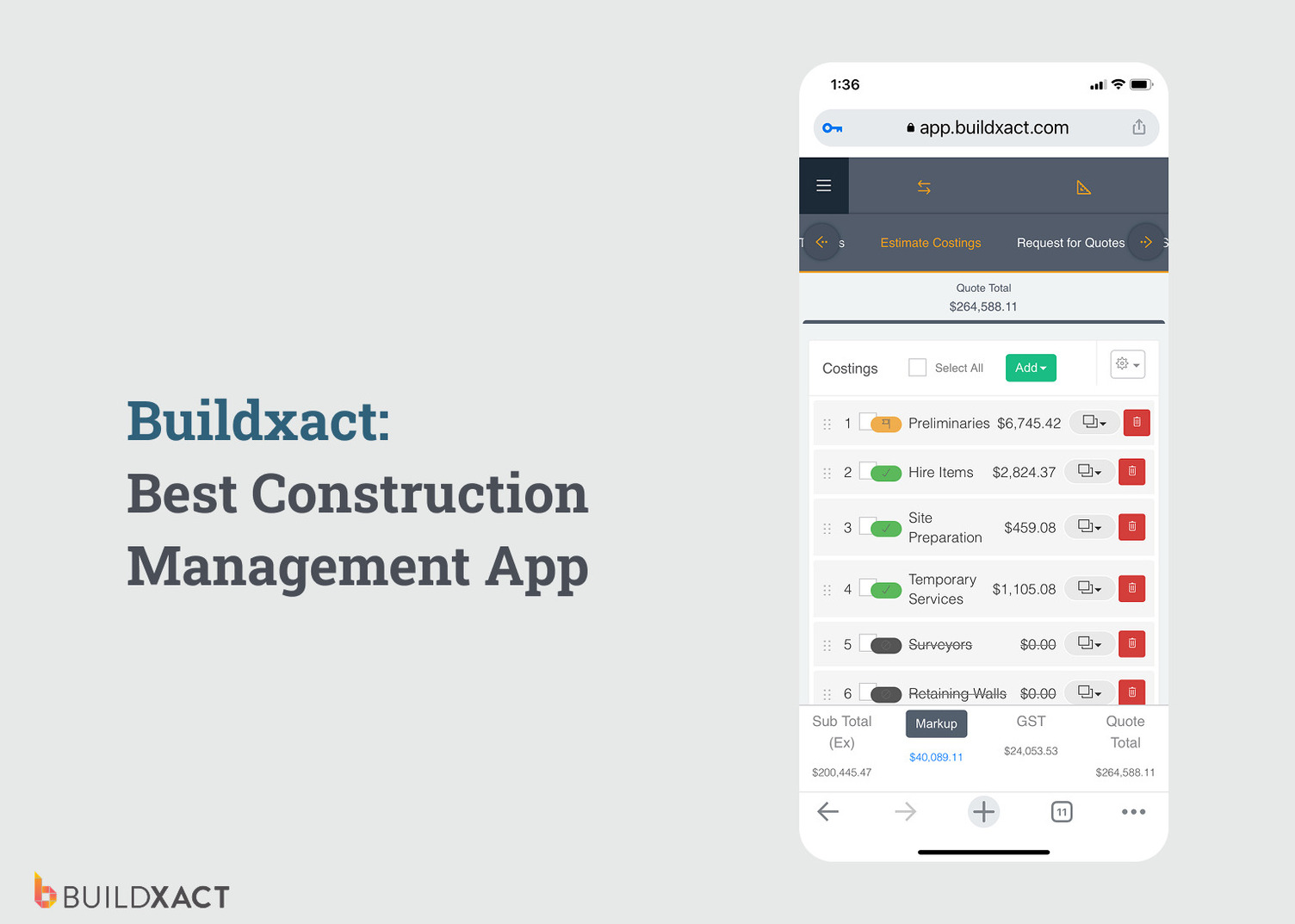
Buildxact is an all-in-one construction management app designed for residential builders and remodelers. It brings your estimating, ordering, scheduling, and project management into one system, using AI-powered tools to help you work faster, reduce errors, and stay in control at every stage of your construction projects.
Buildxact’s powerful but simple-to-use features include:
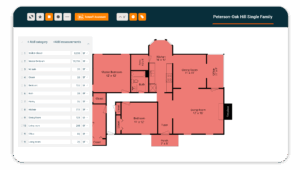
- AI-powered takeoffs and estimating: Use Buildxact’s AI construction assistant to measure plans, generate estimates faster, and catch missed items before they impact your margins.
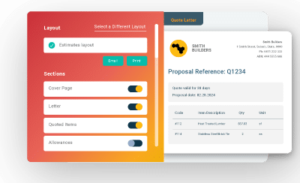
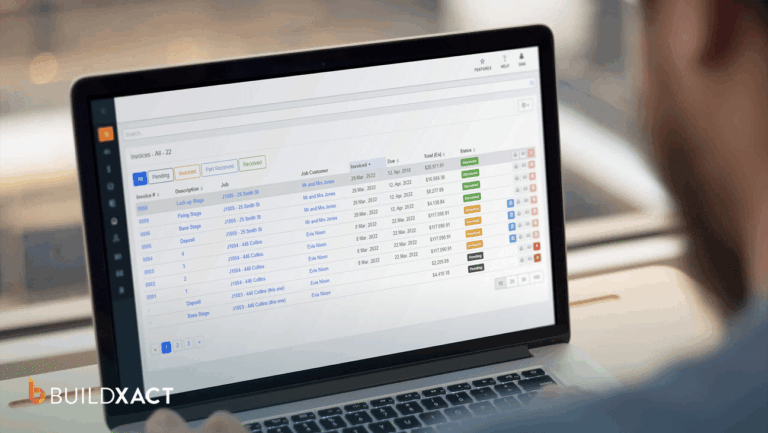
- Bidding and invoicing: Create professional bids and invoices that connect directly to your accounting software and project workflows.
- Job scheduling: Plan timelines, assign tasks, and keep everyone on track with clear, easy-to-manage schedules.
- Cost tracking and purchasing: Monitor budgets, manage purchase orders, and track actual costs as the job progresses.
- Document and site management: Store plans, share updates, obtain digital signatures, and keep your team connected with real-time updates via the Onsite app.
Why you need it
- Run your entire build process in one system: Replace spreadsheets and disconnected apps with a single platform that covers everything from the initial estimate to final handover.
- Win more work with faster, accurate bids: Create detailed, professional bids quickly, so you can respond to opportunities before your competitors.
- Stay in control of your costs and margins: Tracking job costs as work progresses means you can spot issues early and avoid budget blowouts.
- Keep your team aligned on-site and in the office: Share schedules and site reports in real time with centralized team communication.
- Reduce admin and rework: Automate repetitive tasks such as takeoffs, estimates, cost calculations, and document management to save time and reduce errors.
- Improve cost control: Connect your estimates and payments with integrated accounting tools to keep your finances clear and up to date.
- Scale without adding complexity: Use templates, cost libraries, and repeatable workflows to handle more jobs without increasing your workload.
With everything you need to run successful construction projects and win more of the right work, Buildxact is one of the contractor apps that should be in every builders’ app stack.
Where to get it
You can try Buildxact for free or book an interactive demo.
2. Google Maps
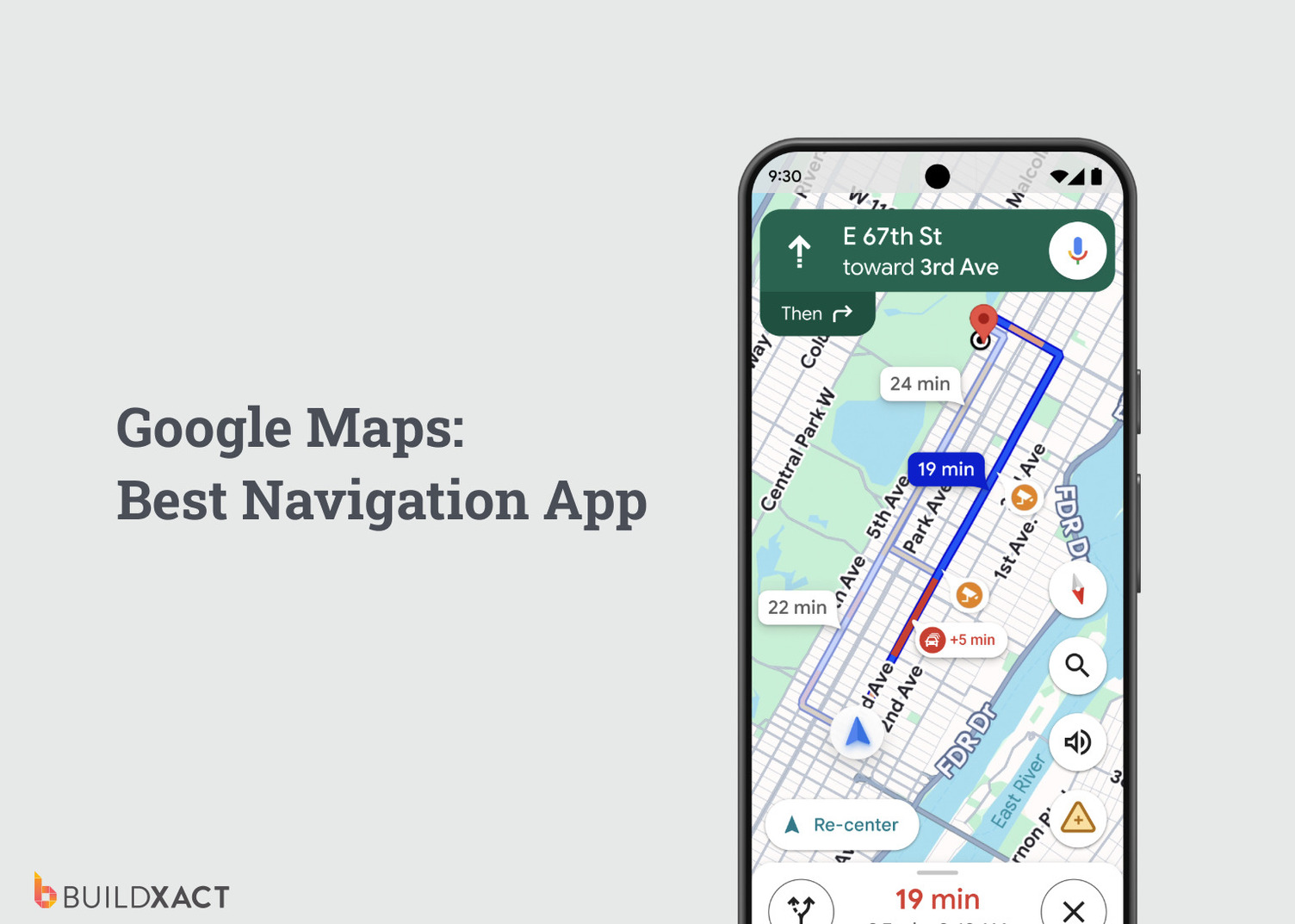
Best contractor app for
Navigation
What it does
Google Maps provides real-time GPS navigation, route planning, and location search. It uses live traffic data to optimize your travel time and lets you save and share locations for easy collaboration. It also supports satellite views, street-level imagery, and offline maps for use without a signal.
Why you need it
- Reduce travel delays: Live traffic updates reroute you around congestion and roadworks, helping crews arrive on time and keep jobs running to schedule.
- Avoid missed or incorrect locations: Dropped pins and saved job sites eliminate confusion, especially across multiple projects.
- Support multi-site work: Plan routes across multiple jobs in a day to reduce downtime between sites.
- Work in low-signal areas: Offline maps ensure navigation continues even when coverage drops on remote builds.
- Improve job site coordination: Share exact site locations and turn-by-turn directions instantly.
Tip: Pair Google Maps with Buildxact’s Onsite mobile app for complete remote project management, and keep teams aligned with schedules, field updates, and task changes in one place.
Where to get it
You can download the Google Maps mobile app for iPhone or Android.
3. Xero
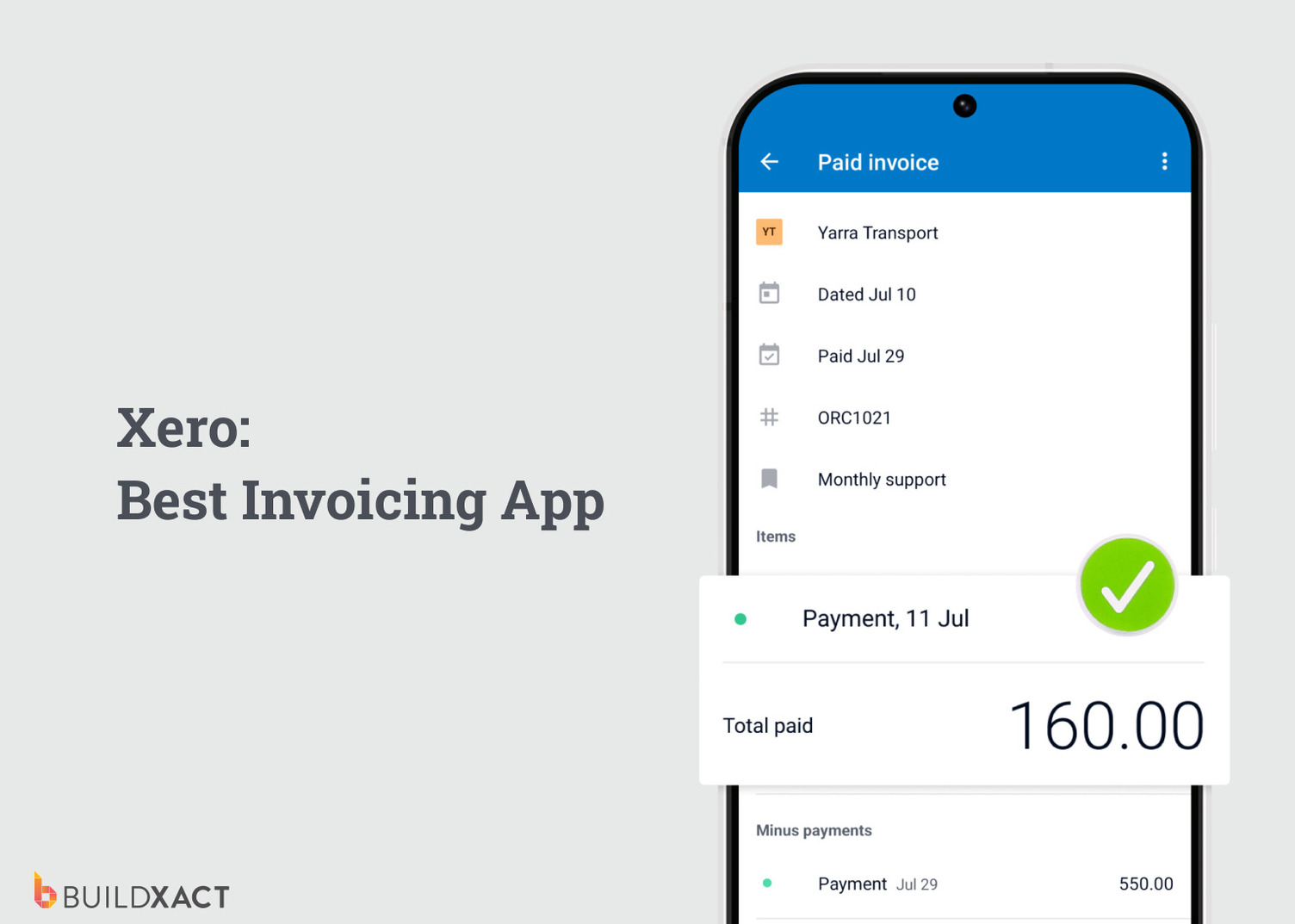
Best contractor app for
Accounting
What it does
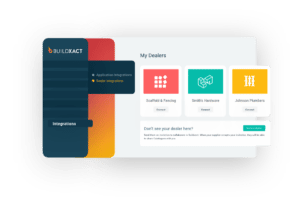
Xero is cloud-based accounting software that manages invoicing, expenses, payroll, and bank reconciliation in one place. When integrated with Buildxact, you can connect your job costs, budgets, and change orders directly to your accounts, giving you a live, accurate view of your business finances without double-handling or disconnected systems.
Why you need it
- Get a clearer view of cash flow: Track what’s been invoiced, what’s been paid, and what’s still outstanding without digging through spreadsheets.
- Spend less time on paperwork: Automations handle invoicing, expenses, and payroll so you’re not stuck doing admin after a full day on-site.
- Avoid costly mistakes: Automatic bank reconciliation and consistent records reduce errors that can eat into your margins.
- Make better calls on pricing and profitability: Clear financial reports show which jobs are making money and where costs are slipping.
- Keep your numbers aligned with your builds: When integrated with Buildxact’s cost tracking software, your job budgets, costs, and change orders flow straight into Xero, so your financials reflect what’s actually happening on-site.
Where to get it
Visit xero.com or download the Xero mobile app for iPhone or Android.
4. PayPal
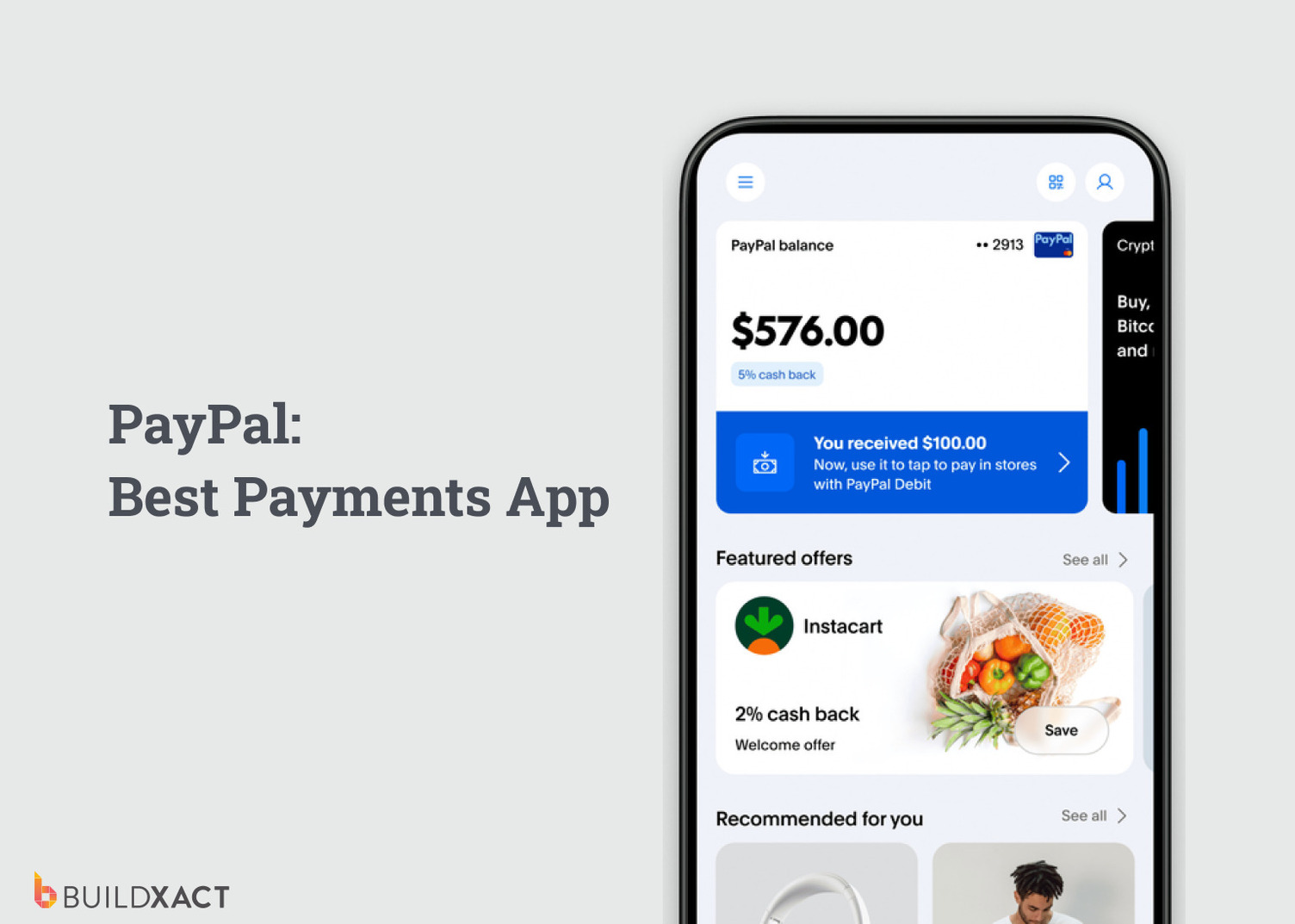
Best contractor app for
Payments
What it does
PayPal is a digital wallet and payments platform that lets you send and receive money instantly. It supports card payments, bank transfers, and mobile payments, making it easy to collect deposits, progress payments, or final balances directly from your phone.
Why you need it
- Get paid on the spot: Take payment as soon as the work is done instead of waiting days or weeks for invoices to be paid.
- Avoid delays in cash coming in: Give clients simple payment options so you’re not stuck chasing money.
- Keep jobs moving: Faster payments mean you can pay for materials and subcontractors without holding things up.
- Spend less time chasing invoices: Reduce follow-ups and manual tracking of who has paid and who hasn’t.
Tip: You can use PayPal in conjunction with Buildxact’s cash flow tools to see how payments line up against your project costs, so you’re always in control of your margins.
Where to get it
Visit paypal.com or download the PayPal mobile app for iPhone or Android.
5. Airtasker
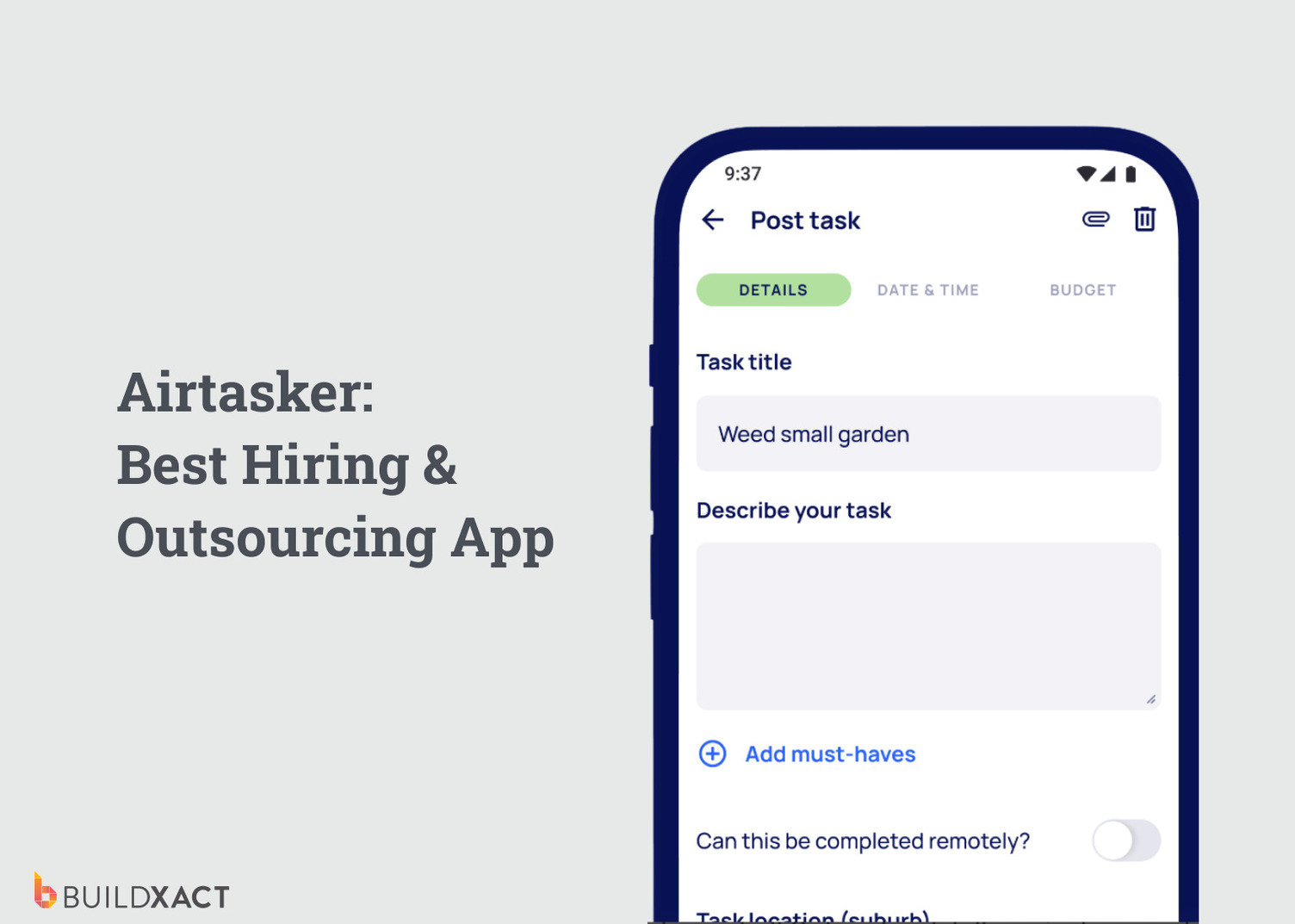
Best contractor app for
Workforce support
What it does
Airtasker is a marketplace that connects you with local workers to help with short-term or one-off tasks. You can post a job, review profiles, compare quotes, and hire based on ratings and experience, all from your phone.
Why you need it
- Fill gaps in your crew: Bring in extra hands for clean-ups, site prep, deliveries, or small tasks without committing to long-term hires.
- Find help fast: Post a task and get responses quickly, which helps when timelines shift or unexpected work comes up.
- Hire with confidence: Check reviews, ratings, and past work before assigning tasks, so you know exactly who you’re bringing onto site.
- Reduce overhead pressure: Use flexible, on-demand support rather than incurring additional labor costs on every job.
Tip: After hiring, you can use Buildxact’s scheduling software to assign tasks, manage timelines, and stay on top of daily project management.
Where to get it
Visit airtasker.com or download the Airtasker mobile app for iPhone or Android.
6. ChatGPT
Best contractor app for
Productivity
What it does
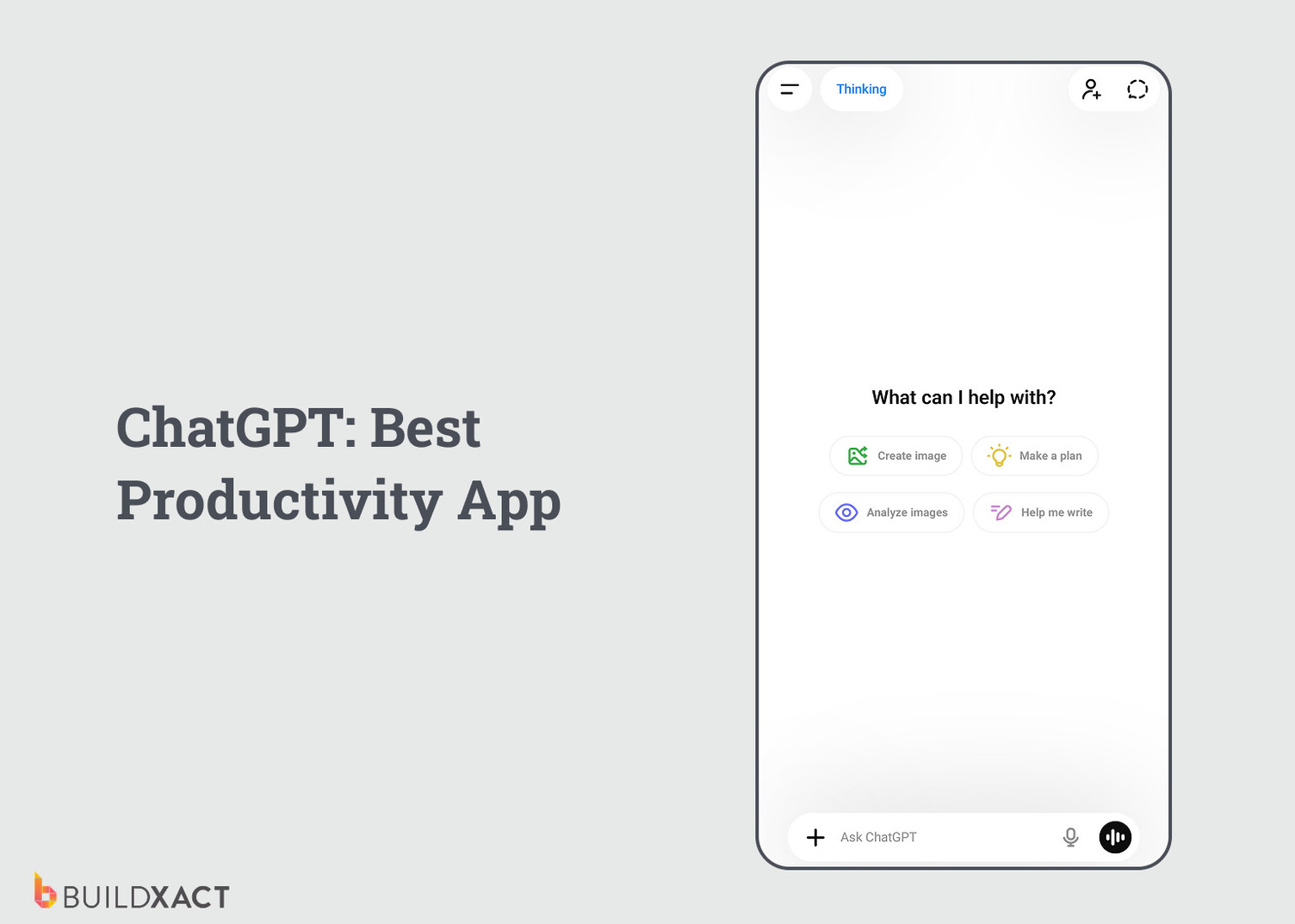
ChatGPT is an AI-powered assistant that helps you handle everyday tasks faster. You can use it to draft emails, write messages, summarize documents, generate ideas, or answer quick questions, all from your mobile or desktop.
Why you need it
- Save time on admin tasks: Draft emails, client updates, or job notes in seconds instead of starting from scratch.
- Get quick answers on the go: Look up product info, building methods, or general questions without digging through multiple sources.
- Improve communication: Rewrite messages so they’re clear and professional before sending to clients or subcontractors.
- Support project management: Create simple task lists, checklists, or outlines to stay on top of your workload.
- Reduce mental load on busy days: Use it as a second set of eyes when you need to think through ideas or make quick decisions.
And for AI designed specifically for residential construction, check out Buildxact Blu. Its three AI-powered tools help you speed up takeoffs, improve estimate accuracy, and catch errors fast, so you can cut back on admin and win more work.
Where to get it
Visit chatgpt.com or download the ChatGPT mobile app for iPhone or Android.
7. Super-Bright LED Flashlight

Best contractor app for
On-site visibility
What it does
Super-Bright LED Flashlight turns your smartphone’s camera LED into a high-powered flashlight. It provides instant light for dark or confined areas, with simple on/off controls and adjustable brightness on some devices.
Why you need it
- Always have light on hand: No need to carry extra gear. Your phone becomes a reliable flashlight for inspections, installs, or late-in-the-day work.
- Work safely in tight or dark spaces: Quickly light up hard-to-reach areas like roof cavities, underfloor spaces, or poorly lit job sites to spot issues and avoid mistakes.
- Handle unexpected situations on-site: Even without power or limited lighting, you can still keep work moving.
- Save time and hassle: Skip searching for torches or replacing batteries – your phone is ready whenever you need it.
Tip: For any issues you uncover on the job site, you can use Buildxact’s Onsite mobile app for remote site management, to ensure office teams aren’t left in the dark!
Where to get it
Download the Super-Bright LED Flashlight mobile app for iPhone or the High-Powered Flashlight app for Android.
8. Paper
Best contractor app for
Manual note-taking and sketching
What it does
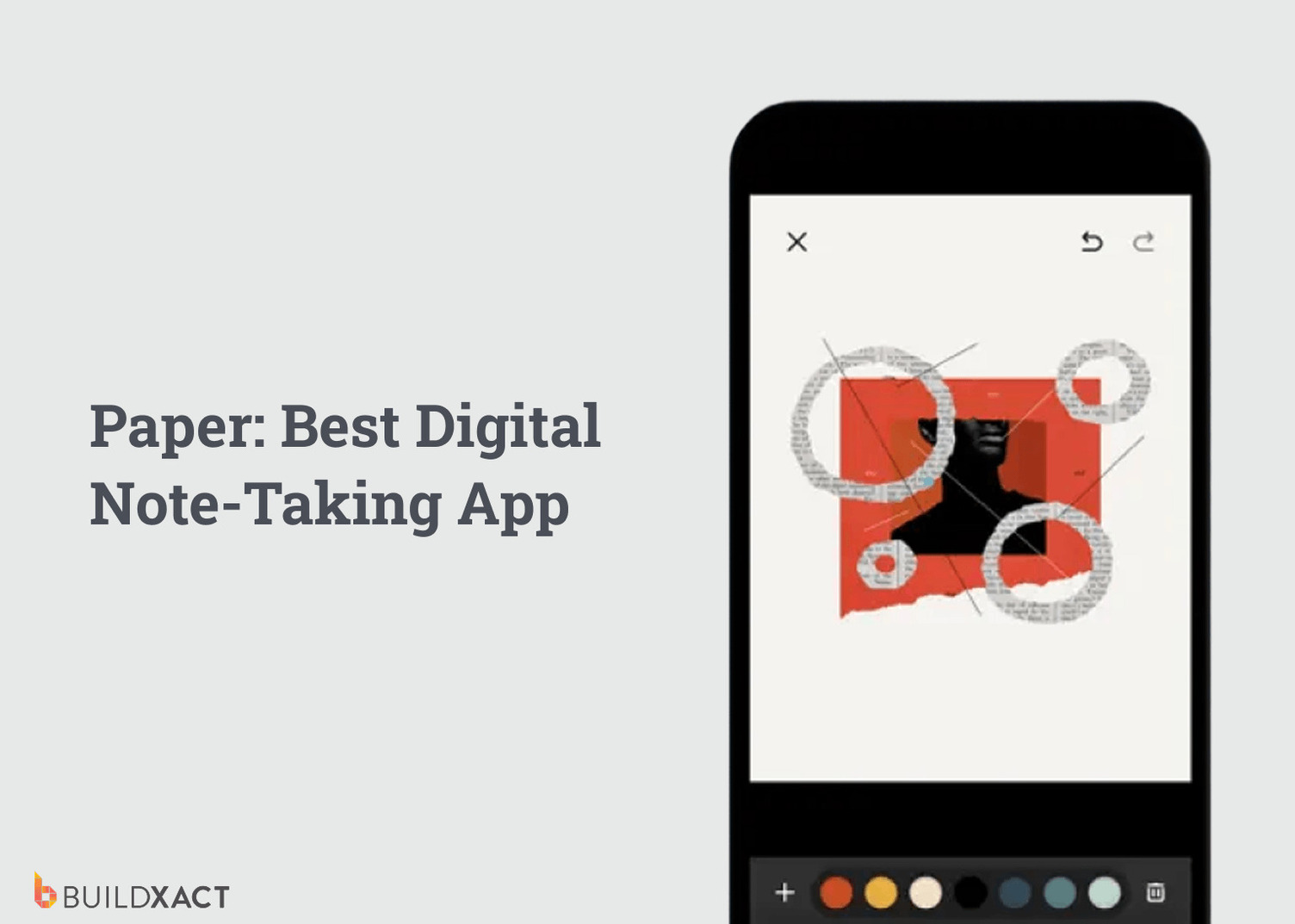
The Paper app is a digital notebook that lets you sketch, write, and capture ideas on your phone or tablet. You can create drawings, mark up plans, take notes, and save everything in one place, without relying on physical notebooks or loose paper.
Why you need it
- Capture ideas as they happen: Sketch details, note measurements, or mark up plans directly on-site without needing paper.
- Keep records you won’t lose: Everything is saved digitally, so notes, drawings, and updates are easy to find when you need them.
- Support day-to-day job tracking: Use it for site notes, quick task lists, or recording progress as work moves forward.
- Share visuals easily: Send sketches or notes to clients, subcontractors, or your team to clarify details and avoid miscommunication.
- Reduce scattered information: Keep your thoughts, markups, and notes organized instead of spread across notebooks, photos, and scraps.
To keep every job running smoothly, Buildxact’s centralized document management stores your plans, files, and updates in one place, so you avoid version chaos and always work from the latest information.
Where to get it
Download the Paper app for iPhone or Sheet of Paper for Android.
As you can see, the best construction apps for contractors aren’t necessarily designed for the construction industry, but that doesn’t take away from their utility in the field!
Whether you’re using them at the job site or the office, the most valuable contractor apps will help you manage construction projects more efficiently and support the growth of your construction business.
Looking for a Construction App That Saves You Time Every Day?
The right mix of contractor apps can make a real difference to how you run your day, helping you move faster, stay organized, and keep jobs on track. But managing multiple tools only gets you so far.
Buildxact is the all-in-one construction management app that brings everything together, giving contractors and construction firms a single platform to handle estimating, bidding, scheduling, and project management.
From AI-powered estimating software that helps you bid faster to centralized communication, time tracking, and task management, Buildxact makes it easier to deliver successful construction projects on time and on budget.
Make sure you’ve got the best construction software powering your business. Try Buildxact for free or book an interactive demo today to try it for yourself.