
Running a building business means juggling a lot, and most of it sits with you. Bids, schedules, subcontractors, dealers, clients.
It’s all happening at once, often across multiple jobs.
The real challenge isn’t the workload. It’s that everything lives in different places.
You probably already know software could help. But the idea of learning a whole new system? Not exactly appealing.
The right job management software should make your work easier by bringing everything into one place, so you can stay on top of your jobs without chasing information across different tools.
When your bids, costs, and schedules are connected, it’s easier to stay in control as jobs move forward.
It really comes down to choosing something that fits how you already work.
In this guide, we’ll break down what job management software does, what features actually matter for builders, and compare the best tools available today.
How Job Management Software Helps Residential Builders
Investing in job management software isn’t about adding structure for the sake of it. It’s about making decisions on your jobs easier: knowing what’s happening, what’s coming up, and what needs attention.
When your estimates, costs, and timelines are connected, you can spot issues earlier and avoid bigger problems.
Here’s how job management software helps you stay on top of bids, costs, and timelines.
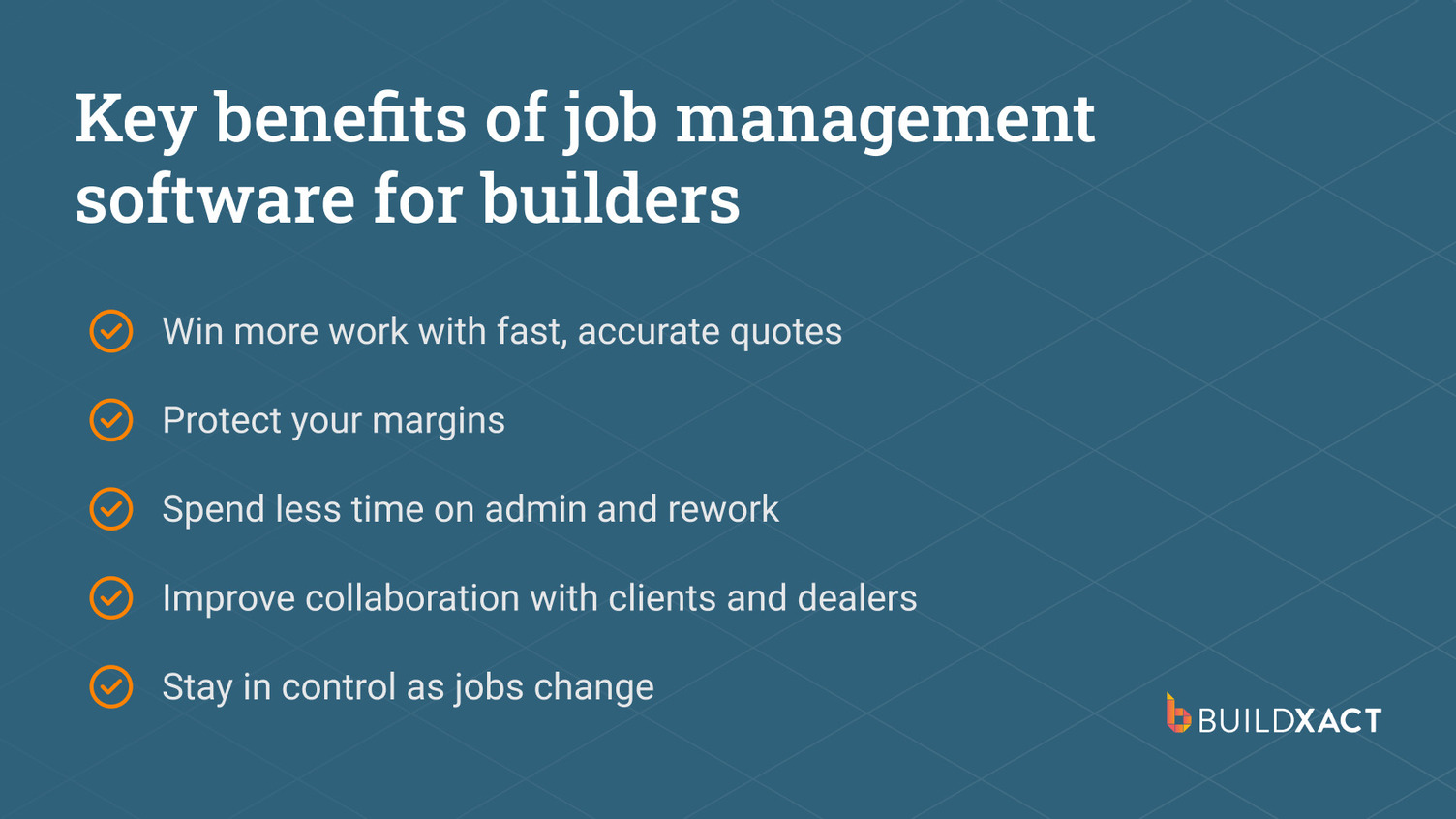
Win more work with fast, accurate bids
Speed helps you win the job, but accuracy is what makes it worth taking on. If a bid takes too long, the client’s already speaking to someone else. But rushing it and missing details is just as risky. That’s where jobs start off on the back foot.
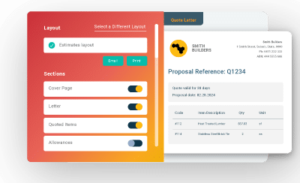
When your takeoffs, pricing, and templates are connected in one flow, you can turn around clear, professional bids quickly, without second-guessing your numbers or leaving things out.
Protect your margins
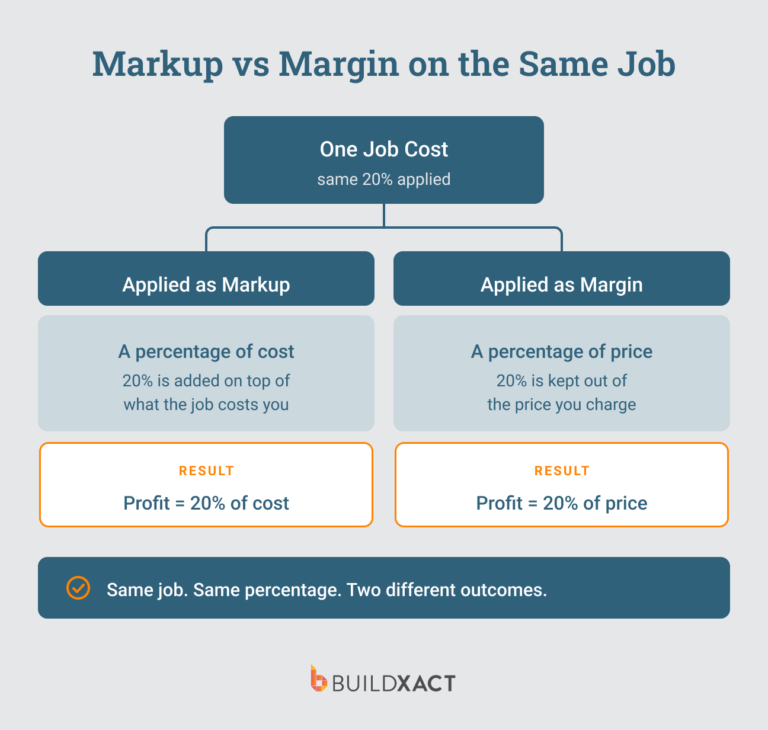
Small cost overruns, missed items, or changes that aren’t properly tracked all add up. By the time you catch it, it’s already cutting into your margins.
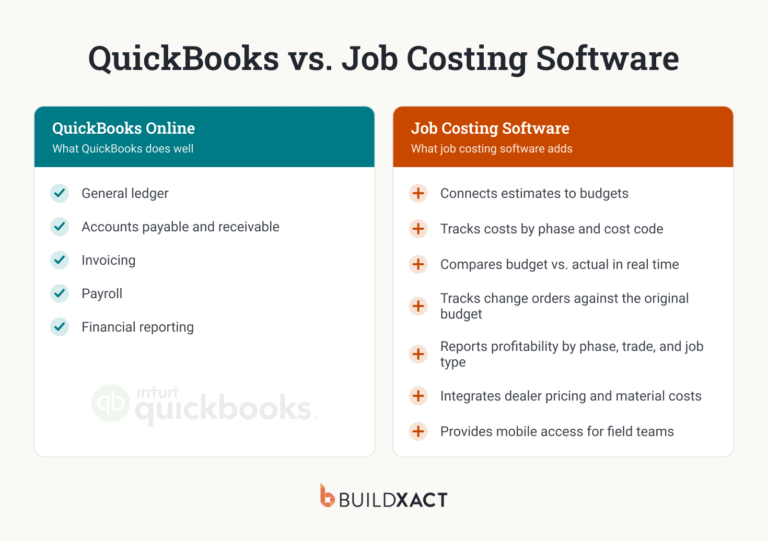
When your costs are tracked against your estimate in real time, you can see how the job is tracking as you go. It gives you the chance to adjust early and stay within budget.
Spend less time on admin and rework
A lot of time gets lost redoing things. Copying information between tools or updating the same detail in multiple places. When everything sits in one system, you’re not double-handling the same job. You update it once, and it flows through.
Improve collaboration with clients and dealers
A lot of back-and-forth comes from people not having the same information. Clients want updates, dealers need confirmation, and subcontractors need clarity on timing and scope. But when everything’s in one place, it’s easier to keep everyone aligned without chasing messages or repeating yourself.
Stay in control as jobs change
Changes are part of the job. It’s how you handle them that matters. When your costs, schedule, and scope are connected, it’s easier to keep everything aligned. You avoid missing details and make sure all work is properly accounted for – and approved.
Key Features to Look For in Job Management Software
A lot of tools look good on paper, but when you try using them on a job, they don’t make your job easier. They’re either too generic, too complicated, or missing the things you rely on to complete a job.
If you’re going to use software, it needs to work the way you already do, just more organized. Here’s what features to look for.
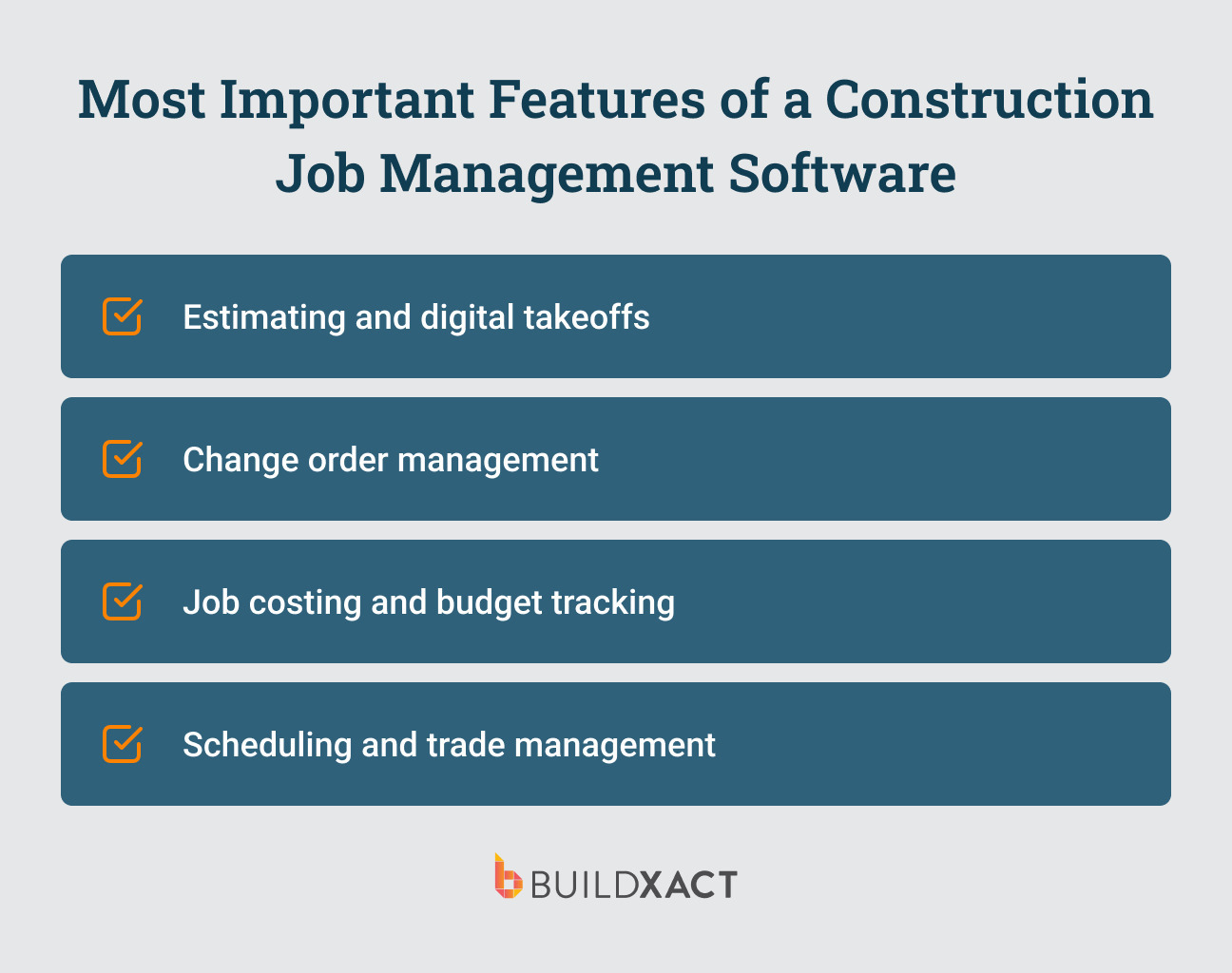
Estimating and digital takeoffs
This feature is non-negotiable. You need to be able to measure from plans and generate accurate bids quickly, ideally within a single flow. This is the foundation of winning work and avoiding missed costs.
Job costing and budget tracking
You need to track your costs against your estimate as the job progresses to stay in control. With the right costing tools, you can see at any given point what’s been spent, what’s coming in, and how the job is tracking overall. Cost control is one of the biggest drivers of profitability in construction.
Scheduling and subcontractor management
A proper scheduling tool makes it easier to plan out your jobs and keep subs aligned. You can see what’s coming up, what’s been pushed, and how it affects the rest of the job, without everything falling out of sync when something changes.
Change order management
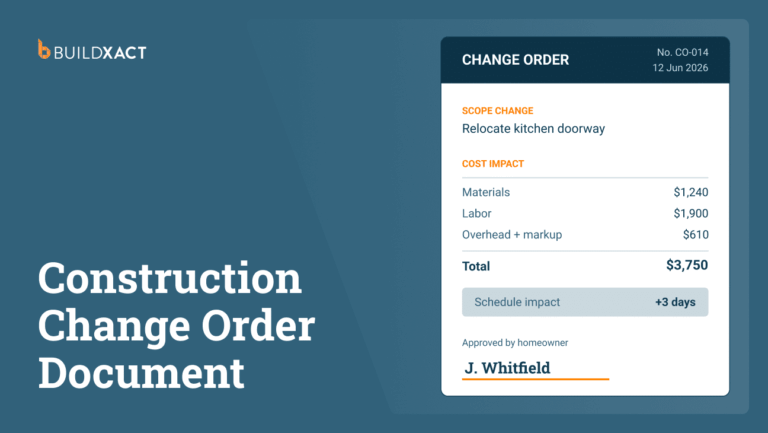
Change orders can get messy fast. What starts as a small client request can quickly affect scope, costs, and timelines. A good change order feature keeps everything in one place, with a clear record of what’s changed and what’s been approved. Without this, you could end up doing extra work without getting paid for it.
Job management software comparison guide: the best tools for residential builders
There’s no shortage of job management software out there, but not all of it is built for residential builders. If you’re a builder managing subcontractors, bids, and costs yourself, you need something that covers the full job, from estimate through to completion, without adding extra layers of complexity.
Here’s how the leading tools compare.
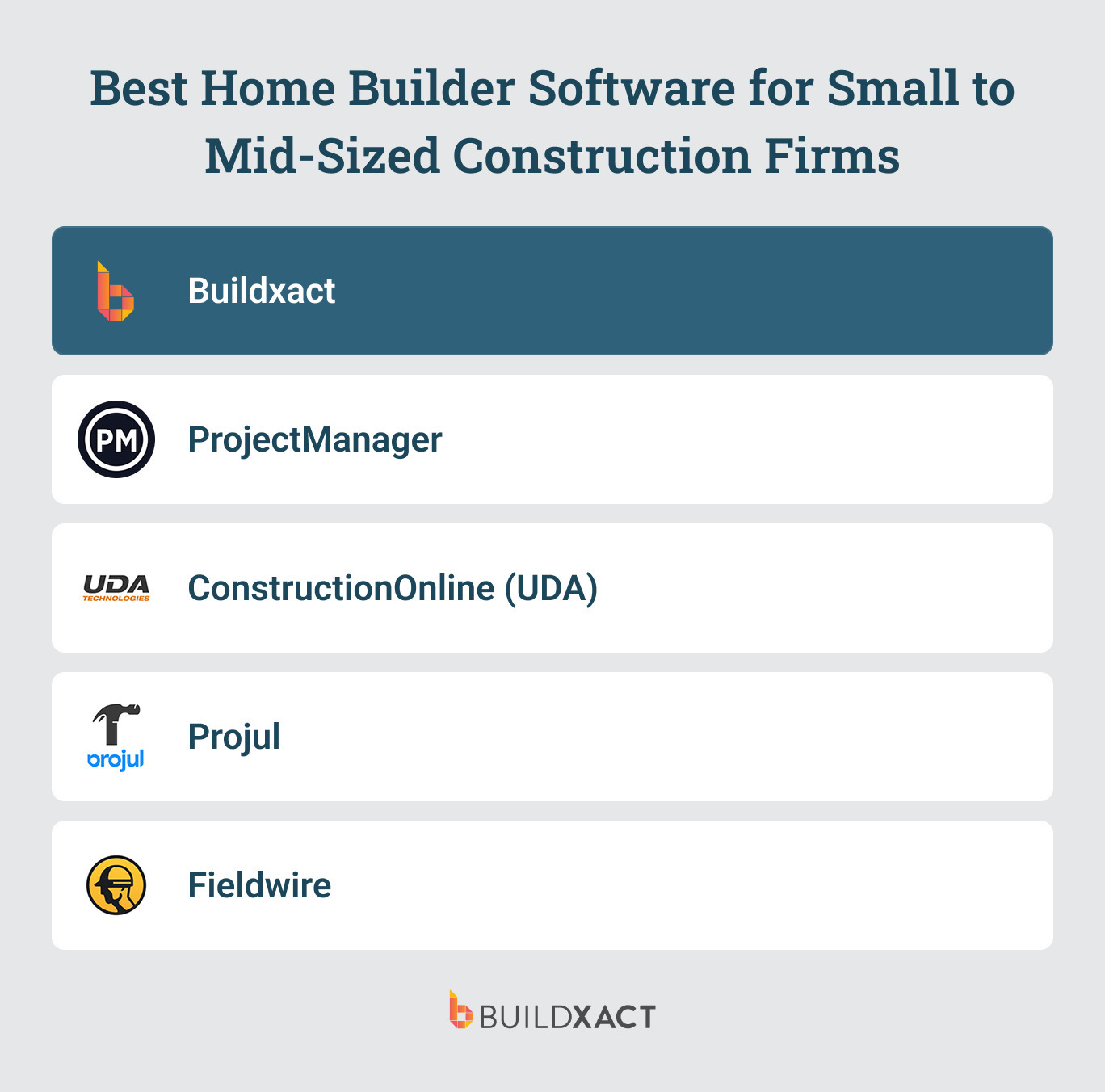
1. Buildxact
Buildxact takes the top spot as an all-in-one estimating and job management platform. It’s designed specifically for small to mid-sized residential builders with one goal in mind: to make running a residential building business simpler, more efficient, and more profitable.
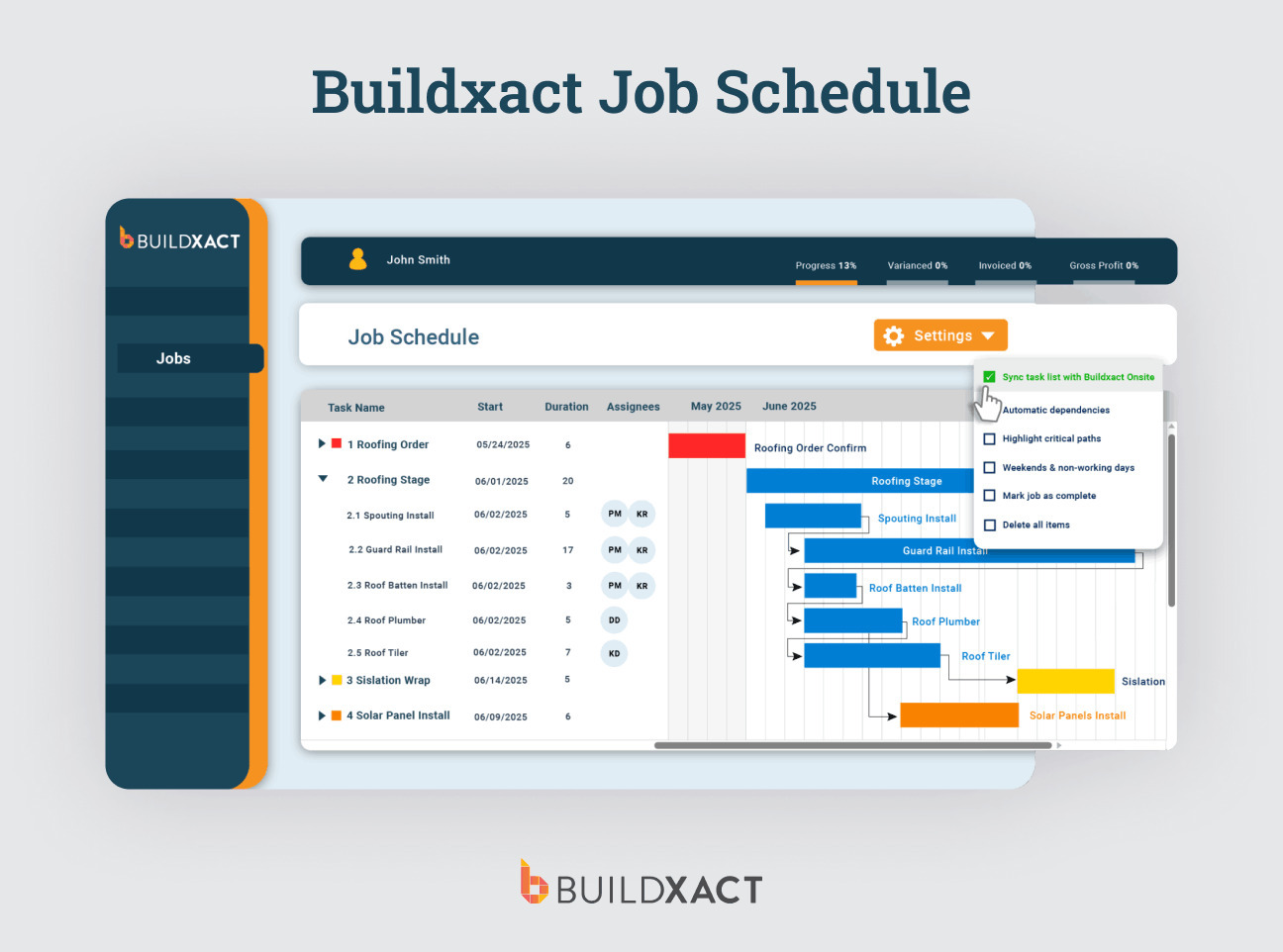
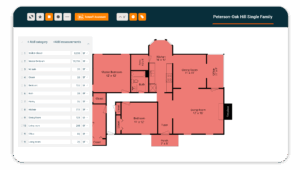
The platform takes admin off your plate and makes it easier to stay on top of your jobs as they progress. You can upload your plans and measure straight from them using digital takeoffs, instead of manually scaling and double-checking everything. And with your own AI building assistant, Blu, you can speed that process up even further, cutting your takeoff time by up to 50%.
From estimate to completion, Buildxact keeps your costs, scope, and schedule connected so you can run your jobs with less stress and more control.
Top features:
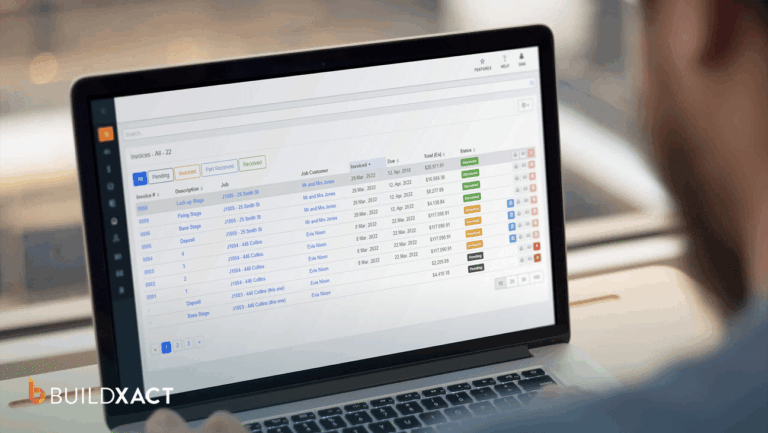
- End-to-end job tracking (from bid to build to final invoice)
- Digital takeoffs and estimating in one flow
- Live job costing and budget tracking
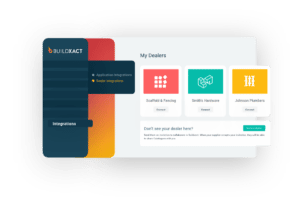
- Two-way accounting integrations
- Scheduling and managing subcontractors
- Change order management with real-time cost updates
Benefits:
- Purpose-built for residential builders: Designed for the way builders bid, schedule, and manage jobs, not adapted from field service or generic project tools
- Everything flows from your estimate: Once your bid is approved, it becomes the job, so your costs, scope, and schedule stay connected from the start.
- Real-time visibility across your jobs: At any point in time, you have instant access to the status of your job, the costs involved, and the timeline. You can see how each job is going without having to piece it together manually.
- Simple enough to actually use every day: There aren’t any unnecessary bells and whistles. Buildxact is straightforward, easy to use, and created for small teams so you can get up and running without a steep learning curve.
Drawbacks:
- Less suited to large enterprise teams or highly complex commercial projects
2. ProjectManager
ProjectManager is a traditional project management tool adapted for construction, rather than something built specifically for builders. It has a strong focus on planning timelines, scheduling work, and tracking progress.
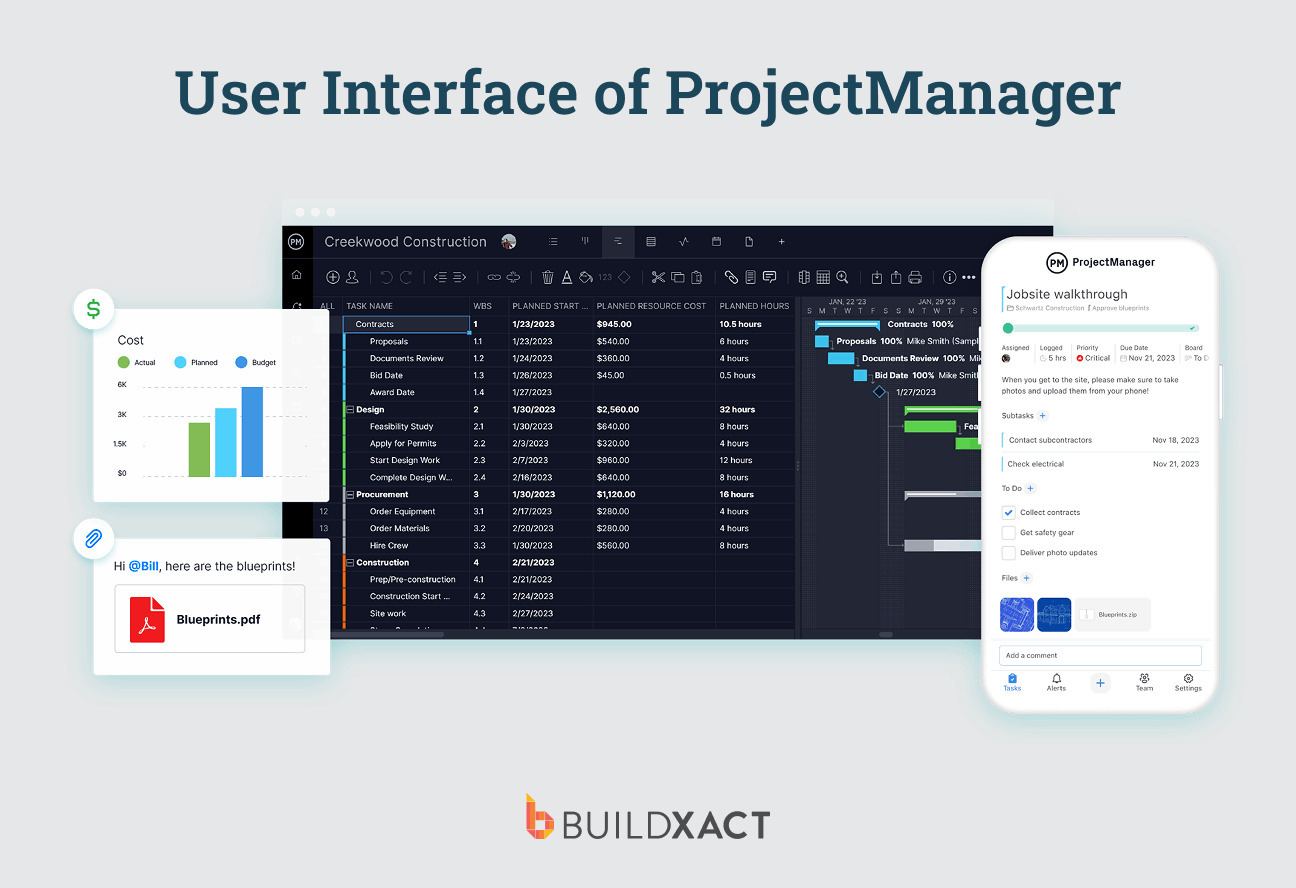
You can track progress through real-time dashboards, giving you a live view of tasks, timelines, and team activity. Updates made on site or in the office feed straight into the system, so you can see how things are moving without chasing updates.
You won’t be able to build estimates, measure from plans, or connect your bid directly to the job. That means you’re still relying on other tools for quoting and cost control, and trying to piece everything together across multiple systems.
Benefits:
- Advanced scheduling tools (Gantt charts, calendars, task lists) for planning complex projects
- Real-time dashboards with live updates on tasks, costs, and progress
- Flexible views (kanban, list, calendar) to suit different workflows
Drawbacks:
- Not built specifically for residential builders or estimating workflows
- Can feel more like a generic PM tool than a construction-specific solution
3. ConstructionOnline (UDA)
ConstructionOnline from UDA Technologies is an all-in-one construction management platform for builders, remodelers, and contractors. It includes tools for daily logs, document management, client selections, and reporting, giving you a full view of what’s happening across your projects.
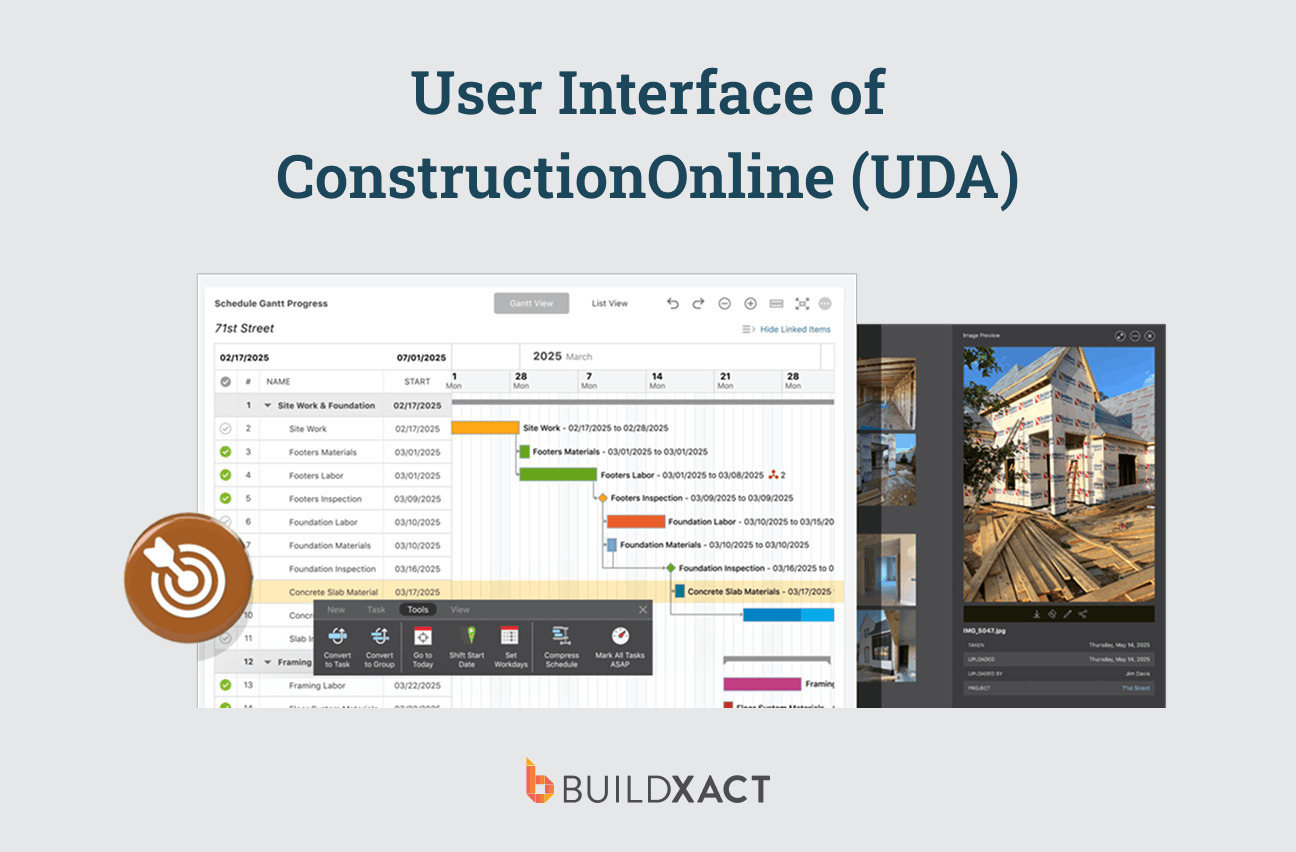
The platform includes a wide range of features, which can make it harder to navigate if you’re running a smaller building business and just want something straightforward. It’s built to support a wide range of roles, from project managers to developers, so it’s not tailored specifically to the day-to-day workflow of residential builders managing everything themselves.
Benefits:
- Advanced scheduling and calendar management
- Detailed reporting and business intelligence dashboards
- Includes client portals, document management, and daily logging tools
Drawbacks:
- Feature-heavy and complex for smaller builder teams
- Higher price point compared to simpler SMB tools
4. NextMinute
If you’re coming from spreadsheets, WhatsApp chats, and bits of paper floating around, NextMinute will be a big step up. The job management tool is built for smaller construction teams, especially builders and tradies in Australia and New Zealand.
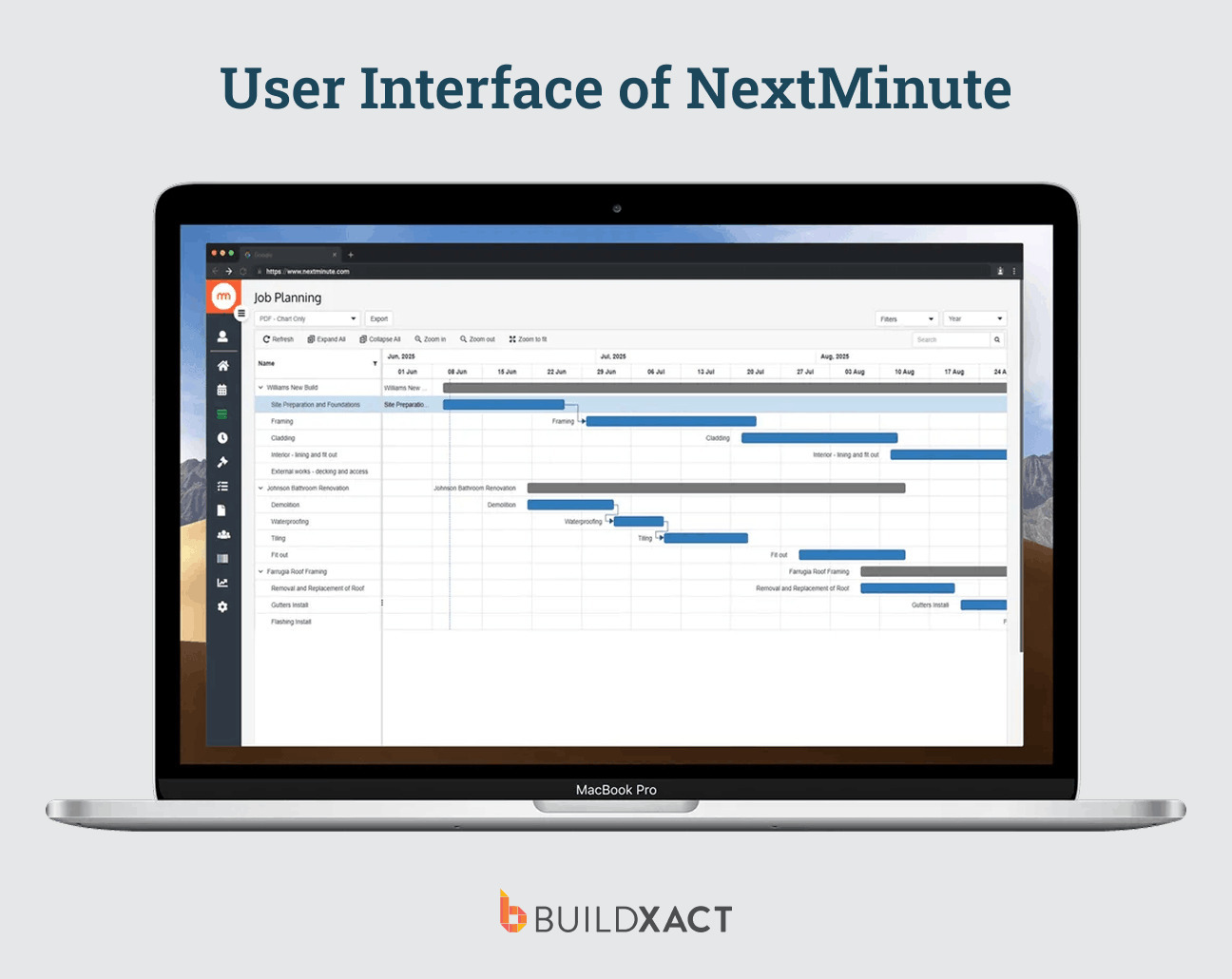
It’s a good tool to get organized and take some pressure off your day-to-day. You can bid, schedule work, track time, and keep an eye on your costs, all in one place. It’s nothing fancy, just a solid way to keep your jobs organized without everything being scattered across different tools. On site, your team can log hours, add notes, and upload photos straight from their phones.
Everything ties back to the job, so you’ve got a clear record of what’s been done without chasing people for updates later. But you don’t get the same level of takeoff automation and AI-assisted estimating as some other construction job management platforms.
Benefits:
- Easy to use, with templates, drag-and-drop scheduling, and simple workflows
- Mobile app lets your crew log time, notes, and photos straight from site
- Covers quoting, scheduling, cost tracking, and invoicing in one system
Drawbacks:
- Estimating and takeoffs aren’t as advanced or automated
- Less depth in connecting your estimate through to full job costing and control
5. Fieldwire
If your biggest headache is what’s happening out on site, such as who’s doing what, what’s been finished, and what still needs attention, Fieldwire is a strong option. The construction management software focuses on jobsite coordination, helping teams manage tasks, drawings, and communication directly from the field.
You can assign tasks to your crew, track punch lists, and mark things up directly on drawings with notes, photos, and videos. Everything is tied to the plans, so instead of explaining things over calls or messages, you can point to exactly what needs to be done and where.
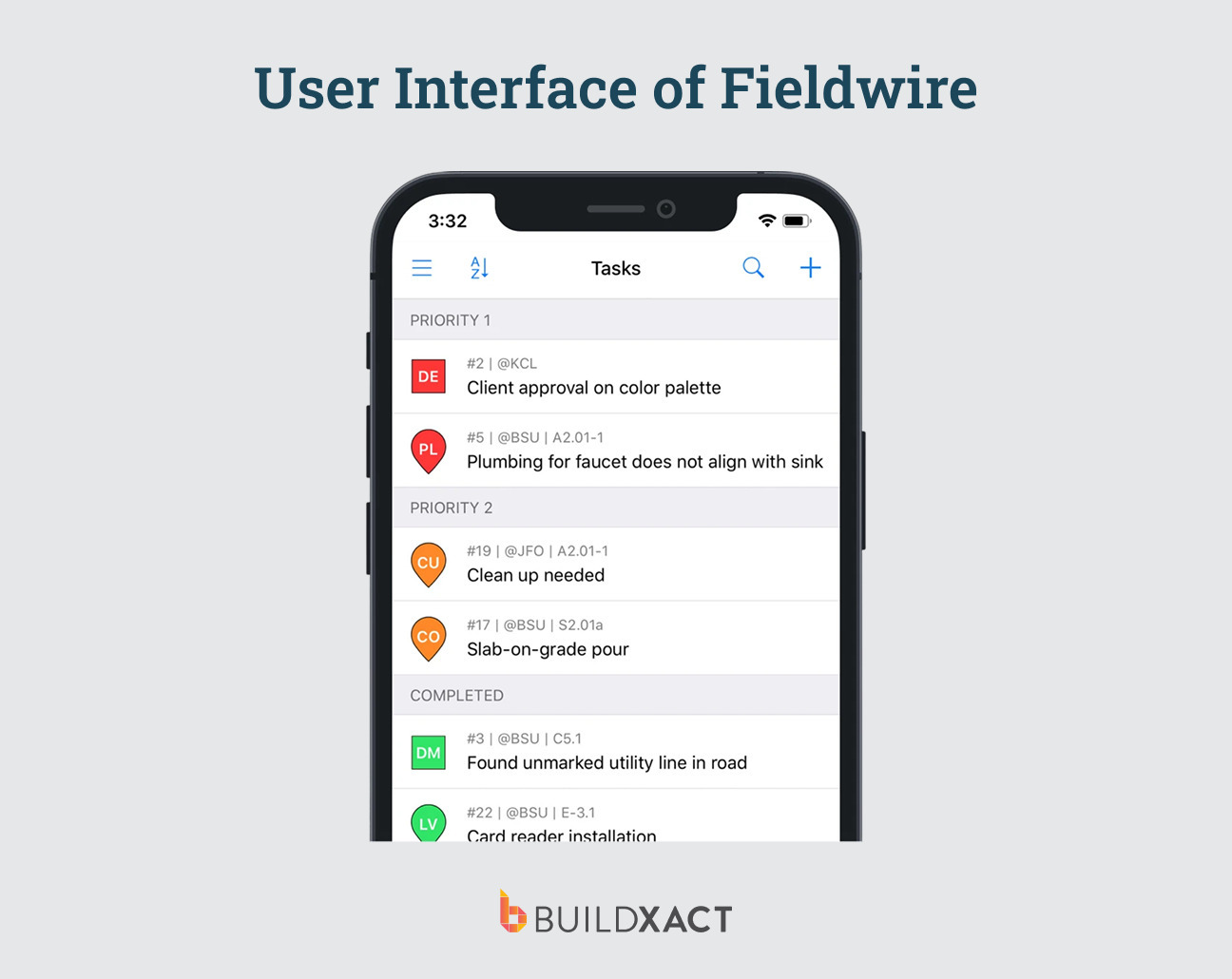
Keep in mind that it’s not built to run the full job from start to finish. You won’t be using it to build bids, manage estimating, or properly track your job costs against your original estimate. So while it helps your site run better, you’re still relying on other tools to manage the financial side of the job.
Benefits:
- Good for managing tasks, punch lists, and on-site workflows
- Works directly on drawings with markups, photos, and notes in real time
- Easy communication between site and office teams
Drawbacks:
- Not a full job management system (no estimating or quoting tools)
- Limited cost tracking and end-to-end project management features
FAQs
What is job management software?
Job management software is a tool that helps builders manage jobs from start to finish, from bidding and scheduling to cost tracking and communication. It brings everything together so you’re not working across multiple tools or trying to piece information together as your job progresses.
What is the best job management software for residential construction?
The best software for residential construction is built specifically for how builders work, not generic project tools or field service apps. Look for an all-in-one tool like Buildxact that connects estimating, scheduling, and cost tracking in one system, so everything stays aligned as your jobs move forward.
Can job management software improve profitability?
Yes, mainly by helping you stay on top of your numbers. When your estimates, costs, and changes are all tracked in one place, it’s easier to catch issues early, avoid missed costs, and keep jobs within budget. Over time, that helps protect your margins across every job.
Stop Juggling Tools. Start Managing Jobs With Confidence
Managing jobs manually might work when you’ve got one or two projects on the go. But as soon as things scale, it gets messy fast. The right job management software keeps you organized and helps you bid more accurately. Your jobs stay on schedule and within budget, so you can deliver better outcomes for your clients.
For small to mid-sized residential builders, the difference comes down to using a tool that actually fits how you work. Buildxact combines estimating, job management, and cost tracking in one simple system built for builders.
Ready to try a new, more efficient way to manage your construction jobs? Get Buildxact for free.